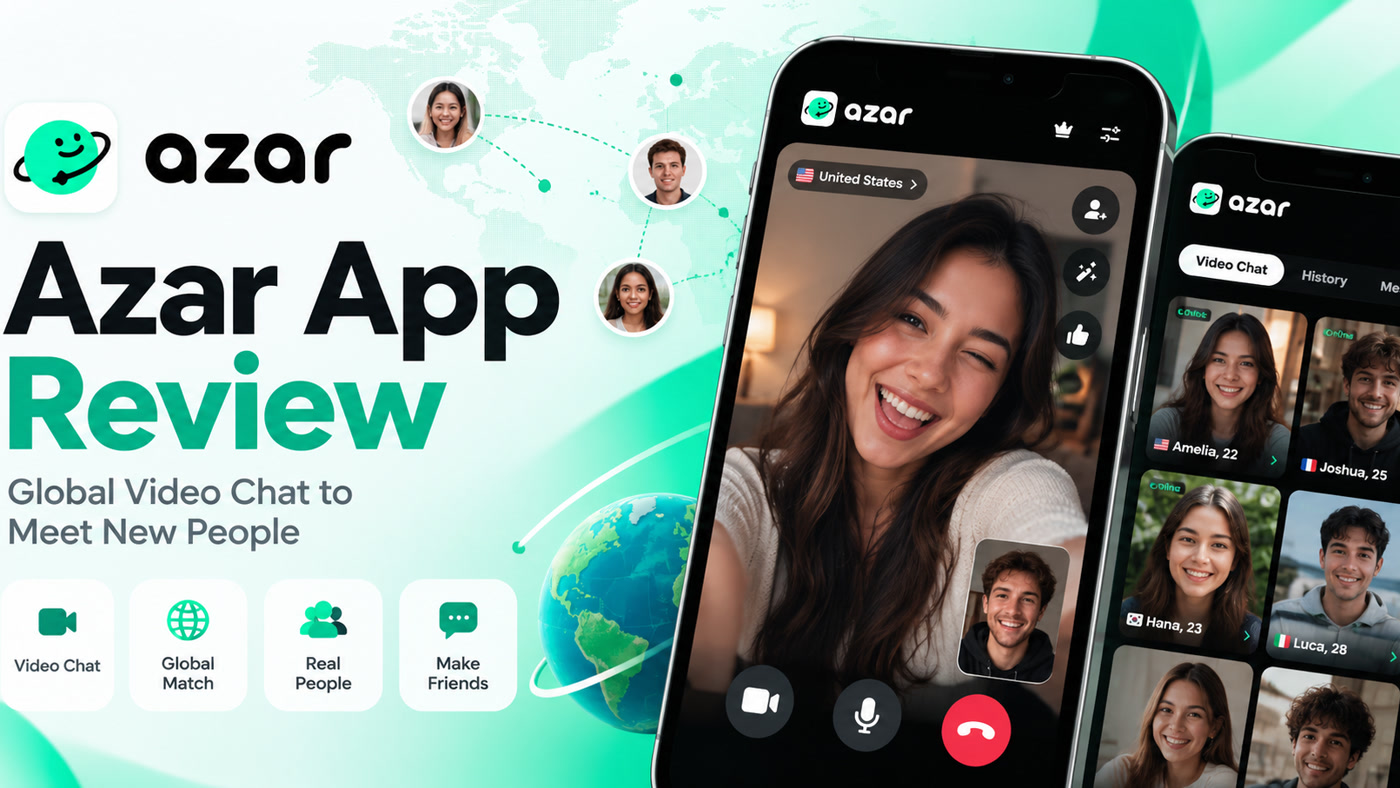
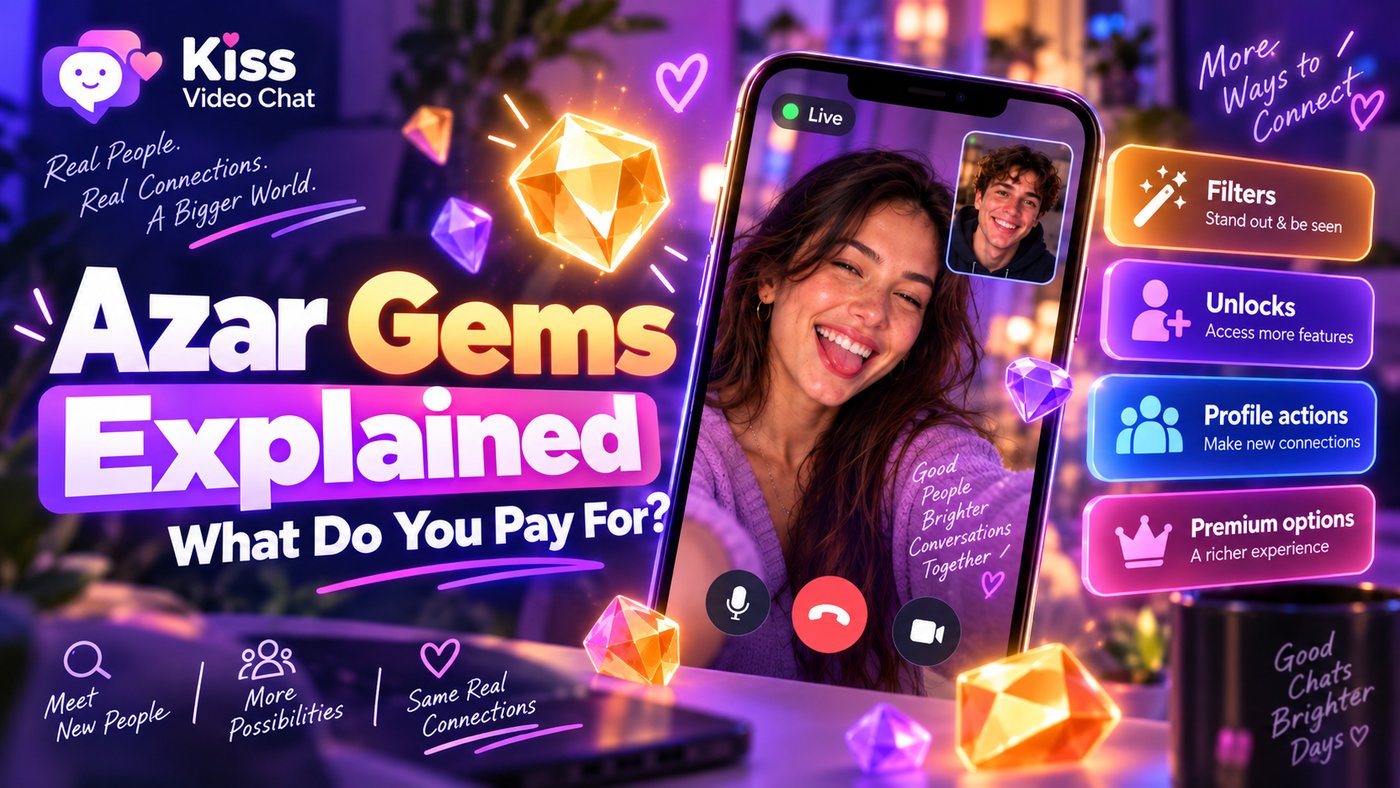
Azar uses a virtual currency called Gems for certain features. The confusing part is that “Azar” is not one identical purchase experience everywhere: the website, mobile web and newer iOS versions can present different discovery and matching flows. Before buying Gems, identify which feature you are trying to unlock on your device.
Gems on Azar Web
Azar's official help center describes Gems as purchasable virtual currency. On Azar Web, Gems can be used to refine region and gender preferences. The same help article directs users to the Gem Shop, where the available packages and payment methods appear. It does not establish a single global price for every country or a universal Gem charge for every action.
This distinction matters. Buying Gems because you believe all conversations require them may be unnecessary; assuming every filter is permanently free can also lead to surprise prompts.
What's different on newer iOS versions?
Azar documents a newer matching experience on iOS 7.11.0 and later for qualifying users. In that flow, opening a candidate's profile card can incur a charge whether you invite the person, skip, or complete a chat. According to the help center, the conversation itself does not add another fee in that specific flow. The company also warns that some existing Android or web subscriptions cannot be used within that iOS experience.
Separately, its Discover tab on supported iOS versions allows profile cards and invites, with some filters and profile refreshes costing Gems. These aren't rules you should automatically apply to every Android or web user.
How to avoid wasting Gems
Before tapping a paid profile card or filter, inspect the Gem count and on-screen explanation. Decide whether you are paying to view a candidate, narrow preferences, send a message or refresh discovery. If you are unsure what a particular action costs, stop before confirming. Save the help-center page that corresponds to your app version.
If you find the ongoing cost of filtering strangers frustrating, a different matching model may fit your needs. Kiss Live Chat emphasizes looking at online profiles and language or interest details before starting one-on-one video conversations. Evaluate its own current access terms separately.
A device-by-device Gems audit
Before buying Gems, write down three things visible in your current Azar interface: device and app version, the feature you're opening, and the number of Gems requested. If you see an invitation card, determine whether the charge occurs on viewing, inviting, starting a call or refreshing a deck. These events are not equivalent. If the screen is unclear, read the corresponding official help-center article rather than guessing.
Be especially careful when moving from Android or Web to the newer iOS matching system. Azar has documented compatibility restrictions and changes in when charges apply. The correct statement is not “Azar always charges to view people”; it is “some documented Azar flows charge for specific profile actions.” That distinction protects you from buying currency for the wrong purpose.
Review Azar's official Gem guide, then compare Kiss's discovery approach if you want a different way to meet people.
A few more answers
Frequently asked questions
Are Azar Gems a subscription?
Gems are a virtual currency; they should not automatically be treated as the same thing as a subscription.
Do Gems cost the same on Web and iOS?
Do not assume it. Azar's published workflows differ across platforms and versions.
Can Azar charge me for a profile even if I skip?
Its official support article says this can happen in the newer qualifying iOS 7.11.0+ matching experience.