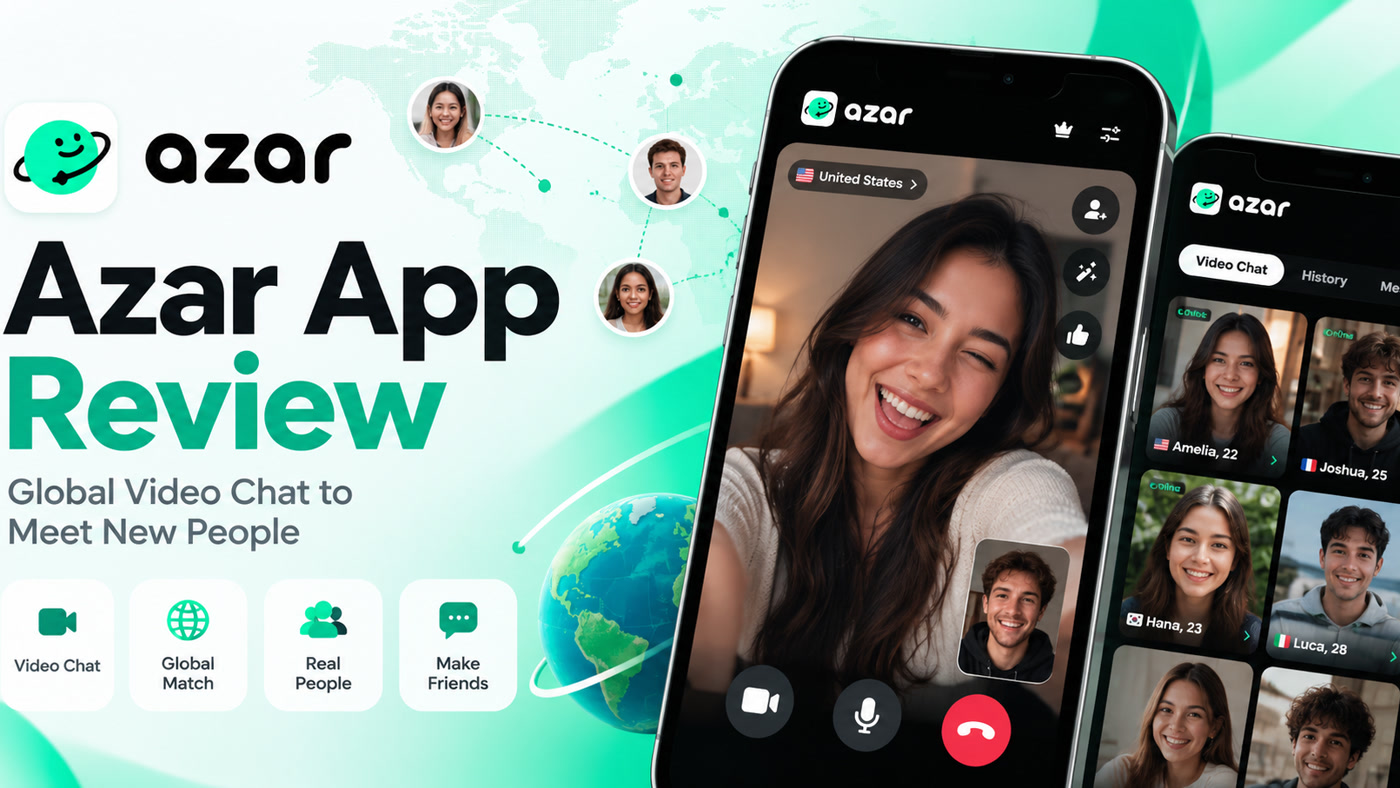
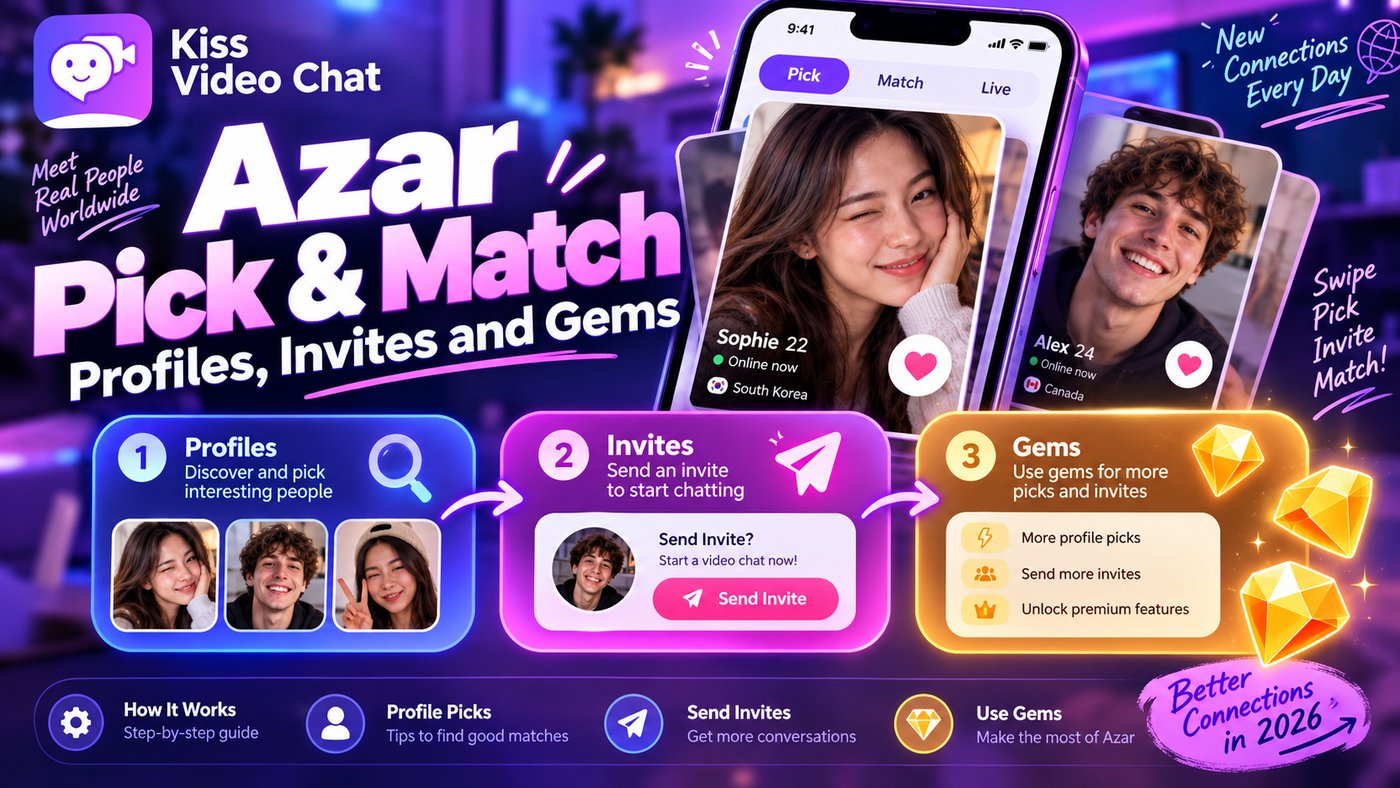
Azar's Pick & Match concept appeals to people who dislike being paired with the next stranger blindly. It introduces a profile-selection step before a possible conversation. But the exact tools and charges are easy to confuse with Azar Lounge or the newer iOS Discover and matching releases, so it is important to identify which interface you have.
What is Pick & Match?
Azar's published Pick & Match help article describes selecting profiles from a list, sorting by gender, and waiting for the other person to become available before connecting. It says this feature uses Gems and that the charge applies to selected connections whether you continue or skip. It also describes the feature as a beta release that may not be available to everyone.
That is not the same as promising a guaranteed call. Picking a profile indicates interest; the other person's availability still matters. Any pricing prompt shown to you should take precedence over screenshots from an older guide.
How it differs from Lounge and Discover
Azar Lounge provides a profile-exploration experience, with ways to follow or message users and filters such as language and country. The newer iOS Discover experience uses profile cards and mutual invites; Azar documents view quotas and possible Gem payments. A newer iOS matching flow also introduces a charged profile-card step for eligible installations.
These descriptions come from official help-center articles but relate to different product areas and app versions. They should not be combined into a fictional single workflow with one universal price.
What if you want choice without the same matching flow?
If you mainly want to inspect language and interests before starting a call, compare profile-discovery products. Kiss Live Chat presents online people and details before an optional one-on-one video conversation. That does not establish whether every invitation will be accepted or whether every feature is free; check its current flow separately.
Pick & Match is not the same as a guaranteed appointment
Selecting someone from a list expresses interest, but the other person's availability and participation still determine whether a conversation happens. That is why the waiting list matters. If you are paying Gems for a selection step, consider whether you are comfortable with the documented charge even if the interaction does not proceed.
Do not assume that features described in a beta help article are available in your current app. Software experiments can appear in particular regions, accounts or versions before rolling out widely. Instead of following a dated screenshot step by step, check for the Pick & Match icon in your own interface, read the current Gem prompt and confirm whether the feature is included in any plan you already own. Stop if the terms are unclear.
Read Azar's official Pick & Match guide for its beta conditions, or compare Kiss's profile-first approach.
A few more answers
Frequently asked questions
Does Pick & Match guarantee a conversation?
No. Azar explains that the selected person needs to become available.
Does Pick & Match use Gems?
The help-center description says yes, and it cautions that charges can still apply when a selection is skipped.
Is this feature available to every Azar user?
Azar describes the help-center version as beta and not universally available. Check your current app.