
What Camsurf Is
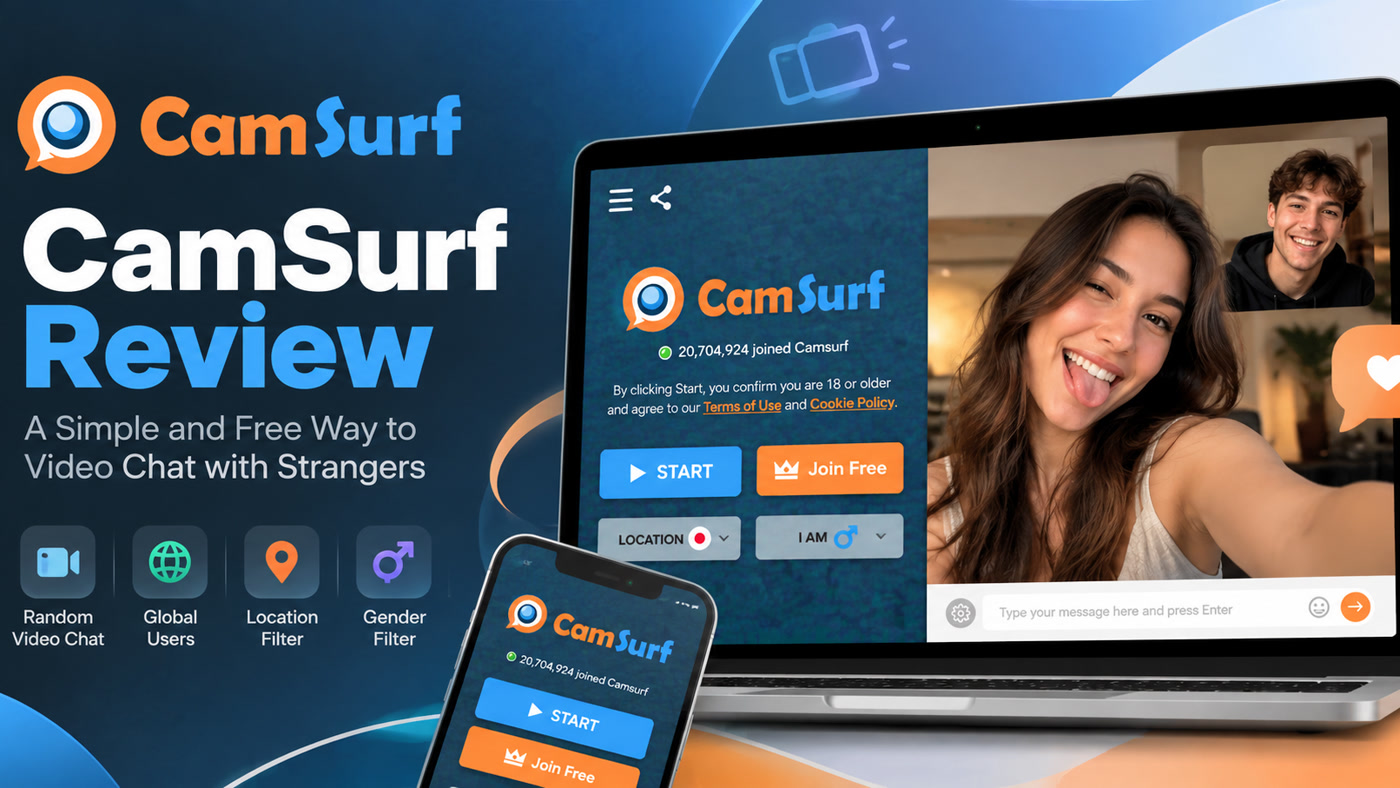
Camsurf is a free-leaning random video chat service built around a simple Start → talk → Next loop, with location and language filters to steer who you meet. It is aimed at adults who want cam-to-cam stranger conversation without a heavy social network onboarding flow. Public product materials and Android store listings describe browser access plus a mobile app path, community reporting/blocking, and AI-assisted monitoring claims typical of modern Omegle-style platforms.
This Camsurf review focuses on how the product actually behaves for someone researching it: matching mechanics, filters, web versus Android, account expectations, safety tooling, and when a different discovery model is a better use of your time. We avoid inventing live user counts or reprinting volatile subscription prices.
Compare options on Camsurf alternatives. Category safety: is random video chat safe.
How Camsurf Matching Works
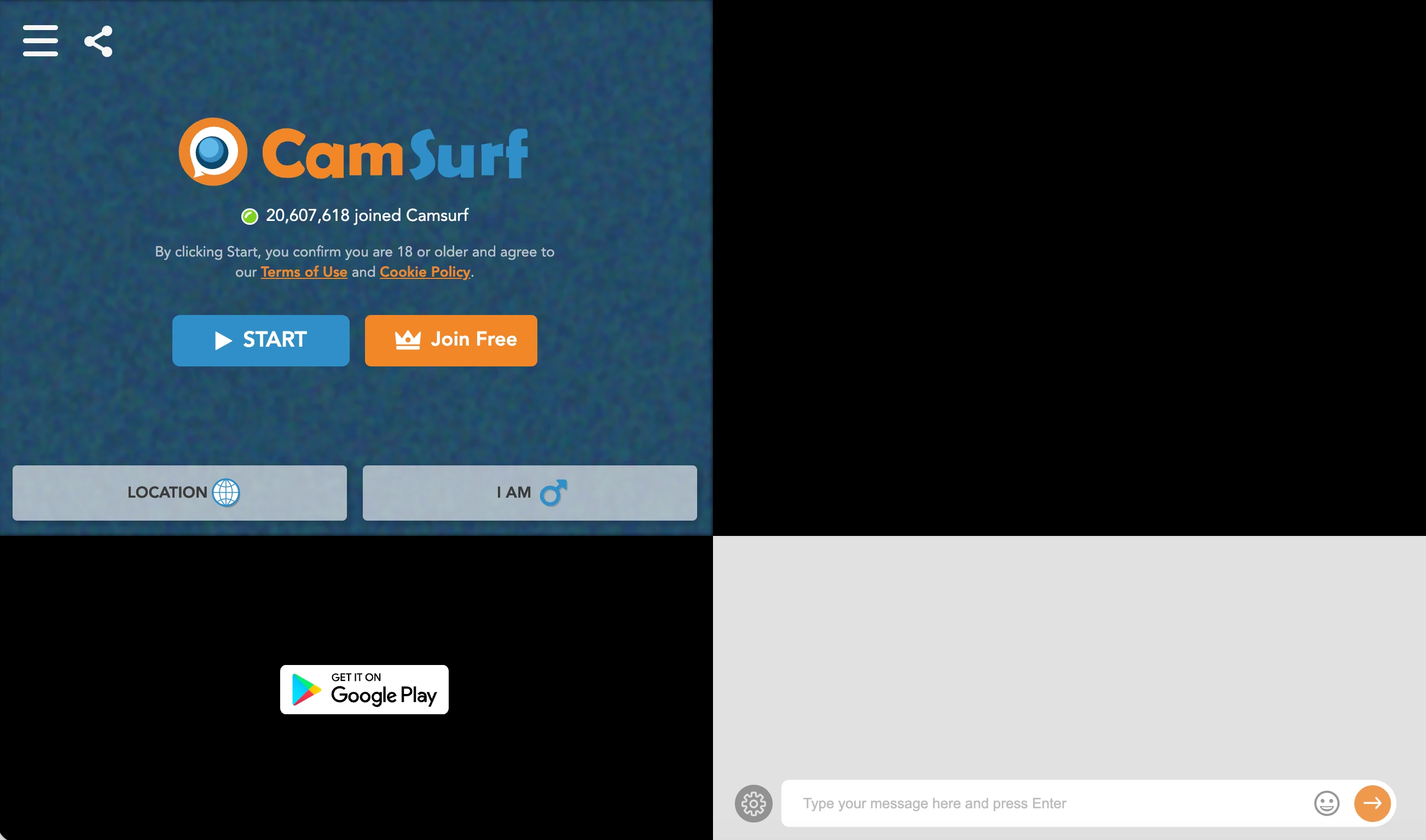
You open Camsurf in a supported browser or the Android app, confirm age rules, allow camera and microphone access when using video, optionally set location or language preferences, then start matching. When a stranger connects, you talk live. When the conversation stalls—or turns inappropriate—you press Next (or the equivalent skip control) and request another partner.
There is no photo mutual-accept gate like modern Chatroulette and no 15-second mutual-continue timer like Monkey. Camsurf’s identity is classic continuous roulette with a deliberately simple UI. That simplicity is the product: less setup, faster reshuffles, fewer social features competing for attention.
Because the homepage is sometimes shielded by bot challenges, first-time visitors should expect a verification interstitial before the chat UI loads. That friction is anti-abuse infrastructure, not a sign the service is offline.
Location and Language Filters
Location and language filters are Camsurf’s main steering tools. Use them deliberately:
- Language filters help when you want practice partners or simply fewer total language barriers.
- Location filters help when you want regional chat—but only when enough people in that region are online.
Filters improve relevance; they do not certify honesty. Self-reported location and VPN use exist across the category. If a “local” match feels wrong, Next is still the correct tool.
Change one filter at a time while you learn the product. Otherwise you will not know whether language, location, or time of day fixed (or broke) your session quality.
Web Versus Android Access
Camsurf is commonly used in the browser for quick trials. Google Play also lists a Camsurf Android app for people who want a phone-native client. iOS availability has historically been less clear in official messaging (including “in development” style notes in older materials)—confirm the App Store in your country rather than assuming parity.
Feature names can differ slightly between web and app builds. If a filter or report control is why you chose Camsurf, verify it on the client you will actually use before investing time or money.
Accounts and Free Access
Camsurf is positioned as free random video chat with low registration friction. You may still encounter optional accounts, premium upsells, or ads depending on client and region. Treat the live paywall—not a blog screenshot—as authoritative. Try the free loop long enough to learn match quality at your hours before buying anything.
When a Simple UI Helps—and When It Hurts
A simple UI helps when you are tired of profile chores and just want to talk. It hurts when you need interest tags, karma, Lounge browsing, or mutual photo accept to feel safe. Camsurf will not become Emerald or Azar if you stare at it long enough. Choose simplicity on purpose, or choose a richer product on purpose.
A Practical Camsurf Session Checklist
- Private room, decent light, headphones if possible.
- Clear identifiable papers and posters from the background.
- Set language/location filters to match your goal.
- Pre-decide your skip rule for black screens, spam, or sexual shock content.
- Keep report/block controls in muscle memory.
- End the session when you are fatigued—tired users overshare.
Using Location and Language Filters Deliberately
For language practice, open with a one-line intent and accept corrections gratefully. For regional chat, try peak evening hours in that region before declaring the filter broken. For pure novelty, loosen filters and accept chaos. The mistake is running tight filters with novelty expectations—or open filters with language-exam expectations.
Safety and Community Reporting
Camsurf-class products rely on user reporting, blocking, and automated monitoring claims. Reports only help the next person if you actually submit them. Age gates are adult-oriented and typically self-declared. Parents should not treat Camsurf as teen-safe entertainment.
Standard privacy habits apply: assume recording is possible, never send intimate media, never move money off-platform, and leave early when pressured.
Who Camsurf Is For
Adults who want uncomplicated stranger video with language/location steering and browser convenience. Weaker fit for users who need interest rooms, account-backed karma cultures, or browse-first profile calling.
Moderation Limits You Should Plan For
Even with AI monitoring claims and community reports, Camsurf remains an open stranger-video network. Plan for imperfect enforcement the same way you plan for imperfect filters. That means technical readiness (Next, block, report) and psychological readiness (you will skip often; that is normal, not personal failure).
If your tolerance for chaos is low, Camsurf’s simple UI will not protect you—it will only make skipping faster. Some people prefer that honesty. Others need Emerald-style accounts or Azar-style Lounge context before they feel comfortable. Neither preference is wrong; only the mismatch is.
Ads, Premium, and Budget Discipline
Free-leaning cam products often monetize through ads, boosted filters, or premium removes. Before you pay, write down the single problem you are buying a solution for (“I need Spanish-language matches at 8pm”). If the purchase does not target that sentence, skip it. Cancel trials in the store settings immediately after starting them if you only wanted a test weekend.
Camsurf in the Post-Omegle Landscape
After Omegle’s shutdown, many users bounced between near-identical Start/Next sites. Camsurf’s competitive claim is not a radical new matching theory—it is approachability: filters for language and location, a readable UI, and enough safety chrome (report/block/monitoring claims) to feel contemporary. That makes it a reasonable baseline for people who want “Omegle, but with dials,” not a social network rebuild.
If you have already tried three clones and hated all of them for the same reason (chaotic intent, explicit shocks, empty filters), Camsurf will not invent a fourth physics. Switch categories to browse-first or interest-account products instead of collecting more roulette URLs.
Reporting Without Escalating
When something violates rules, end the chat first, then report with whatever detail the form allows. Do not stay connected to lecture the other person. Do not trade insults. Escalation increases the chance you share more face-time or personal reaction than the report needs. Camsurf’s community reporting only helps if users actually submit signals and then move on.
Strengths and Limitations
Strengths: simple Start/Next loop; location and language filters; free-leaning access; browser + Android paths; low conceptual overhead.
Limitations: open matching risk; bot walls on entry; iOS uncertainty; filter honesty limits; fewer social features than Lounge-style apps; moderation still imperfect.
Common Questions
Is Camsurf free? Positioned as free random video chat; ads or premium extras can appear—verify live offers.
Does Camsurf have a mobile app? Yes on Android via Google Play; confirm iOS locally.
Do I need an account on Camsurf? Entry is designed to be lightweight; follow the gate shown on your client.
What filters does Camsurf offer? Location and language filters are the headline controls.
Is Camsurf safe? Reporting and monitoring tools exist, but open stranger video is never fully safe.
If Camsurf Is Not the Right Fit
If you want to browse online people and choose who to call, try Kiss Live Chat on random video chat and video chat with strangers. See Camsurf alternatives and Omegle alternative for more of the landscape.
Camsurf works when simplicity is the feature. If you need richer pre-call context, pick a product designed for that instead of overloading Camsurf with expectations it does not market.
A few more answers
Frequently asked questions
Is Camsurf free?
The core experience is marketed as free. Paid extras may exist for stronger preferences—confirm in-product.
Does Camsurf have a mobile app?
An Android app is officially promoted. Apple App Store availability should be verified live rather than assumed.
Do I need an account on Camsurf?
Official onboarding emphasizes terms acceptance and camera access more than forced signup.
What filters does Camsurf offer?
Official site highlights location and language filters alongside Start/Next matching.
Is Camsurf safe?
Community reporting and moderation claims exist. Like peers, it remains adult stranger video with residual risk.