
Deleting a video chat app from your phone is not the same as deleting your account. Your profile may still exist, a subscription may still renew, and the service may retain information under its privacy policy. If you want to leave permanently, treat account closure, billing and device permissions as three separate jobs.
1. Identify what you want removed
| Action | What it normally affects |
|---|---|
| Uninstall an app | The copy installed on your device |
| Sign out | The active session on that device |
| Deactivate | Access or visibility, depending on the service |
| Request deletion | Account and associated data, subject to disclosed retention rules |
| Cancel subscription | Future renewal through the billing provider |
| Revoke camera permission | Future camera access on that device |
A service can use a different name for its deletion feature. Look for terms such as Account, Privacy, Manage account or Delete account. Do not rely on the color or location of a button from a different app's tutorial.
2. Save the records you need before you leave
Keep any receipts, cancellation confirmations and transaction IDs relevant to a pending billing dispute. If you need a record of abuse, preserve the minimum necessary information securely before deleting the account, and use the platform's reporting process if appropriate. Do not collect or redistribute private conversations or images unnecessarily.
If you have used social sign-in, verify the identity attached to the account while you still have access. Removing a third-party login connection too early can make it harder to sign back in and complete deletion.
3. Cancel recurring billing separately
Check the receipt to identify the merchant. For Apple-billed subscriptions, use Apple's cancellation instructions. For Google Play billing, use Google Play's subscription instructions. If you paid directly on a website, follow that service's billing management process. A balance of consumable virtual coins is not the same as a recurring subscription. Refund eligibility is a separate question.
For the full billing walkthrough, see cancel a video chat subscription.
4. Request account deletion through the service
Open the official app or website. Find its account deletion option and read the confirmation screen carefully. Check whether there is a waiting period, what happens to purchases, and whether signing in again cancels the request.
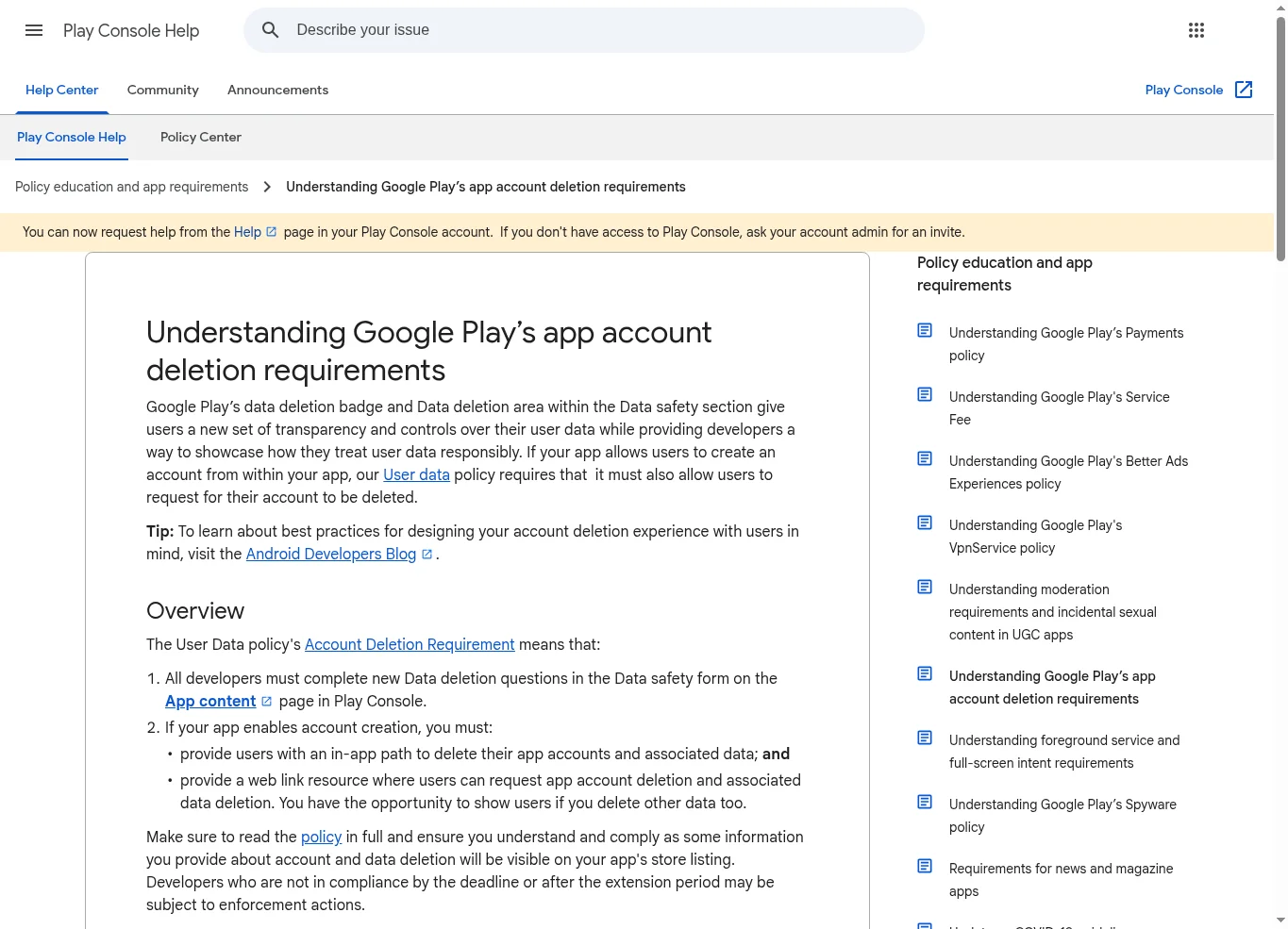
Google Play's account deletion policy requires covered apps that allow account creation to provide a way to request deletion, including an external web route. This is useful when you no longer have the app installed. It does not mean all data is always erased instantly or that every website follows the same procedure.
CooMeet's official FAQ gives a specific example: it says logging in again within six months after account deletion can restore the account. For any service with a recovery window, avoid logging in simply to test whether deletion worked. Read the actual confirmation instead.
If a deletion button is missing, use the contact method in the official privacy policy. A concise request can say: "Please delete the account associated with my registered email and confirm the request, including any data that must be retained and why." Provide only information needed to verify ownership through the service's approved process.
5. Clean up the device and confirm the outcome
After submitting the request, save the confirmation outside the app. Remove permissions, sign out on other devices where possible, and uninstall if you no longer need the service. Review payment statements near the next expected renewal. If charges continue, use the billing provider's support path with your evidence.
For help removing camera and microphone permissions, see our browser permission guide. You can also review Kiss safety guidance before choosing a new service.
Conclusion
Close the account, stop recurring payments and remove device access separately. Keep a confirmation of each step, and never give passwords or payment credentials to someone offering unofficial account-deletion help.
Quick answers
FAQ
Does deleting my app cancel my subscription?
No. Cancel through the merchant responsible for recurring billing.
Can all my information be deleted immediately?
Not necessarily. The service may need to retain certain records for legal, fraud-prevention or transaction purposes under its stated policy.
Should I log in again to check?
Only if the service confirms it will not restore the account or cancel your request. Otherwise wait for confirmation.