You're considering a video chat with someone you've never met. The site looks interesting, but you have reasonable questions: Is this an actual service? Will the other person be there live? Will it ask you to pay before you can even say hello? And what happens if the conversation gets uncomfortable?
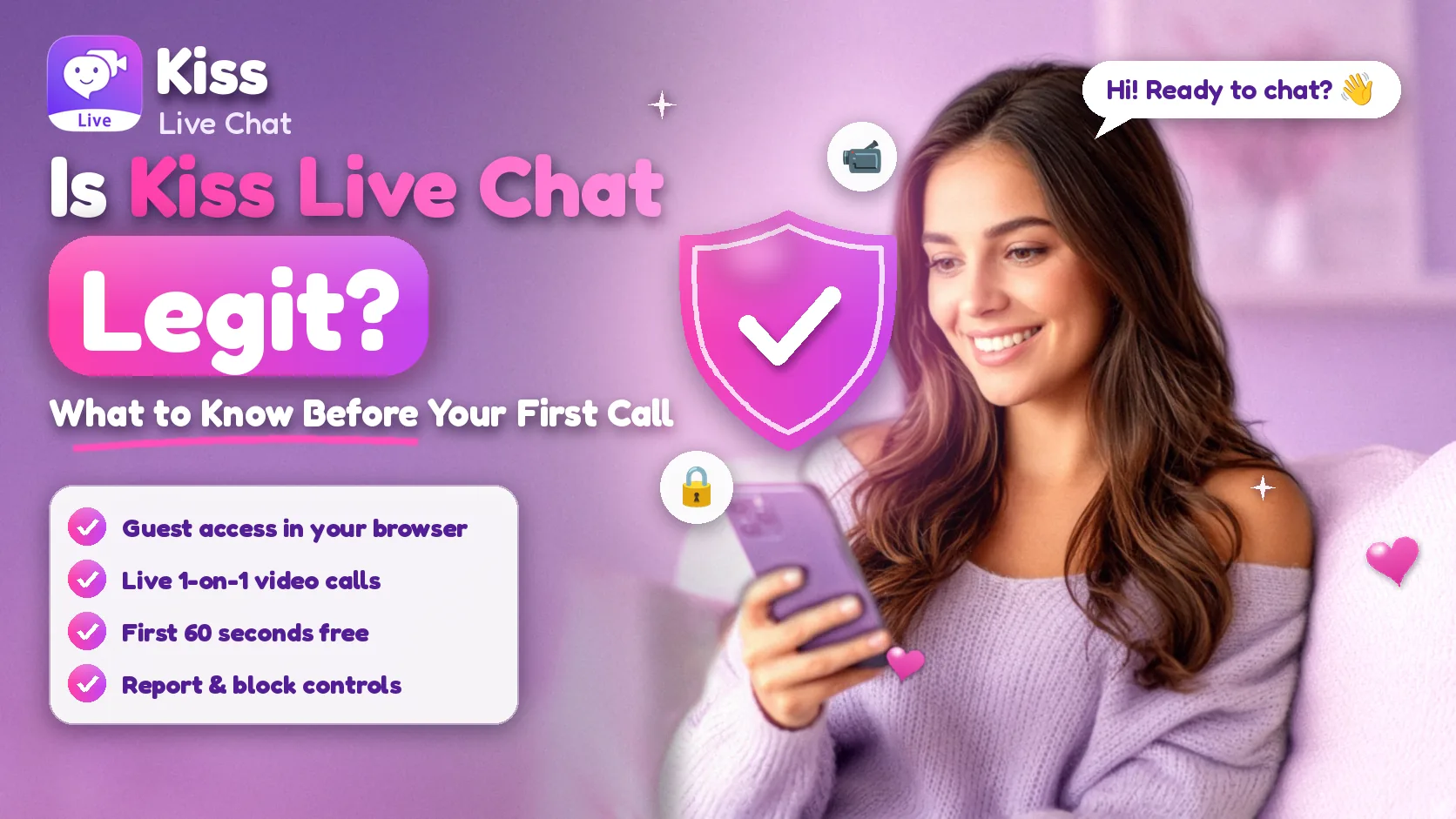
The short answer: Kiss Live Chat operates an official website and a browser-based social video-chat service. Its published web experience offers a guest start, one-on-one live video calls, language and country filters, and a free first 60 seconds for each new 1-on-1 call. Staying on the same call after that uses coins. Those are product claims you can verify on the official site and in the current interface; they are not a guarantee about every individual user, call or outcome.
A more useful question than a simple yes-or-no verdict is whether you understand the experience *before* spending money or sharing anything personal. Here's how to check.
What “legit” should mean for a video chat site
People use “legit” to mean several different things. One person wants to know whether the website actually connects video calls; another worries about fake profiles, hidden prices or misuse of a camera. These are different questions. A working platform can still have users who behave badly. An official domain doesn't guarantee that every profile is honest, either.
Start with things you can inspect. Does the site clearly explain what the service does? Does it give you a recognizable entry point and published terms? Can you see the payment conditions before confirming a purchase? Is there a way to leave, block or report? For Kiss, the official pages describe a social platform for adults, with real-time 1-on-1 calls, Live Rooms, short-form Reels, and moderation and reporting tools. You can read the Safety Center and visit the official homepage rather than relying on an unfamiliar download link.
Can you try Kiss without registering?
Yes, on the web. Open Kiss Web from the official Kiss site and look for the guest or Visitor entry. You can explore the interface without first downloading an app or creating a traditional account. If the screen asks for camera or microphone access when you start a call, that is a normal browser permission request: you decide whether to allow it.
Guest access is a low-friction way to learn the interface, but it doesn't mean every feature or paid action is available without an account. If you later choose to save a profile, keep a balance or buy something, follow the account prompts shown on your device. The website and the app offer the same features; the screens can look a little different, but this is not a separate web-only or app-only product.
Before the first call, take ten seconds to confirm three things: you are on the correct domain, you understand what permission the browser is requesting, and the camera frame doesn't show private information behind you.
Are the calls live, or are you watching a recording?
Kiss describes its one-on-one feature as real-time video conversation: you and the other participant exchange audio and video during the same call. That's different from watching a Reel, which is short-form video content, or entering a Live Room, where a host may broadcast to viewers. Choosing the correct feature matters.
During a genuine two-way exchange, the other person can respond to what you're saying in the moment. Start with an ordinary question and give them time to reply. Network delay, a distracted participant or an awkward introduction can make any call feel less natural; none of those alone proves a recording is being used. Equally, a polished profile photo is not proof of someone's identity. Treat profiles as introductions, not identity verification.
For a closer comparison, read live video chat versus recorded video.
What is free, and when do coins matter?
This is the part to understand *before* a call gets interesting. According to the Kiss web guides, each new 1-on-1 call starts with 60 free seconds. If you want to continue that same conversation after the free minute, coins are used. Coins are also used for supported gifts. VIP is a separate, optional membership; its current benefits, renewal rules and price are shown inside the product.
| Action | What to expect |
|---|---|
| Open Kiss Web | Guest entry is offered; no app download needed |
| Begin a new one-on-one call | The first 60 seconds are free under the published web offer |
| Continue that call | Coins are used after the free period |
| Send supported gifts | Coins may be required |
| Consider VIP | Check the live offer for benefits, billing and renewal details |
Do not infer a fixed dollar-per-minute cost from a blog post. Before paying, check the displayed coin package, the rate for the action you want, the billing currency and any renewal terms. A gift is not a guaranteed return call or a promise of attention. The coins guide explains the basic flow, while Coins vs VIP helps you compare spending patterns.
How to check the experience for yourself in five minutes
- Start from the official site. Open kisslivechat.com, then follow its Web video-chat link to kisschat.live. Avoid unofficial mirror domains or messages claiming you need a special plugin.
- Try the guest entry. Browse the interface and note which sections are Live Rooms, Reels and one-on-one calls.
- Choose a shared language. Use the available language or country settings if they help you find a conversation you can enjoy.
- Make a short introduction. Say hello, ask one specific question and listen. No scripted “identity test” is needed.
- Decide before the paid step. When the free period ends, look at the rate and your own interest in continuing. It's fine to end the call.
This approach gives you firsthand information without turning the first session into a purchase commitment.
What about safety and privacy?
Kiss publicly describes an 18+ community, along with report, block and leave controls. Those safeguards are meaningful, but no social platform can eliminate all uncomfortable encounters. You retain responsibility for what you show and share. Keep addresses, work documents, ID cards, financial information and personal contact details out of frame. Remember that the person on the other side may be able to record what appears on their screen.
If someone pressures you to move to another app, send money privately or open a payment link outside the service, end the interaction and report it. Use Kiss's official purchase flow for any supported transaction. You can also review the safety guidance for stranger-chat sites before your first call.
The bottom line
There is an identifiable Kiss website, a browser entry and published explanations of guest mode, live calls, coins and safety controls. That makes Kiss something you can inspect and try, rather than a mystery link promising unlimited free attention. It does not independently certify every profile or guarantee a satisfying call. The sensible first step is to enter as a guest, make one short live introduction and decide what you think before paying.
Quick answers
Frequently asked questions
Is Kiss Live Chat a real website?
Kiss has an official website at kisslivechat.com and a linked Web service at kisschat.live. Use those official entry points rather than unknown third-party links.
Can I try Kiss without paying?
The web experience offers guest entry and a free first 60 seconds for each new one-on-one call under the published offer. Continuing the same call uses coins.
Does Kiss have real people or only videos?
Kiss offers distinct experiences: live one-on-one calls, hosted Live Rooms and Reels. A Reel is content to watch, not a live two-way call. A profile or edited clip cannot, by itself, establish a person's identity.
Is Kiss VIP required?
No. VIP is described as an optional membership. Compare its current benefits and billing terms in the product; it is not required simply to begin as a web guest.
What if someone behaves inappropriately?
Leave, block or report through the available controls. Avoid private payment requests and do not disclose identifying information on camera.