
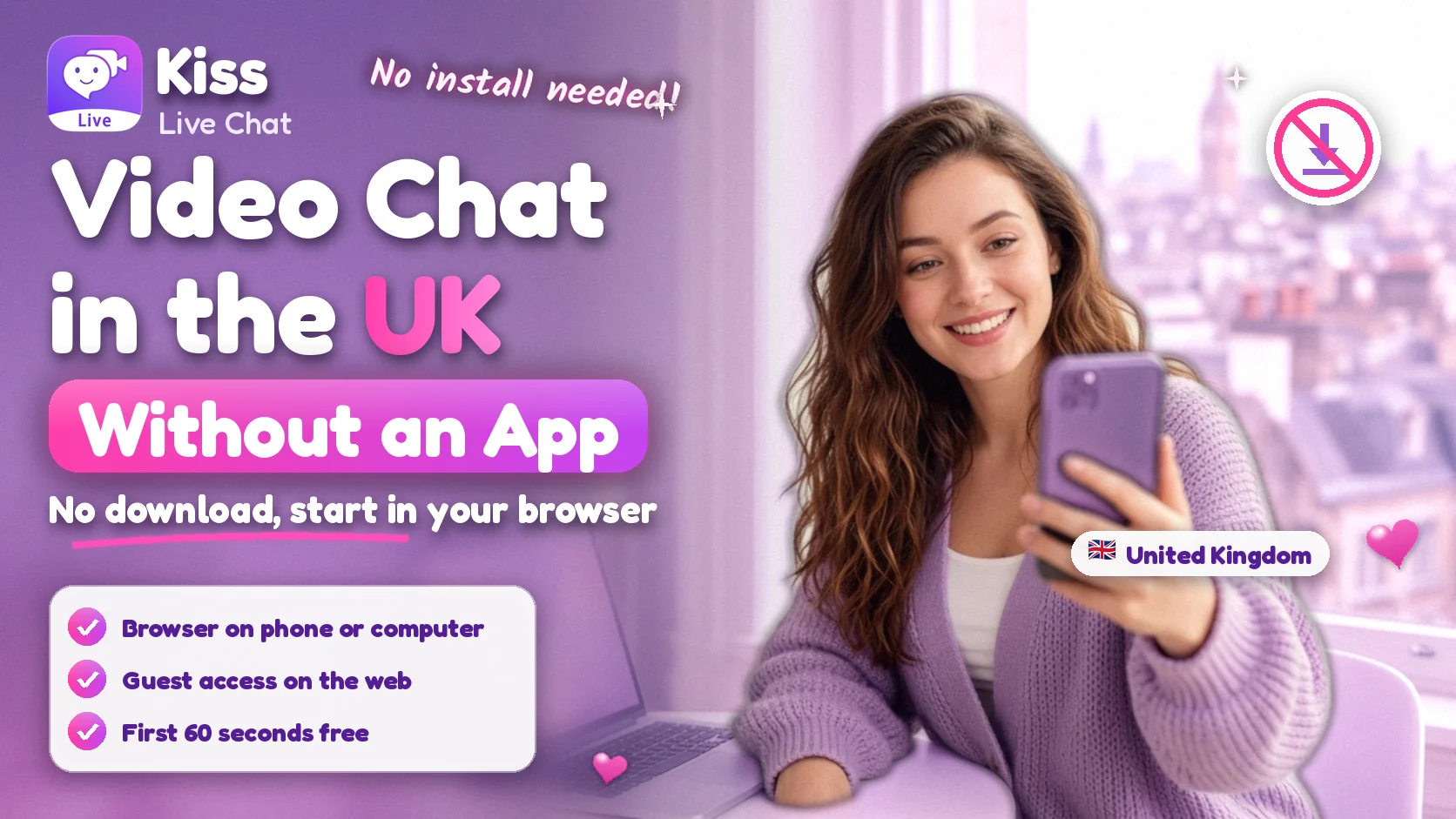
A video call with someone new should not require ten minutes of setup. If you are in the UK and just want to see who is around, a browser-based video chat is a much quicker place to start than downloading an unfamiliar app, creating a detailed profile and wondering whether it is worth the trouble.
Kiss Live Chat can be opened in a browser on a phone or computer. You can start as a guest, browse who is online and choose how you want to begin a one-on-one conversation. Here is what to know before that first call.
Kiss connects adults aged 18+ with female hosts for non-explicit conversations. Web and App offer the same features, including language, country and interest filters, translation and group chat; availability still varies.
What you need for a browser video chat
The basics are pleasantly ordinary: a working camera, a microphone, a modern browser and a reasonably stable connection. A laptop works, but so does a phone. You do not need an external webcam or a particular type of headset.
On your phone, open the web version in Safari or Chrome. On a computer, use your usual browser. The first time you start a video conversation, the browser will ask for permission to use the camera and microphone. Allow access for the site if you are comfortable, then check that the preview looks and sounds right.
If the camera is black, check whether another app already has it open. If you cannot be heard, make sure the browser has permission for the correct microphone. These problems are usually easier to solve before your first call than while someone is waiting on the other side.
Can you start without signing up?
On Kiss, guest access is available on the web. That is useful if you want to try a conversation before committing to an account. Creating an account later can help you keep a profile and your account-related features, but it is not the starting requirement for a guest session.
There is a difference between starting for free and chatting indefinitely for free. On Kiss, every new one-on-one video call includes the first 60 seconds free; continuing that call after the free minute uses coins. You can check the current rate in the product before deciding whether to extend the conversation. A good first minute gives you enough time to decide whether you would actually like to keep talking.
For a fuller explanation, see how Kiss coins and browser calls work.
Looking for UK conversations? Start with country and language
If you want a UK-focused experience, choose United Kingdom in the country preference. You can also choose English if that is the language you would like to use. These settings help narrow who you see; they do not guarantee that somebody from a particular city or country will be available or answer at that moment.
The distinction matters. “UK video chat” does not mean a queue of people from London, Manchester or Glasgow waiting for you. It means you can express a preference and browse the people available through the product. For more on the country setting, see the UK video chat page.
Choose a profile instead of skipping endlessly
Random matching can be entertaining when you feel spontaneous. But if you already know you want a relaxed English-language conversation, browsing profiles is often less tiring. Look for a person who is online and has something you can actually ask about. A photo or an interest is enough to give you a natural opening.
You do not have to force a clever line. Try something ordinary: “What are you up to this evening?” or “Seen anything good lately?” You are trying to start a two-way conversation, not audition for a comedy show.
Make that first minute count
Sit somewhere reasonably quiet, position the camera near eye level and let the other person respond. A good call has a rhythm: a quick hello, a genuine question, then a little listening. If the conversation feels easy, you can choose to continue. If not, it is fine to end politely.
And keep the basic boundaries in place. Avoid showing your address, documents or other private information in the background. Use the block or report options if someone makes you uncomfortable.
Ready to say hello?
You can start small: open the browser, set your preferences, and see who is available. No need to make a big occasion of it.
Quick answers
Frequently asked questions
Do I need to install Kiss on my phone?
No. The web version works in a mobile browser. You can also add it to your home screen for easier access.
Is the first video call free?
Every new one-on-one Kiss call includes 60 free seconds. Continuing after that uses coins.
Can I choose a UK city?
The available country preference is for the United Kingdom; do not expect guaranteed matching with a particular city.
Does the other person have to answer?
Yes. Availability, acceptance and the quality of the conversation depend on real people.