
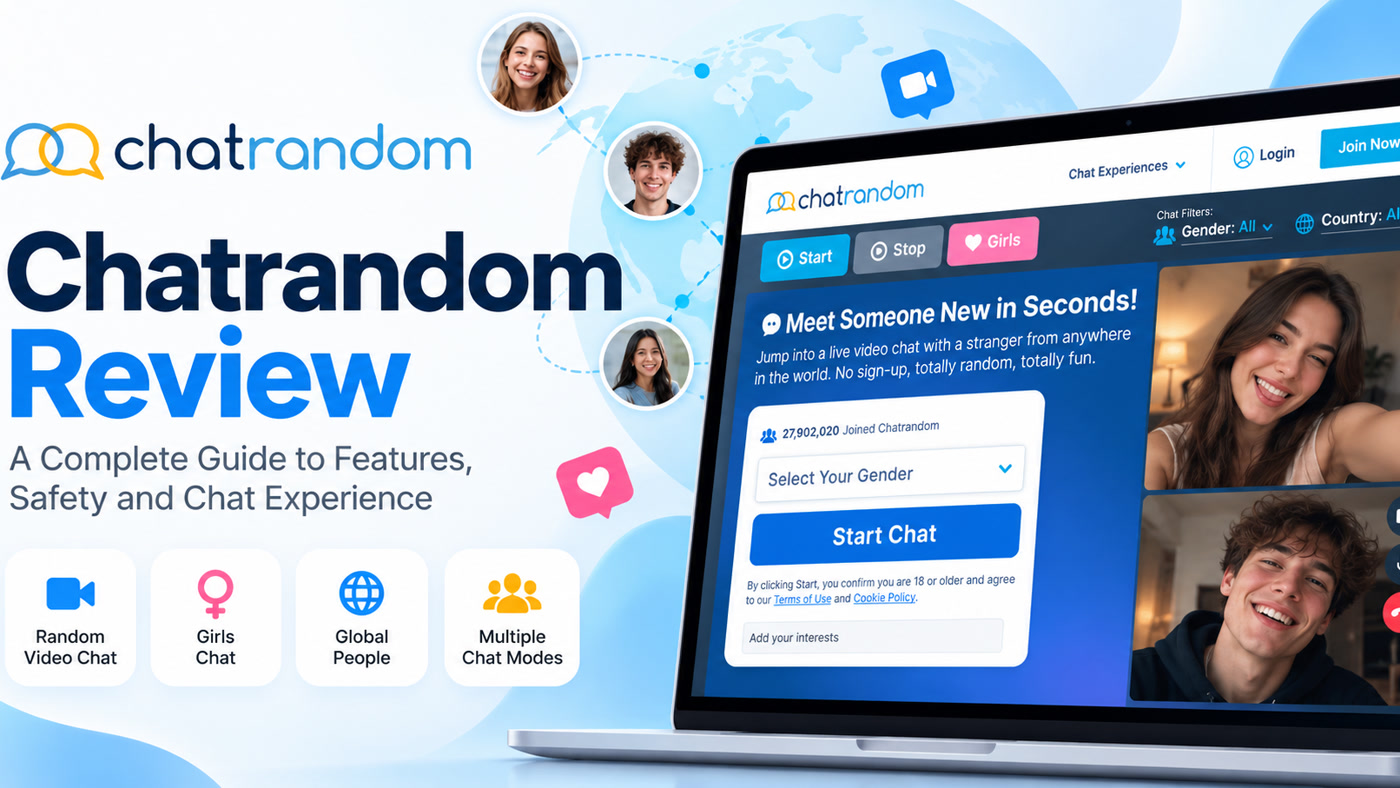
Defining Chatrandom
Chatrandom is a classic browser-first random video chat service: grant webcam access, press Start, talk to a stranger, press Next when you want someone else. It sits in the same post-Omegle demand lane as Chatroulette-style products, with optional premium filters (often branded Plus), themed entry points (for example interest or community-oriented rooms in public materials), and mobile apps where listed.
Because Chatrandom’s marketing site is frequently behind bot challenges, this guide sticks to durable product facts corroborated across official help/marketing patterns and consistent third-party documentation: Start/Next matching, free basic chat, premium gender/location filters, anonymity-style entry without mandatory heavy profiles, and standard report/block expectations. We do not invent live online counts or fixed package prices.
Compare peers on Chatrandom alternatives. Safety overview: is random video chat safe.
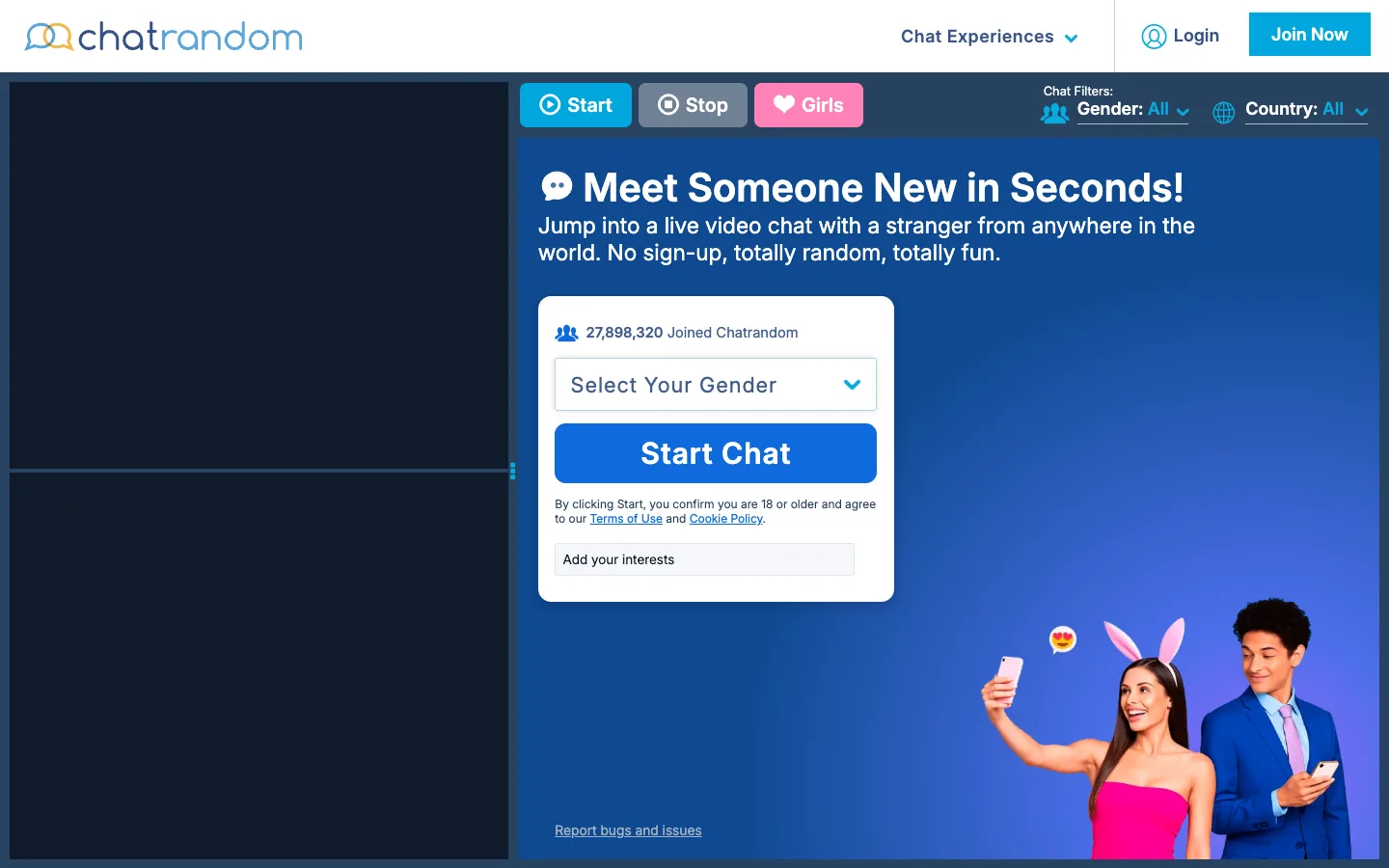
The Start / Next Matching Loop
Chatrandom’s core UX is intentionally minimal. You join a global matching queue (optionally shaped by filters you unlocked), get paired for 1:1 video, and either continue talking or hit Next. There is usually little profile theater before the camera turns on. That is the appeal for people who want Omegle-like speed—and the risk for people who need context first.
Session quality depends heavily on time of day, your filters, and how quickly you skip low-effort matches. The product does not owe you a perfect stranger; it owes you a fast reshuffle tool.
Filters and Plus
Public help-style materials consistently describe basic random video as free, with gender and location filters tied to a premium Chatrandom Plus (or equivalent) upgrade. Themed rooms or vertical entry pages (for example community-oriented chat paths) sometimes offer alternate ways to bias the pool without using every Plus toggle—availability depends on the current site map.
Do not buy Plus until you have tested free matching at the hours you actually use the site. If free quality is unacceptable for you, Plus may help—or you may simply dislike roulette as a category.
Accounts, Apps, and Anonymity
Chatrandom is typically usable without building a rich social profile. “Anonymous” here means stranger-facing minimal identity, not a promise that the operator sees nothing or that WebRTC peers cannot capture video. Mobile apps for iOS/Android appear in official chat-app marketing; browser use remains the common research path when apps are restricted or you want a quick trial.
If the homepage challenges you with a bot wall, that is an anti-abuse measure you will also meet on other high-traffic cam sites. It is annoying for reviewers; it is partly why open queues stay usable at all.
Safety and Moderation Expectations
Like peers, Chatrandom-class products rely on a mix of automated monitoring claims, user reporting, and blocking. Independent user reports across the category still describe explicit content leaks and bots. Assume you will need Next and report. Age rules are adult-oriented; self-declared gates are common in this category and are not the same as verified ID.
Protect yourself: blank out personal backgrounds, never share contact details early, ignore money/crypto requests, and leave immediately if someone pressures you for sexual content you do not want.
Filters, Traffic, and Session Quality
Location filters only help when enough people in that location are online and eligible. Popular regions at off-peak hours can feel empty or repetitive. Gender filters, where paid, are only as honest as self-reported data and enforcement. If you need highly specific demographics, roulette will frustrate you even with Plus.
How Chatrandom Compares to Nearby Products
Versus Chatroulette: Chatrandom stays closer to classic instant Start/Next; Chatroulette leans harder into photo mutual accept and Quids. Versus Camsurf: similar simplicity lane, different brand/filter packaging. Versus Emerald: Emerald pushes interest tags, karma, and accounts; Chatrandom pushes speed and minimal setup.
Privacy Expectations on Chatrandom
Minimal signup does not equal zero logging. Operators need enough signal to ban abusers. Streams can be recorded by the other person. Prefer a throwaway mindset for nicknames, keep real-life identifiers offline, and clear site permissions when you are done if you shared camera access on a shared device.
Who Chatrandom Is For
Adults who want no-friction stranger video and accept chaotic open matching. Not ideal for teens, for people who need browse-first selection, or for users seeking verified local dating.
A Practical Chatrandom Session Checklist
Before you press Start: confirm you are in a private space, lighting is decent, headphones reduce echo, and nothing identifiable sits behind you. Decide your skip rule in advance—for example, leave within five seconds of silent black screens, sexual shock content, or aggressive demands. That pre-commitment keeps you from freezing when something uncomfortable appears.
During the session: keep Next one click away, use report when rules are clearly broken, and avoid negotiating with people who are testing boundaries. If you enable Plus filters, change one variable at a time so you can tell whether gender or location actually improved outcomes.
After you finish: revoke camera permissions on shared computers, and do not add strangers on other apps unless you have a clear, non-pressured reason. Chatrandom’s value is fast novelty; it is a poor place to make high-trust decisions quickly.
When Plus Is Worth Considering
Consider Plus only after several free sessions at your normal hours. Good reasons: you consistently need a language region for practice, or free matching is unusable for your stated goal and filters are the missing control. Bad reasons: a single bad night, a influencer promo code mindset, or hoping Plus will remove all explicit content—moderation and filters are different systems.
Browser Permissions and Shared Devices
Chatrandom’s browser path will ask for camera and microphone access. On a shared computer, use a profile or guest session, grant permissions only for the chat tab, and revoke them when finished. Do not leave the tab open in the background on a family PC.
If Cloudflare-style bot checks appear, complete them once and continue—repeated failures usually mean VPN/datacenter IPs or blocked scripts, not a permanent ban. Try a standard residential network before assuming the product is dead.
What “Good” Looks Like on a Roulette Site
A good Chatrandom session is not endless perfect matches. It is a high skip rate with a few conversations that feel mutual, curious, and respectful. If you redefine success as “everyone I meet is ideal,” roulette will always fail you. If you redefine success as “I can exit fast and occasionally meet someone interesting,” Chatrandom’s design makes sense.
Keep a short opener ready (“hey—what are you listening to lately?”) and a short exit ready (“gotta run, take care”). Social grace reduces friction even in anonymous cams.
Themed Rooms as Soft Steering
Chatrandom’s public site map has included themed or community-oriented entry points alongside generic Start Chat. Those pages are soft steering tools—useful when Plus filters feel like overkill, incomplete when you need precise demographics. Try a themed entry before paying, then compare results against plain Start at the same hour.
Strengths and Limitations
Strengths: simple Start/Next loop; free basic access; Plus filters when you need them; browser-first convenience; themed entries in some site sections.
Limitations: open matching risk; filter paywalls; variable traffic; bot/explicit encounters; anonymity is limited in practice.
Common Questions
Is Chatrandom free? Basic random video is free; advanced gender/location filters typically require Plus.
Do I need an account for Chatrandom? Heavy profiles are not the point; entry is designed to be lightweight. Follow the live gate on the site or app.
Is Chatrandom the same as Chatroulette? No—similar category, different matching economics and UX details.
Is Chatrandom safe? Tools exist, but open stranger video is never fully safe. Use Next, report, and personal boundaries.
Who is Chatrandom for? Adults seeking fast random cam chat without a social-network onboarding maze.
If Chatrandom Is Not the Right Fit
If roulette chaos is the problem, switch to browse-first calling on Kiss Live Chat via video chat with strangers and random video chat. See Chatrandom alternatives and Omegle alternative for more structured options.
Chatrandom is a fit when speed and simplicity matter most. If you need interests, karma, or profile context first, choose a different architecture.
A few more answers
Frequently asked questions
Is Chatrandom free?
Core random chat is marketed as free. Premium unlocks may appear for stronger controls—check the live paywall.
Do I need an account for Chatrandom?
Not for a typical first session. Most users start with camera permission and Start.
Is Chatrandom the same as Chatroulette?
No. They are different products in the same category, with different matching details and operators.
Is Chatrandom safe?
Block/report and AI moderation messaging exist, but residual risk remains on any open stranger video site.
Who is Chatrandom for?
Adults who want fast private 1:1 stranger video with minimal setup and optional gender/country preferences.