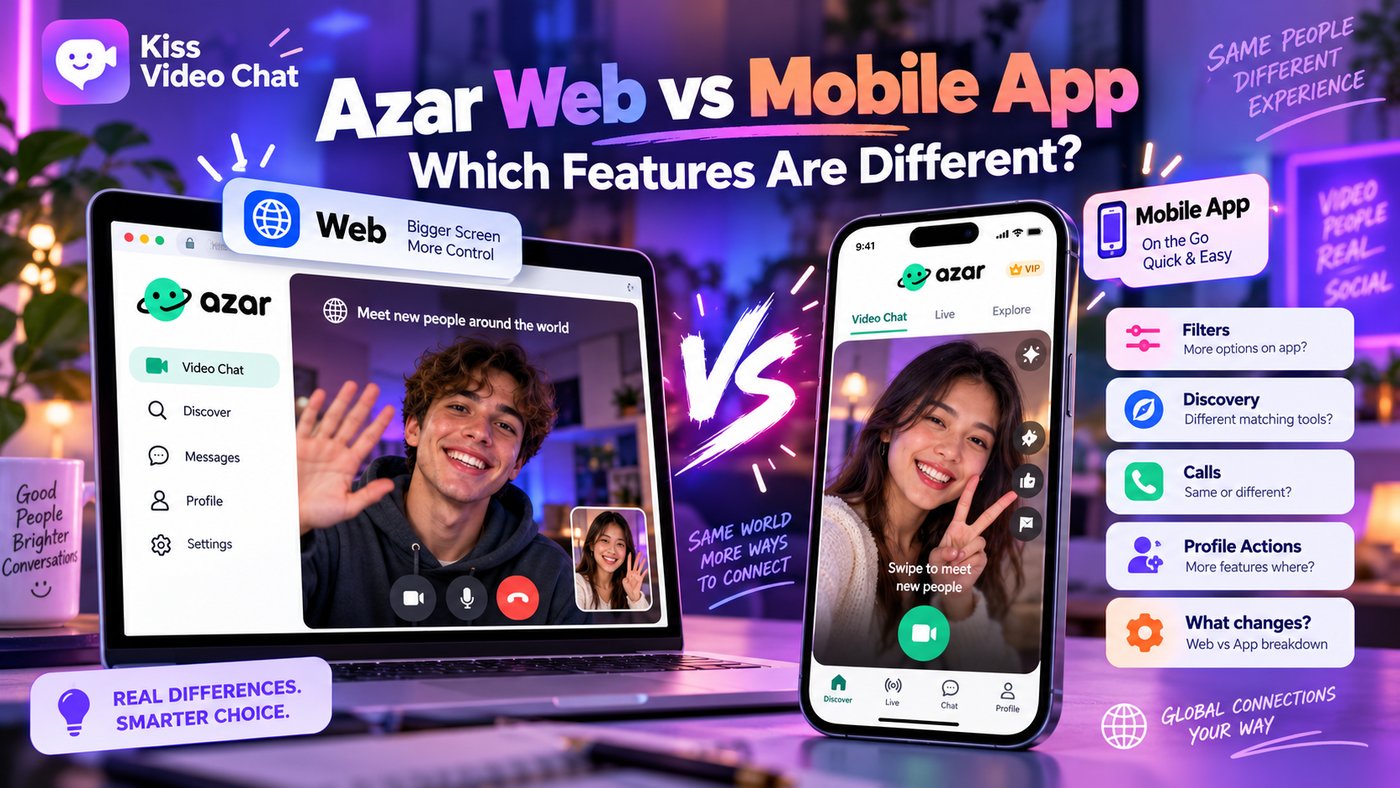
Azar Web and the Azar mobile app belong to the same product family, but you should not assume their matching screens, currencies or subscriptions work identically. Azar's own help center now documents version-specific iOS changes, and those changes can materially affect what you pay for and how you meet someone.
What Azar Web is designed for
The official Azar Web quick-start guide describes using Azar in a desktop or laptop browser. Users can sign in with existing credentials or create an account, and the company highlights the larger screen and keyboard as advantages. Its separate Gems guide says Web Gems can be used to refine region and gender preferences.
This makes Web attractive to people who prefer a keyboard, bigger video window or not installing another mobile application. It does not mean every mobile feature is necessarily available in the browser.
What's different on recent iOS versions?
Azar announced a Discover experience for iOS 7.0.0+ that introduces profile cards, invitations, a limited profile deck and refresh cycles. Some gender/country filters and additional refreshes can require Gems. The help center says that particular Discover release is specific to iOS rather than Android or Web.
On qualifying iOS 7.11.0+ installations, Azar describes another two-step matching flow. The company says opening a candidate profile card can cause a charge even if you skip the candidate, while the call itself does not add another charge in that flow. It also notes that some other-platform subscriptions are not transferable into this experience.
Which should you use?
Choose Web if a laptop screen and keyboard are more convenient. Choose the mobile app if you prefer using your phone camera and the particular discovery features available on your version. If you already bought a plan on another platform, check compatibility before assuming it applies to your new device.
If what you really want is the ability to see who is online and decide whom to approach, compare Azar's version-specific discovery with the profile-browsing experience presented by Kiss Live Chat.
Before moving your Azar account between devices
Check whether you are signing into the same account, and verify each platform's available product catalog. An app subscription purchased on one operating system should never be assumed to transfer seamlessly to another platform's newer matching flow. Azar's own documentation flags this issue for some iOS experiences.
If an expected entitlement is missing, avoid buying a duplicate plan immediately. Instead, check the help center for your installed version and contact the provider through its official support channel. Similarly, a camera permission issue on desktop is not evidence that a feature has been removed. Review browser settings and supported requirements separately from billing. Treat the device, product mode and payment as three independent questions; that prevents most comparison mistakes.
For current details, read Azar's Web guide and iOS matching update.
A few more answers
Frequently asked questions
Can I use Azar on a computer?
Yes. Azar's help center provides a Web quick-start guide for browsers.
Are Azar Gems shared across every feature and platform?
Do not assume so. The help center documents different flows and subscription compatibility restrictions.
Does the iOS Discover feature work the same on Android?
Azar describes the specified iOS Discover release as unavailable on Android and Web at the time of its help article.