
Introduction
Browser-based video chat removes one of the biggest pieces of friction in online conversation: the download. Instead of visiting an app store, creating an account, and giving up storage space, you can open a page, grant camera and microphone permission, and start talking.
That simplicity is especially useful for random video chat, where many users want to try the experience before deciding whether a service deserves a permanent place on their phone. Browser access is not automatically better than an app, but it changes the tradeoff in useful ways.
How Browser-Based Video Chat Works
Modern browsers support real-time audio and video through technologies such as WebRTC. The website requests access to your camera and microphone, then uses browser networking features to establish a live session.
The browser handles important security boundaries, including permission prompts. You can normally revoke access later through site settings, and a service should not need a separate plugin or legacy software to make basic video calling work.
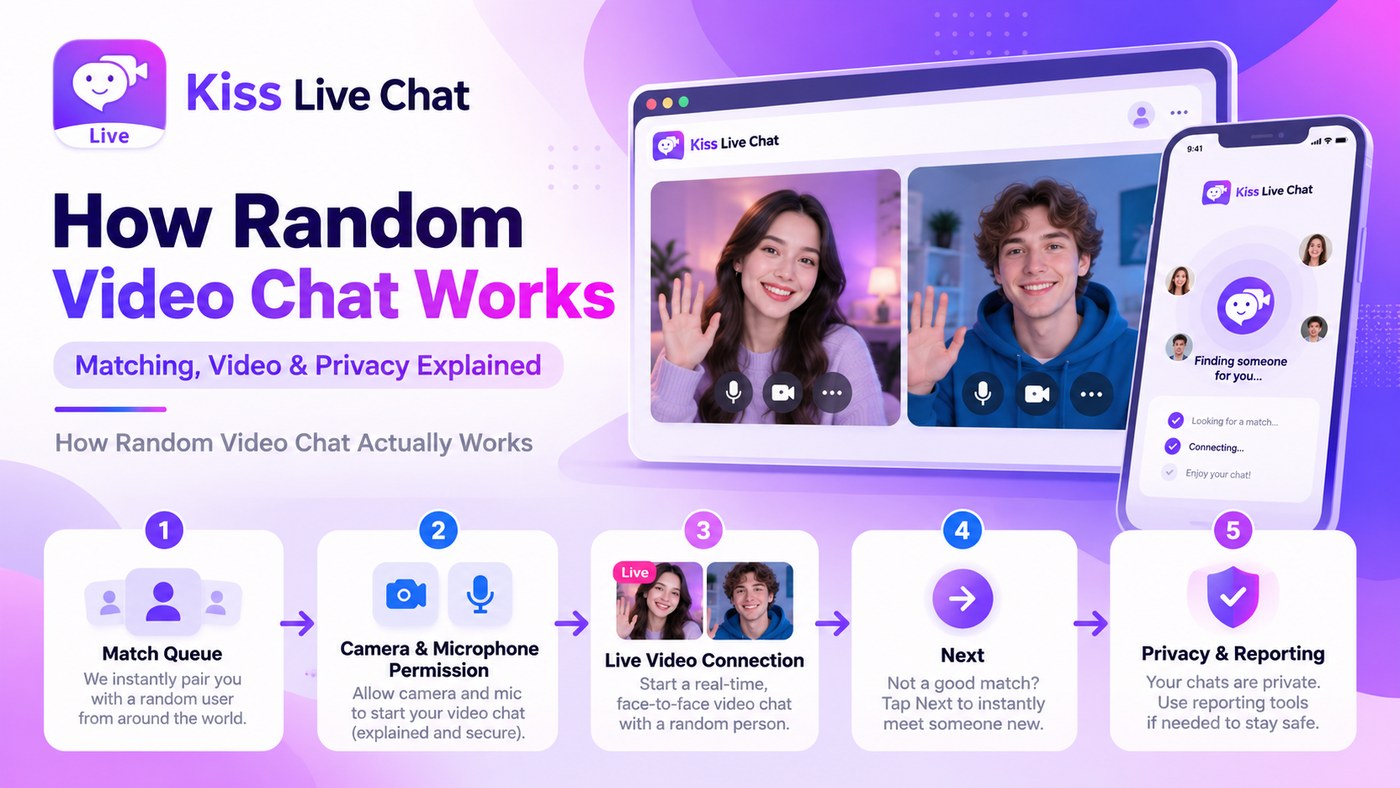
From the user side, the process can be extremely short: open the site, approve permissions, and start. That is why no-download access is a common selling point in the random-chat category.
Browser vs App: The Core Tradeoff
Browser chat wins on convenience. There is nothing to install, updates happen on the service side, and you can often use the same product on a laptop, tablet, or phone.
Apps can win on persistence. They may integrate more deeply with notifications, background behavior, device settings, or app-specific features. Frequent users may prefer that consistency, especially on mobile.
The right choice depends on how often you use the service. Occasional users benefit more from browser access, while daily users may value the dedicated app experience if it is well designed.
No Download Does Not Mean No Permissions
A browser still needs camera and microphone access before video can work. Permission prompts are a good thing because they make the request visible and put the decision in the user’s hands.
If a site asks for additional permissions such as location or notifications, consider whether those features are actually relevant. A basic live video conversation usually has an obvious reason for camera and microphone access; other permissions may be optional.
When something goes wrong, the browser’s site settings are often the first place to check. A previously denied camera permission can make an otherwise functional service look broken.
Compatibility: Chrome, Safari, Firefox, and Edge
Most modern browsers support real-time video, but implementation details and mobile behavior can differ. A service that works perfectly in desktop Chrome may have layout or permission issues in mobile Safari if the product has not been tested carefully.
Look for a platform that explicitly supports the browser and device you use rather than assuming all combinations behave the same way. Camera switching, portrait orientation, audio routing, and backgrounding can be particularly important on phones.
If a service tells users which browsers it supports and provides clear troubleshooting steps, that is usually a better sign than vague “works everywhere” language.
Mobile Browser Video Chat
Mobile browser access is useful because it combines app-like immediacy with no installation. You can open a link from a message, grant permission, and begin without leaving the browser.
The experience still needs to be designed for a small screen. Skip, mute, camera switch, report, and leave controls should remain easy to tap without covering the video.
Battery and mobile data use also matter. Live video is resource-intensive regardless of whether it runs in an app or browser, so a stable Wi-Fi connection is still useful for longer sessions.
Privacy Considerations in the Browser
Browser permissions give users visible control over camera and microphone access, but they do not answer every privacy question. A platform may still process technical information for session management, moderation, analytics, or abuse prevention.
Read the privacy policy if this matters to you, and remember that browser access does not make the conversation inherently unrecordable. Another user can still capture their screen with external tools.
The browser reduces installation friction; it does not eliminate the need for normal privacy judgment. Users should still check what the service collects and remain deliberate about what they show or say on camera.
When an App Is Still Better
A native app may be preferable if you use the platform regularly, want persistent notifications, depend on features that are only available in the app, or find mobile browser behavior inconsistent on your device.
Some services also use apps to support stronger identity systems, contacts, history, or background call behavior. Those can be real advantages when the product is closer to a social network than a disposable random-chat session.
The useful question is not whether apps are old-fashioned or browsers are more modern. It is which format supports your actual use case with the least unnecessary friction.
Troubleshooting Browser-Based Video Chat
If the camera does not work, first check whether another application is using it. Then check the site’s camera and microphone permissions in the browser settings. Refreshing after changing permissions is often necessary.
If video is unstable, switch from mobile data to Wi-Fi, close bandwidth-heavy applications, and test another supported browser. If the problem appears only on one platform across otherwise healthy connections, the issue may be with the service itself.
Good browser-based products make these fixes obvious instead of forcing users to search for generic technical help. Clear permission recovery and compatibility guidance are part of the product experience, not merely support documentation.
Browser-Based Random Chat and Low-Friction Access
Browser access pairs naturally with low-signup random chat because both reduce the distance between curiosity and the first conversation. Users who want the shortest possible startup flow should compare browser support together with account requirements rather than treating them as separate features.
That is why random video chat without registration and browser-based chat often appear together in search behavior. One removes the install; the other removes the account.
Conclusion
Browser-based video chat is valuable because it lets users start without installing another app. Modern browsers can handle camera, microphone, and real-time video directly, making the experience practical on both desktop and mobile.
The browser is not automatically better than a native app. Frequent users may still prefer app-specific features and persistence. For occasional or low-commitment use, however, browser access is one of the clearest ways to reduce friction and see whether a video-chat service actually fits before you commit to anything else.