If you already use CooMeet, getting back to your account is usually more important than finding another chat app. Start with the official service, identify the way you registered, and make sure the account you open is the one connected to your purchases. Do not buy another minutes package just because the balance on a different account is empty.
Where to log in to CooMeet
Use CooMeet's official website rather than a search advertisement promising free minutes or a modified app. The official homepage also links to its mobile downloads. On a phone, using those links is preferable to choosing a store result by its icon alone. Similar names and domains are not proof that an operator is the same company.
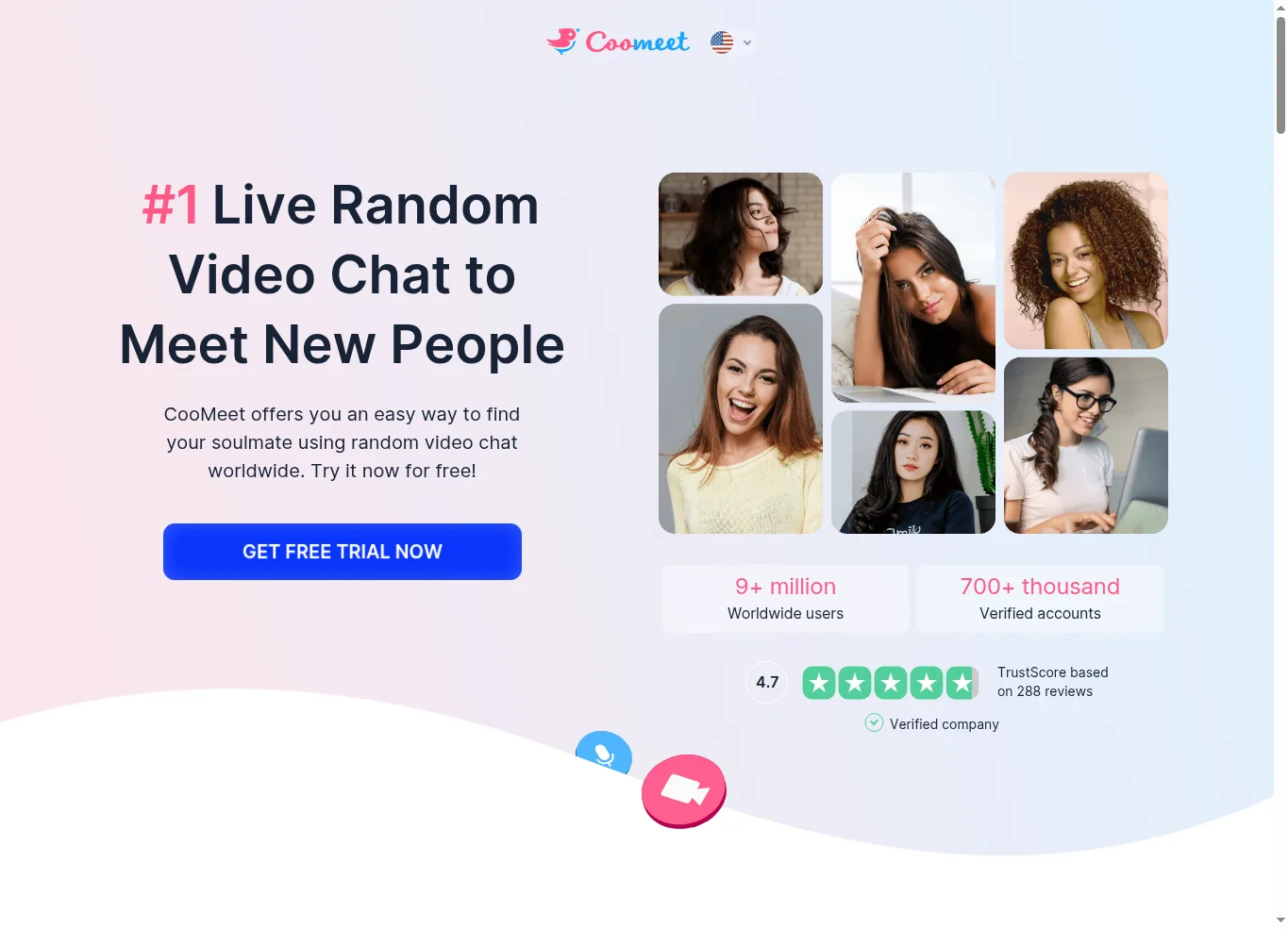
Open the account or sign-in option shown on your version of the service. Enter the credentials or use the identity provider you originally registered with, if that option is offered. The exact buttons may differ between the website and app. If you do not remember how you registered, search your own email for the original welcome message or payment receipt before creating a new account.
Match the login problem to the right fix
| What you see | What to do first |
|---|---|
| Password rejected | Use the official recovery option, if available; check which email was registered. |
| Social sign-in opens a different account | Sign out and choose the identity originally used. |
| Verification email missing | Check spam, spelling and whether you requested more than one code. |
| Sign-in page keeps reloading | Try a clean browser tab, allow necessary site cookies and temporarily disable extensions that break the page. |
| Login works but minutes are missing | Compare your account identifier and receipt; contact official support rather than paying again. |
| Camera does not open after login | Check browser and OS permissions; this is not necessarily an account problem. |
If a verification message arrives late, use the latest valid code rather than cycling through every older message. Never forward a code to another person who says they can restore your balance. If your account is restricted, use the service's support process; opening additional accounts may complicate recovery.
Login is different from premium access
CooMeet's official FAQ describes restricted free chat and premium access, along with paid minute packages. Signing in does not automatically mean that a premium plan is active. Conversely, a payment receipt does not prove you are signed into the correct account.
Before contacting support, collect the purchase date, currency, amount, transaction reference and the account identifier displayed in the product. Mask card details and do not send your password. If a payment was made through a store, find the receipt from that store instead of assuming the web merchant handled it. For a closer look at pricing, see CooMeet cost.
When a guest browser experience makes more sense
If you are looking for an entirely new conversation rather than recovering an existing CooMeet account, a profile-first browser service may be more convenient. On Kiss Live Chat, adults can browse available profiles in guest mode and choose whom to request a call with. A guest session is not a substitute for restoring a paid CooMeet balance. See CooMeet alternatives for differences in discovery and paid access.
The bottom line
Recover the correct account before spending money. Use official login and support routes, keep receipts, and choose a different video chat platform only when you actually want a different experience.
Quick answers
FAQ
Is every website using the CooMeet name official?
No. Begin at the official address above and follow links it provides.
Can I recover an account by purchasing minutes again?
A new purchase does not recover another account. Resolve the account mismatch first.
Why does the app work but the web login fails?
The browser may have a separate session, different identity selected or blocked cookies. Verify the account before troubleshooting camera access.