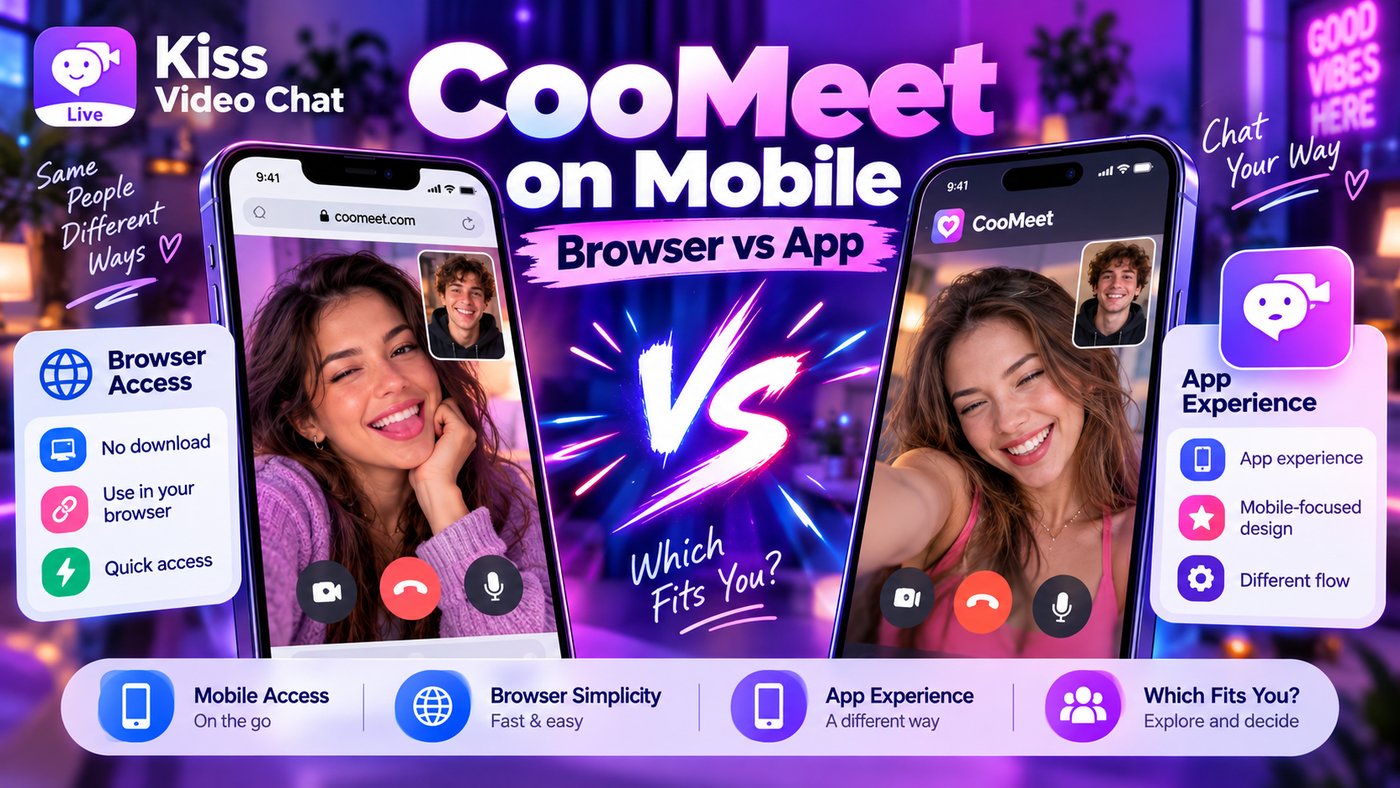
If you want to use CooMeet on a phone, should you open a mobile browser or install its app? CooMeet's official website describes iOS and Android apps and also presents a website-based experience. The right choice is mostly about the interface, your device and the offer available to your account.
Reasons to use the app
A native app is generally easier to reopen, may integrate smoothly with device camera permissions and can keep account access in one place. CooMeet's website directs users to the App Store and Google Play for its official app downloads and says the mobile app is intended to provide the web service's features in a compact interface.
Download only through official store links. Avoid “unlocked Premium” or modded-app packages promising free access, because they can compromise account security and are not a legitimate alternative to a paid plan.
Reasons to use the browser
A browser may be more convenient for a one-time trial or when you do not want to install another application. The trade-off can include camera permission prompts and interface differences on smaller screens. If a mobile browser isn't supported for a specific step, use the provider's official guidance instead of a random workaround.
No source in this review establishes that the app and browser always show identical trial offers, purchase amounts or access rules. Inspect the current plan on the exact device you intend to use.
Compare more than the screen size
CooMeet's official FAQ describes restricted free use, Premium access and purchasable minute packages. Before switching between app and browser, check your account balance, subscription terms and whether purchases are portable. If the terms are unclear, contact official support before making another payment.
If what you actually dislike is the random-call model, try a different discovery style instead. Kiss Live Chat describes browsing online people and choosing whom to call based on interests or language, with live rooms as another way to participate.
A quick mobile decision test
Choose the app when you expect to return regularly and prefer a dedicated interface. Consider the browser for a short trial if the current service supports it. In either case, confirm camera and microphone permissions and review the privacy options that apply. On an older phone, test network stability before committing to a paid minute package.
More importantly, do not double-pay by mistake. A plan purchased through a store may have different management or refund procedures from a payment made on the website. If you switch devices or interfaces, confirm that the same account and entitlements are recognized. When in doubt, use official support instead of experimenting with repeated purchases.
Review CooMeet's current mobile options before paying, or compare Kiss Live Chat if you want a different way to meet people.
A few more answers
Frequently asked questions
Does CooMeet have a mobile app?
Its official website links to iOS and Android app downloads.
Is the mobile app definitely cheaper than the web version?
No verified public evidence here supports that claim; inspect both live offers.
Can I use a video chat service without installing an app?
Some services provide browser access. Availability and account rules vary.