
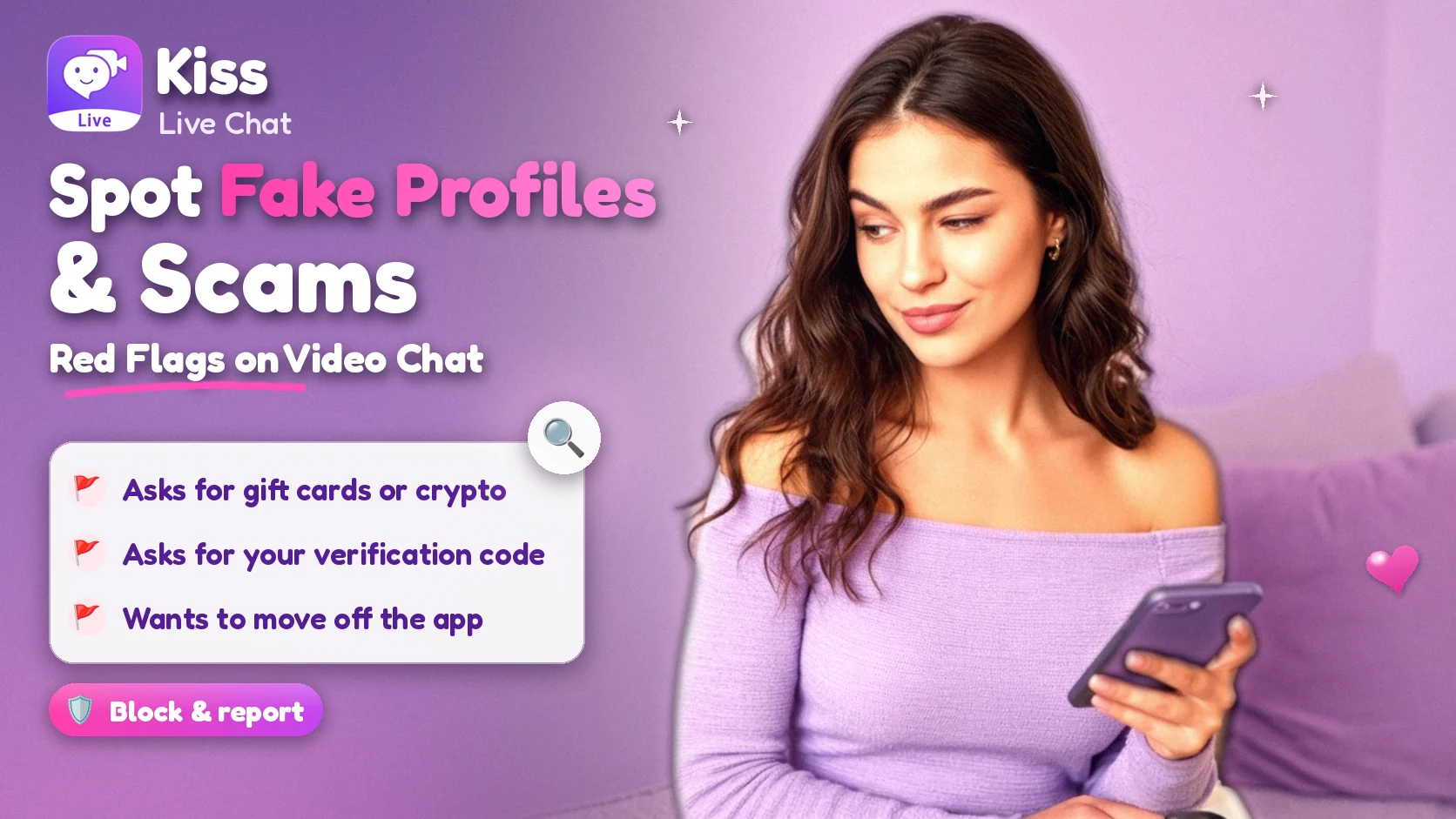
You are talking to someone new. They seem friendly, the conversation flows and you may even see a face on camera. Does that prove the profile is genuine? No. A live-looking video is one piece of context, not a guarantee of identity, intentions or safety. A scammer can use stolen photos, a misleading profile, edited footage or a convincing story. They can also be a real person on camera who is dishonest about what they want.
The most useful warning signs are usually not visual glitches. They are requests and patterns of behavior: pressure to send money, a sudden demand to leave the platform, an urgent 'verification' link, a request for a one-time code, or threats involving a recording. These are actionable red flags whether the camera picture looks perfect or not.
This guide focuses on recognizing patterns, setting practical boundaries and knowing what to do if something goes wrong. It includes the US Federal Trade Commission (FTC) reporting resources described below and practical checks for publicly stated video chat safety controls. The goal is not to make you suspicious of everyone. It is to help you enjoy a conversation without giving away money, account access or sensitive information.
Quick answer: the five highest-priority red flags
If someone you just met on a video chat asks you to send money, share a verification code, open an unfamiliar login page, provide sensitive personal details, or comply with a threat to release a recording, stop the interaction. Do not make a payment or send more material to 'prove you're real'. Save available evidence without spreading private images, report the account through the platform and secure any affected accounts. For financial loss or blackmail, use the official reporting and recovery channels discussed below.
Twelve warning signs, with the right response
| Warning sign | Why it matters | What to do |
|---|---|---|
| 1. They ask for a gift card, crypto or money transfer | Hard-to-reverse payments are common in scams | Decline, stop contact and report |
| 2. They demand an OTP or verification code | It may let them take over an account | Never share the code; change credentials if exposed |
| 3. They send a new 'verification' URL | It may be a phishing site | Stay on the official platform domain |
| 4. They move the chat off-platform immediately | You may lose reporting tools and context | Keep early contact inside the service |
| 5. A crisis requires payment now | Urgency reduces your chance to check facts | Pause; never send money because of pressure |
| 6. They promise a high-return investment | An investment pitch can exploit trust built in a personal conversation | Do not invest or connect a wallet |
| 7. They claim only paying will unlock a call | It may bypass official billing | Only use the real platform checkout, if you choose to pay |
| 8. They refuse any reasonable clarification but demand trust | Inconsistencies plus pressure deserve caution | Keep your boundary, do not interrogate |
| 9. They threaten to share images or recordings | This is coercion and may be criminal | Do not pay; preserve evidence and report |
| 10. The profile appears copied from another account | Images and names can be stolen | Use a reverse-image search as a clue, not absolute proof |
| 11. They pressure you to install unfamiliar software | It could expose your device or data | Use trusted official stores and sites only |
| 12. They ask for your address, work schedule or IDs | Unnecessary data can be exploited | Share less, change subject or leave |
One sign alone does not automatically make a person fake. Someone may want to switch apps for an innocent reason or be hesitant to show their home. The combination of deception, urgency, financial requests and disrespect for boundaries is more revealing than someone's accent, lighting or internet connection.
A real face on screen is not the same as a verified person
It is tempting to think that a scammer would never appear on video. That is false. A person can be real on camera and still lie about their intentions, age, work or relationships. Another person may appear through replayed or manipulated footage. And ordinary technical problems—delay, audio/video mismatch, awkward eye contact—can happen on completely legitimate calls.
For that reason, do not turn a video call into a 'prove you're real' interrogation. Asking someone to perform random gestures, expose documents or disclose a live location may create a privacy problem of its own and is not a reliable identity check. It is safer to judge the requests being made. Someone who accepts your refusal to share a phone number is showing more respect than someone demanding a passport to prove they're genuine.
What about reverse-image searching a profile?
A reverse-image search can provide context when a person's story seems inconsistent. If a profile photo appears under multiple unrelated names or in stock-photo collections, that is a useful clue. But image search is not a court verdict. Real people can have public photos copied by others; a search with no results does not prove identity. Use the result as one signal in a broader decision.
The money request often arrives after a friendly start
Not every scam begins with a suspicious message. In a romance or friendship scam, someone may build trust before introducing a financial emergency or a supposedly lucrative investment. The story may involve a medical bill, travel costs, an overseas job or an account that is temporarily 'frozen'. The particular story matters less than the request: you are being asked to use your own money or financial identity for someone you barely know.
Even if you have chatted for days, do not send gift-card numbers, crypto, bank transfers or access to a payment app. Do not take a screenshot of your banking app to reassure them. Be wary of a new online friend steering you toward a crypto investment. A genuine conversation does not require a financial test of loyalty.
'We need to move to another website' is a useful moment to pause
There are innocent reasons to use another app. But scammers can use off-platform moves to remove a conversation from the original site's reporting tools, send phishing links and avoid moderation. You are allowed to decline. You can say, 'I'd prefer to talk here for now.' If the person becomes angry or insists you must move immediately, that response is itself information.
A particularly suspicious variation is a fake access page with a familiar logo and a slightly different domain. Compare the browser address with the official site's address, not the graphic on the page. Type official URLs yourself instead of following a stranger's shortened link.
What to check before you press Start
You can reduce exposure without turning the call into a complicated security project.
- Camera frame: remove visible documents, ID cards, addresses, packages, school names, work badges and other identifying details.
- Browser permissions: grant camera and microphone access only to the site you intend to use, and review permissions later if necessary.
- Profile information: use the minimum detail needed for an ordinary conversation. A nickname or broad region is often enough.
- Account security: use a unique password and available multifactor authentication for your email and important accounts.
- Payment: understand the service's own pricing, rather than following instructions from the person you're chatting with.
- Exit plan: know where the end-call, block and report controls are before a conversation becomes uncomfortable.
None of these prevents every scam, but each makes one kind of pressure less effective.
How to verify a claim without invading someone's privacy
It is reasonable to ask for ordinary context: 'How did you find this topic?' or 'Which album did you mean?' A person who enjoys the conversation can explain themselves naturally. If a claim matters enough that you would change your financial behavior, do not rely on the other person's word or a video call as evidence. Verify through independent official channels, and avoid sending money or private information in the meantime.
Do not ask a stranger to show their passport, live GPS coordinates, workplace badge, bank app or family photos. Those requests create unnecessary privacy risks. You are free to end a conversation simply because something feels uncomfortable; you do not have to prove the other person is lying first.
Someone threatens to share a recording: what should you do?
Image-based abuse and extortion are serious. Do not send money or more material in an attempt to stop a threat: payment does not guarantee it will end. The FTC's TakeItDown guidance explains requesting removal from the platform, reporting a platform that fails to act, and reporting perpetrators to local law enforcement or the FBI. It is not a promise that the FTC itself will remove an image or resolve an individual case. Use the platform's reporting tools and speak with someone you trust.
A practical sequence:
- Do not send additional images, money or account access. Paying does not guarantee a threat will stop.
- Preserve evidence safely. Keep relevant messages, usernames, URLs, dates and payment receipts. Do not publicly repost intimate material.
- Block and report the account. Use the original platform's reporting flow.
- Secure your accounts. Change exposed passwords, enable multifactor authentication and review connected devices/sessions.
- Report to appropriate authorities. In the United States, the FTC recommends contacting local police or the FBI for image-based blackmail. If a minor is involved, its guidance points to NCMEC's CyberTipline. Outside the US, use the relevant local law enforcement or trusted support organization.
- Ask for support. A trusted person can help you preserve information, contact services and avoid responding under panic.
The goal is to interrupt the coercion. Do not negotiate with a blackmailer or assume that sending one more file will make a recording disappear.
What if you already sent money?
Act promptly, even if you feel embarrassed. Contact the payment company, card issuer, bank or app you used; say you believe the transaction was fraudulent and ask about a reversal or dispute. US consumers can report scams at ReportFraud.ftc.gov. The FTC uses reports for enforcement but does not resolve individual reports or guarantee recovery. Report the scam to the chat platform as well.
If you shared a password or one-time code, secure the account immediately and check for unauthorized logins. If the same password was used elsewhere, change it in those places too. If you installed unfamiliar software, follow your device's trusted malware-removal guidance and consider professional support rather than relying on a 'cleanup tool' sent by the same stranger.
How to use Kiss Live Chat's safety controls
Kiss's current public pages describe 18+ non-explicit one-on-one video chat, reporting and blocking controls, and a Safety Center. Before starting a conversation, read those rules and find the exit/report options in the actual call interface. You should be able to leave a conversation when you want; nobody is entitled to your attention, identity details or money.
If you are interested in trying the service, use the official Kiss Web entry. A free start does not mean every future feature is free, so use the site's own charging prompts rather than payment demands from a person in the call. Avoid third-party links claiming to grant special coins or verify your account.
Kiss is not immune to scams, and no platform can promise zero abuse. What matters is that users keep control over their personal information, call duration and ability to report unwanted behavior.
False alarms: what is not reliable proof of a scam?
A poor webcam, a different accent, an unusual schedule, a visible connection delay or reluctance to share a social media account is not proof that someone is dishonest. Language learners pause. People in shared housing may not want to reveal their background. Users can choose not to disclose identifying details. Be cautious about suspicious behavior, not superficial appearance or stereotypes.
The same principle works in reverse: a flattering profile, great camera, fluent language and long call are not proof of trustworthiness. If the next step is a payment or secret verification request, you can still say no.
Final thought: trust should not require a payment
The best way to avoid video chat scams is not to become an amateur detective who tests every face. It is to maintain clear rules for yourself: no surprise financial transfers, no verification codes, no unfamiliar login links and no compliance with threats. Keep the first conversation light, enjoy meeting someone new and use report/block tools if needed. You can start a conversation on Kiss Live Chat, but you should never have to trade your safety for one more minute of attention.
Quick answers
Frequently asked questions
Can a fake profile appear on a live video call?
Yes. Real-time video alone does not verify identity or intentions, and a person can be genuine on camera while lying about their plans. Judge financial requests, links and pressure more heavily than appearance.
How do I know if a profile photo is stolen?
A reverse-image search may reveal copies under other names or contexts. It is a clue rather than conclusive identity proof, since legitimate photos can also be copied.
Are video chat sites with moderation completely safe?
No. Moderation and reports can reduce abuse, but screen recording, impersonation and scams remain possible. Use privacy boundaries and official reporting tools.
What if someone asks me to buy a 'verification pass' in a private message?
Do not pay a stranger or enter payment details on their link. Verify any genuine service fee through the platform's own official interface and support channel.
Should I pay if someone threatens to post a private video?
Do not pay or send more material to try to stop a threat. Preserve evidence safely, stop contact, report the account and contact appropriate authorities or support services. Payment does not guarantee that a threat will end.
What if I already gave someone my email verification code?
Change the affected account password, check active sessions and recovery details, enable multifactor authentication and contact the provider's official support if you have lost access.
Is it rude to end a conversation that seems suspicious?
No. You can leave whenever you want. Protecting your information and comfort does not require the other person's agreement.