
Is a free random video call really free?
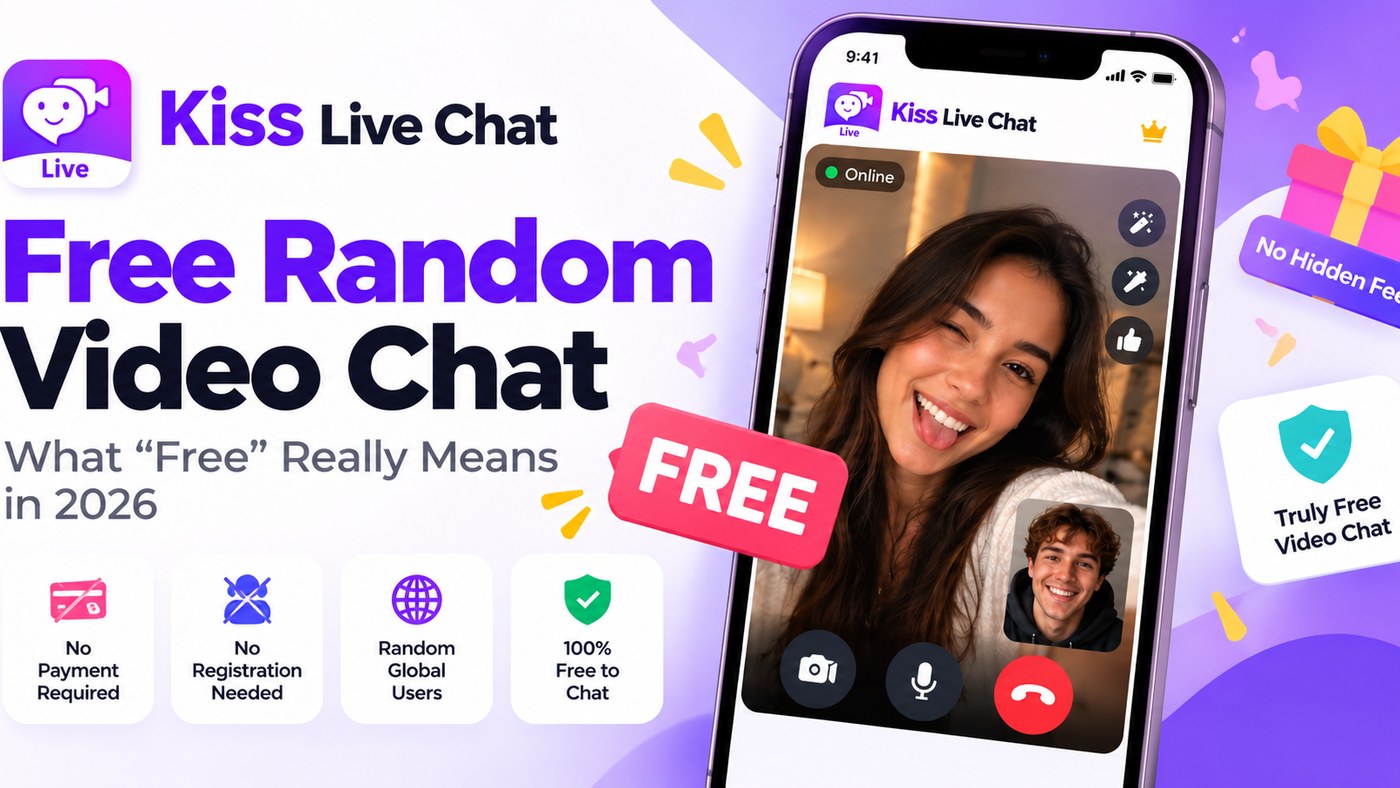
Often yes, but "free" covers different things on different apps. Some random video chat services are free with no time limit and earn from ads or strict rules. Others are free to start and charge for longer calls, filters or extras. Before you pick one, ask two questions: free for what, and for how long? Most apps use one of three models:
- Free with ads or rules. Matching costs nothing; the service earns another way.
- Free to start. The first part is free, then you pay to continue or unlock extras.
- Freemium. Random matching stays free, while filters, boosts or private minutes cost coins or a subscription.
On Kiss, the free part is time-based: the first 60 seconds of each new 1-on-1 call don't use coins. Continuing uses coins at the rate shown in the product.
Published by the Kiss Live Chat team. Details about other services come from their official pages, checked on November 16, 2026, and can differ by country and device. Check the current product before you buy anything.
What is usually free, and what costs extra?
This is the general pattern across video chat apps, next to how Kiss handles each item:
| Feature | Usually free? | On Kiss |
|---|---|---|
| Starting and looking around | Usually yes | Yes: browse the hosts who are online |
| Skipping to the next person | Yes on random apps | Pick someone else, or use Video Match |
| Report and block | Should always be free | Yes |
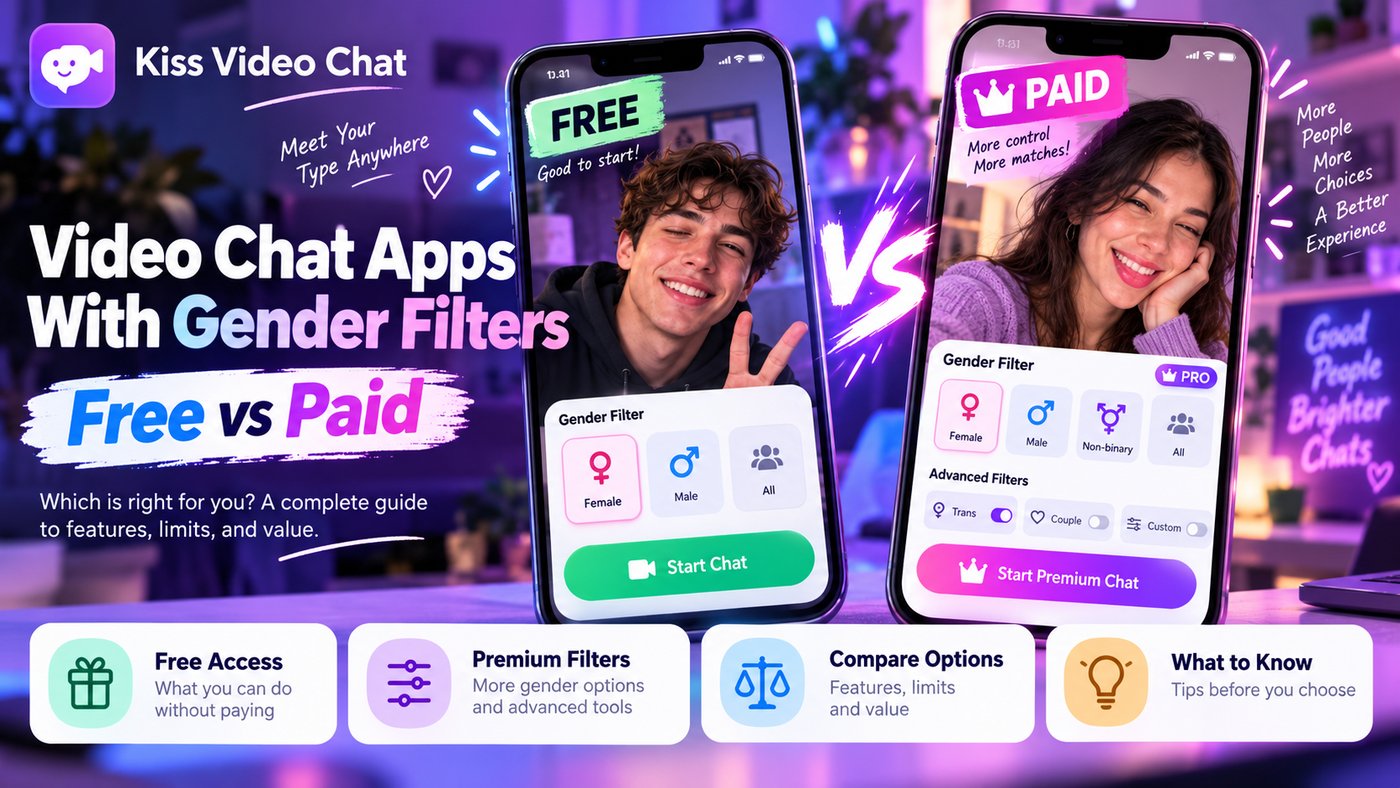
| Gender, country or region filters | Often paid (Premium, Plus, Gems, subscriptions) | Language and country filters are included, also in guest mode; then you choose who to call |
| The first part of a 1-on-1 call | Depends on the app | The first 60 seconds of each new 1-on-1 call don't use coins |
| Continuing a call with the same person | Often paid on call-based apps | Uses coins at the rate shown in the product |
| Gifts and extras | Usually paid | Coins |
| Membership perks | Paid | Optional; current offers are shown in the product |
The useful question for any app is: "free for what, and for how long?" A fair service makes that boundary clear before you have invested time.
What do you actually pay for on other video chat apps?
Paid video chat is not all the same. On one app you pay for a filter, on another for priority, on a third for the minutes you spend in a call. According to each service's official pages (checked November 16, 2026):
| Service | What is free | What costs money |
|---|---|---|
| OmeTV | Random video chat with no time limit (per its FAQ) | No paid gender filter; the gender setting only influences matching |
| CooMeet | Limited free use | Paid call minutes; a 30-day $1.99 package with 40 minutes that auto-renews, then roughly $0.50 per minute used |
| Chatspin | Random matching and AR masks | Plus upgrades for extras such as gender and country filters |
| Shagle | Basic random chat | Premium gender and location filters; virtual gifts |
| Azar | Recommendation-based matching | Gender and region filters with Gems |
| Chatroulette | Basic chat | Quids for extras such as the "Top users" filter |
| Emerald Chat | Random and interest-based chat | Paid plans unlock gender, country and language filters |
| Kiss Live Chat | Browsing hosts; the first 60 seconds of each new 1-on-1 call | Continuing a call and gifts use coins |
For the full CooMeet comparison, including how its minutes are counted, read OmeTV vs CooMeet: random matching or paid 1-on-1 calls?
Is paid video chat worth it?
Paying makes sense when it buys you something specific that you actually use. Before you spend anything, check:
- What exactly you get. A filter, more minutes, gifts, or a membership? Make sure it fixes what bothers you about the free version.
- The price before you start. A fair app shows the cost in the product before you commit, not after.
- Renewals. Some packages renew automatically. Know how to cancel before you buy.
- How much you would use it. If you chat once a month, paying per call usually beats a subscription; if you chat daily, the maths changes.
- Safety tools. Report and block should never be behind a paywall.
If the free part already gives you what you want, there is no need to pay. Spend only on conversations you actually want to keep going.
How do free and paid work on Kiss?
- Look around first. Open Kiss in your browser and browse the hosts who are online. Narrow by language and country if you like.
- Choose who to call, or use Video Match if you'd rather be surprised.
- The first 60 seconds of each new 1-on-1 call don't use coins. That is enough to say hello and see if you click.
- Keep talking with coins if you want the call to continue. The current rate is shown in the product before you pay.
- Gifts also use coins. Any optional membership and its current terms are shown in the product.
What happens when the first minute ends, and how to top up, is covered step by step in Kiss Live Chat coins: free 60 seconds, call costs and how to continue. Kiss is for adults 18+.
How should you read "no coins, no limits" promises?
Some sites promise calls with no coins and no limits, forever. That can be true, usually because the service runs on ads or does very little moderation. Before you rely on a promise like that, check three things:
- Who runs it? A real service has a contact page, terms and an 18+ rule.
- How does it make money? If there are no ads and no purchases, ask why.
- What happens after a few minutes? Some "free" apps switch to paid only once you are mid-conversation.
And never pay a stranger directly, buy gift cards for someone you met on camera, or download a "free coins" tool. Those are scams, not features.
How do you make the first minute count?
- Browse first and pick someone whose profile interests you, so the first minute isn't spent on small talk.
- Set a language or country filter so the first minute isn't spent working out how to understand each other.
- Have an opener ready, such as a question about something on their profile.
- Use good light and headphones so you are easy to see and hear.
- Decide before the minute ends whether you want to keep talking.
Bottom line: free or paid?
Free video chat is easy to find; a clear boundary between free and paid is rarer. Compare what each app charges for, pay only for something you will use, and check the price in the product first. On Kiss, browsing is open and the first 60 seconds of each new 1-on-1 call don't use coins. Have a look around.
Browser-based options and random chat are compared side by side in this independent look at free video calls online.

Add Kiss to your home screen
No download needed: the Kiss web app opens full-screen from an icon, like an app.
- Android · Chrome: ⋮ menu → “Install app” or “Add to Home screen”
- iPhone · Safari: Share → “Add to Home Screen”
Prefer the app? Get the iPhone app
Quick answers
FAQ
Is there a free random video call app without coins?
Yes. Some services, such as OmeTV, offer random video chat with no time limit and earn from ads or rules instead of coins. Others are free to start and charge for longer calls or filters.
Is paid video chat worth it?
Only if it buys something specific you will use, such as more minutes with someone you like. Check the price in the product before you start, know whether the package auto-renews, and never pay for basic safety tools.
What is the difference between free and paid video chat?
Free usually covers matching or the first part of a call. Paid usually covers filters, longer calls, gifts or a membership. Each app draws the line in a different place.
What is free on Kiss Live Chat?
Browsing the hosts who are online, and the first 60 seconds of each new 1-on-1 call, which don't use coins.
What do Kiss coins pay for?
Continuing a call after the first 60 seconds, and gifts. The current rate is shown in the product. See our guide to Kiss coins for details.
Do I need an account to look around on Kiss?
You can open Kiss in your browser as a guest and look around before deciding whether to call anyone, and narrow by language and country while you browse. Kiss is for adults 18+.