
What guest mode is
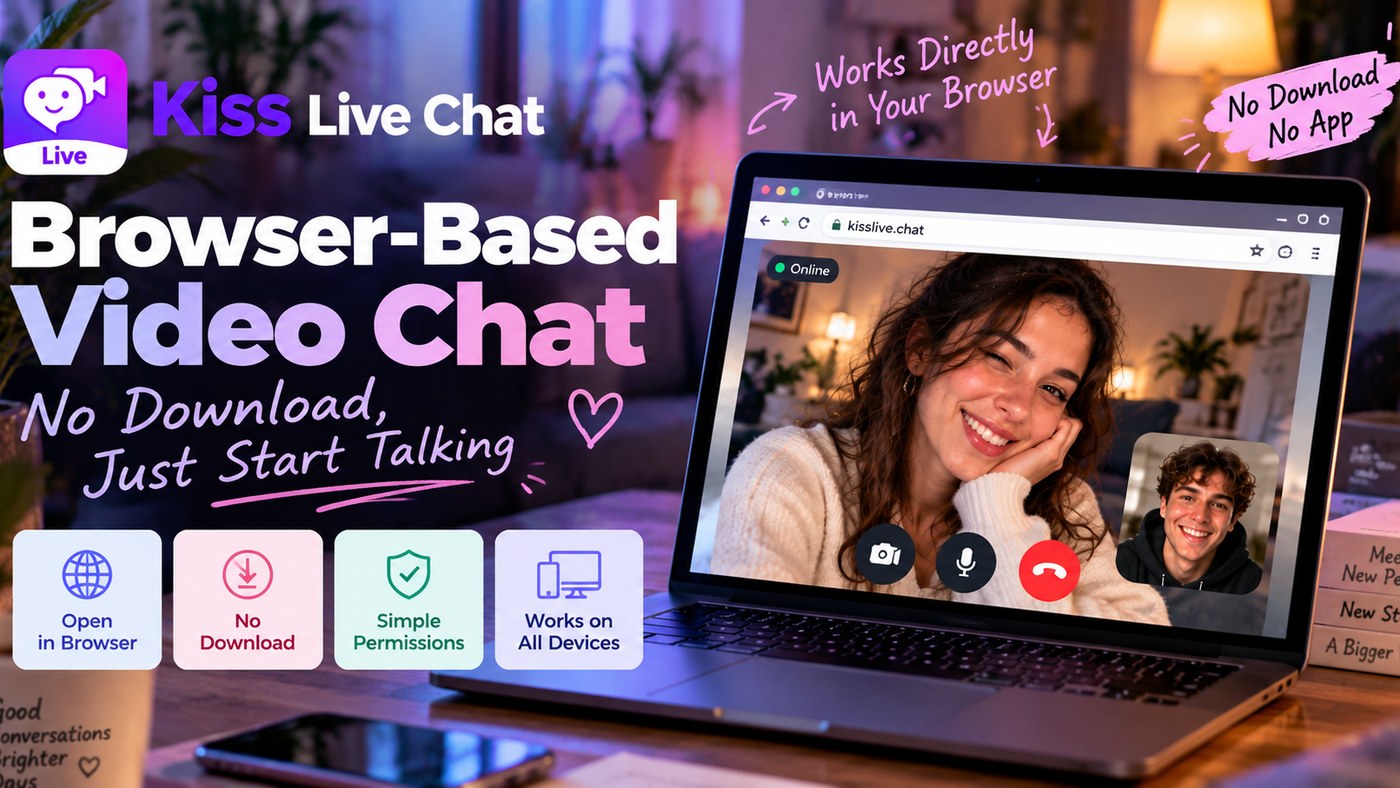
Guest mode is a web feature of Kiss Live Chat. It lets you start a random 1-on-1 video chat with real people worldwide in your browser, without registering first. It is handy when you want to try Kiss before you decide anything else.
How to start as a guest
- Open kisschat.live in your browser, on a computer or phone.
- Choose guest mode.
- Allow camera and microphone access when your browser asks.
- Press start and say hi.
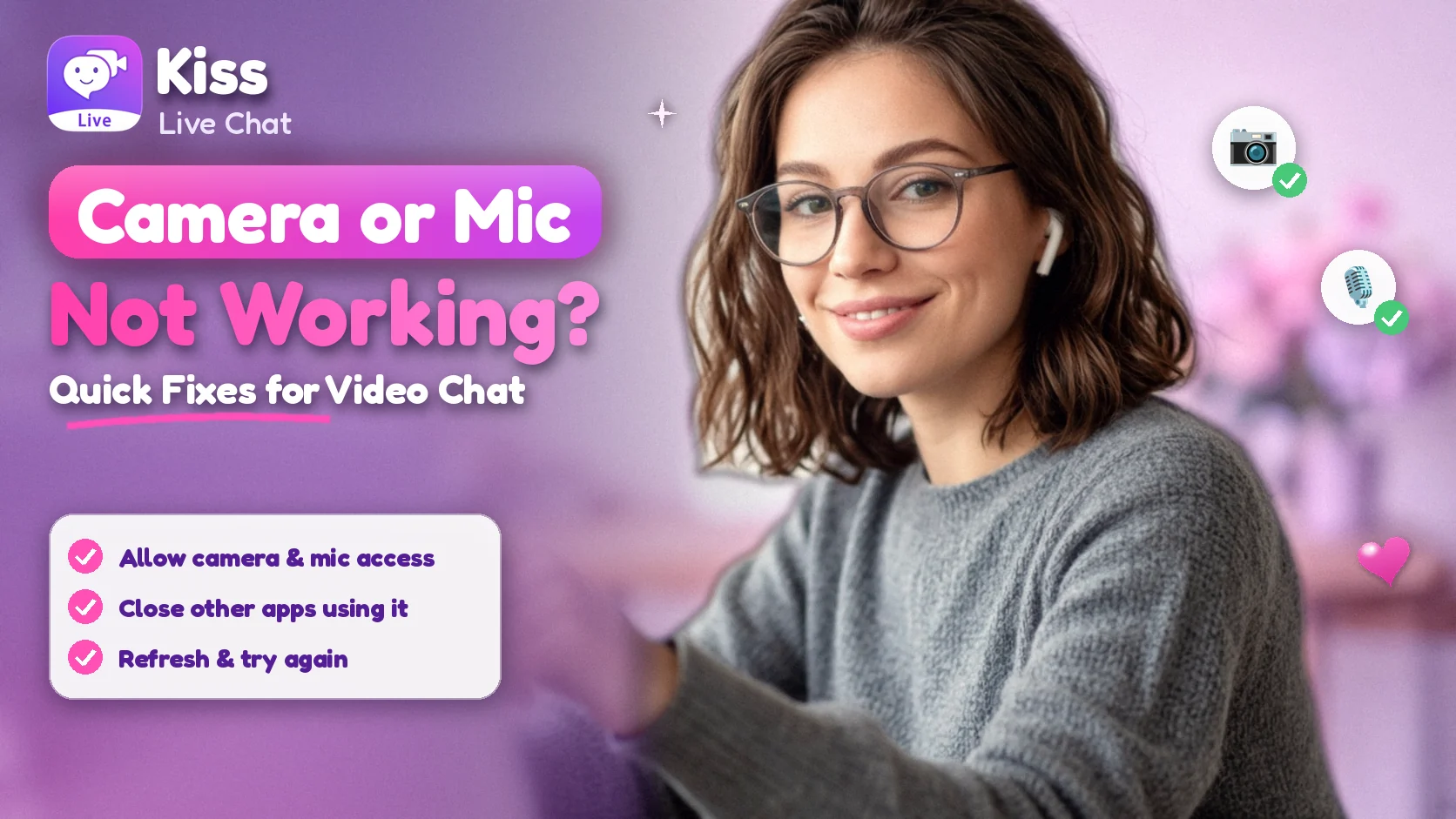
Camera not showing up? See our guide to camera and mic problems.
Use the filters
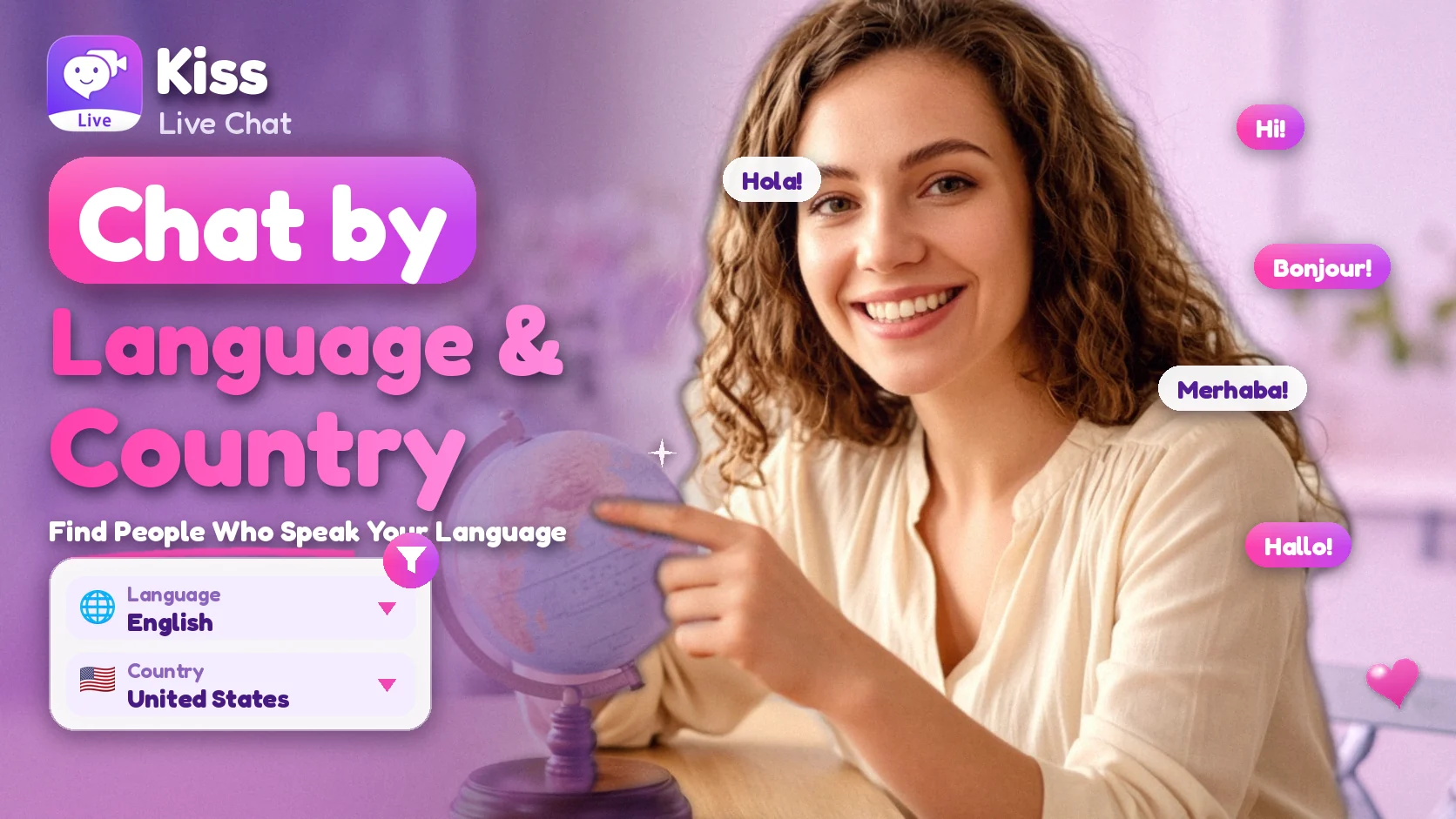
As a guest you can use the language and country filters to steer who you meet. Within your filters, matching stays random. Learn more in how to use the language and country filters.
Tips for your first chats
- Use good light and a quiet room.
- Open with a simple question, such as where they are from.
- Keep personal details private, and use the report and block tools if a chat feels wrong.
Want more features?
Guest mode is about the web. The Kiss app also has coins, translation and games. Prefer to stay in your browser? MeetNow Web is another web entry point for video socializing.

Add Kiss to your home screen
No download needed: the Kiss web app opens full-screen from an icon, like an app.
- Android · Chrome: ⋮ menu → “Install app” or “Add to Home screen”
- iPhone · Safari: Share → “Add to Home Screen”
Prefer the app? Get the iPhone app
Quick answers
FAQ
What is guest mode on Kiss Live Chat?
It is a web feature that lets you start a random 1-on-1 video chat in your browser without registering first.
Where can I use guest mode?
On the web, at kisschat.live, in a desktop or mobile browser.
Can I use the filters as a guest?
Yes, you can set the language and country filters to steer your matches; within them, matching is random.
Why can’t the site see my camera?
Allow camera and microphone access in your browser settings, close other apps using the camera, and reload the page.
Is Kiss Live Chat for adults only?
Yes, Kiss Live Chat is for people aged 18 and over.