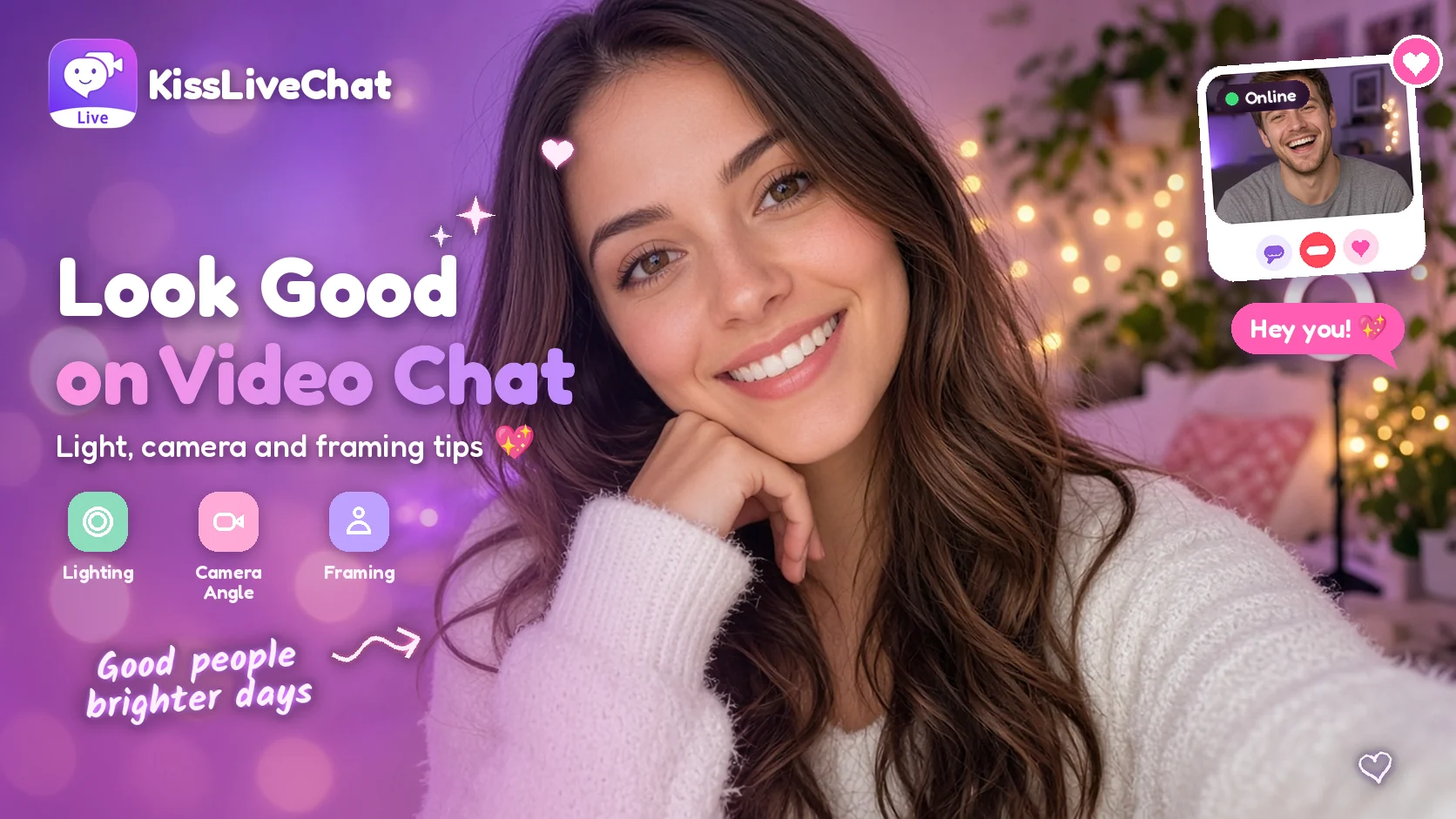
You don't need a studio to look great on camera. A few small changes, most of which take less than a minute, can make a big difference to how you come across on a video call. Good lighting, a sensible camera angle and a tidy frame help people focus on what matters: you and the conversation.
These tips work for any video chat app, including Kiss Live Chat in your browser.
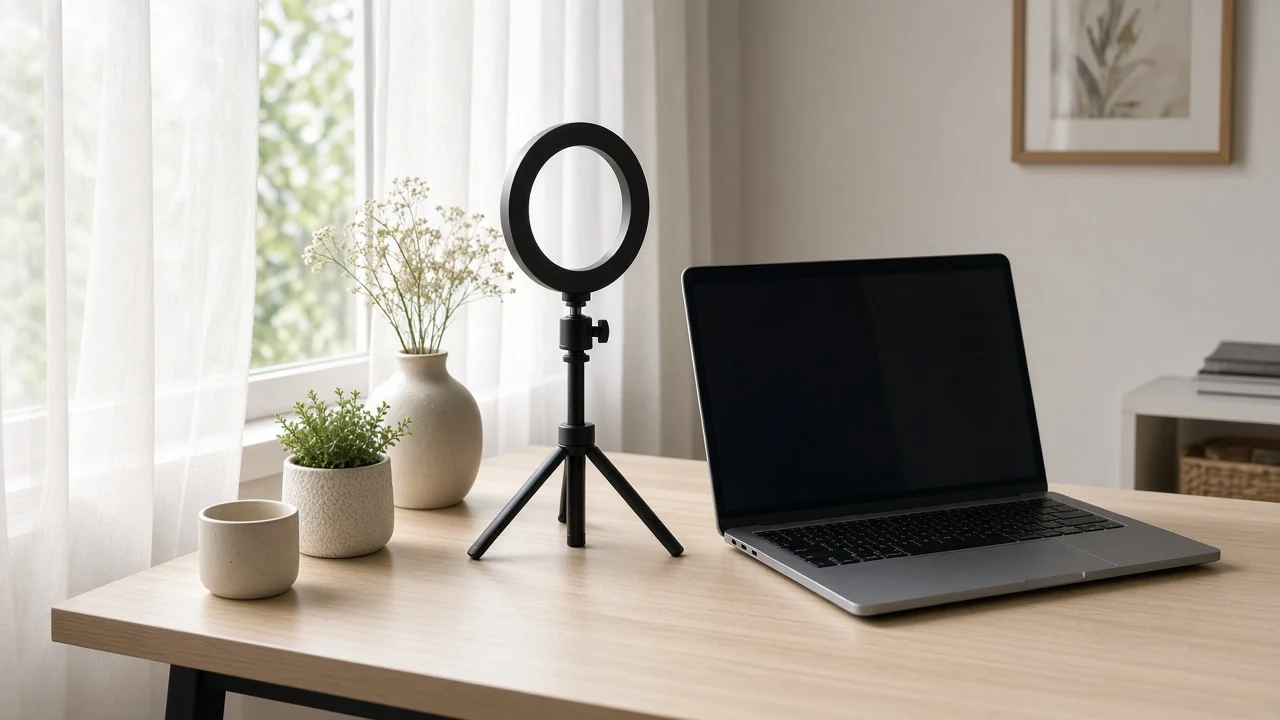
1. Lighting: face the light
Lighting makes the biggest difference of all.
- Face a window. Soft daylight in front of you is the most flattering light there is.
- Avoid bright light behind you. A window at your back turns you into a silhouette.
- Use a lamp at night. Place it in front of you, slightly to one side, at about face height.
- Warm, soft light beats harsh overhead light. Ceiling lights alone can cast shadows under your eyes.
2. Camera angle: eye level is best
- Raise your camera to eye level. Stack a few books under your laptop or prop up your phone.
- Look at the lens when you talk. It feels like eye contact to the other person.
- Keep a comfortable distance. About an arm's length away usually works well.

3. Framing: head and shoulders
| Framing tip | Why it helps |
|---|---|
| Head and shoulders in view | Feels natural and personal |
| A little space above your head | Avoids looking cramped |
| Centered in the frame | Easy to focus on |
| Hands visible now and then | Makes you more expressive |
4. Background: simple and personal
A tidy background with one or two personal touches, such as a plant, a bookshelf or a guitar on the wall, looks great and can even spark conversation. Clear away clutter that pulls attention.
5. Sound and connection
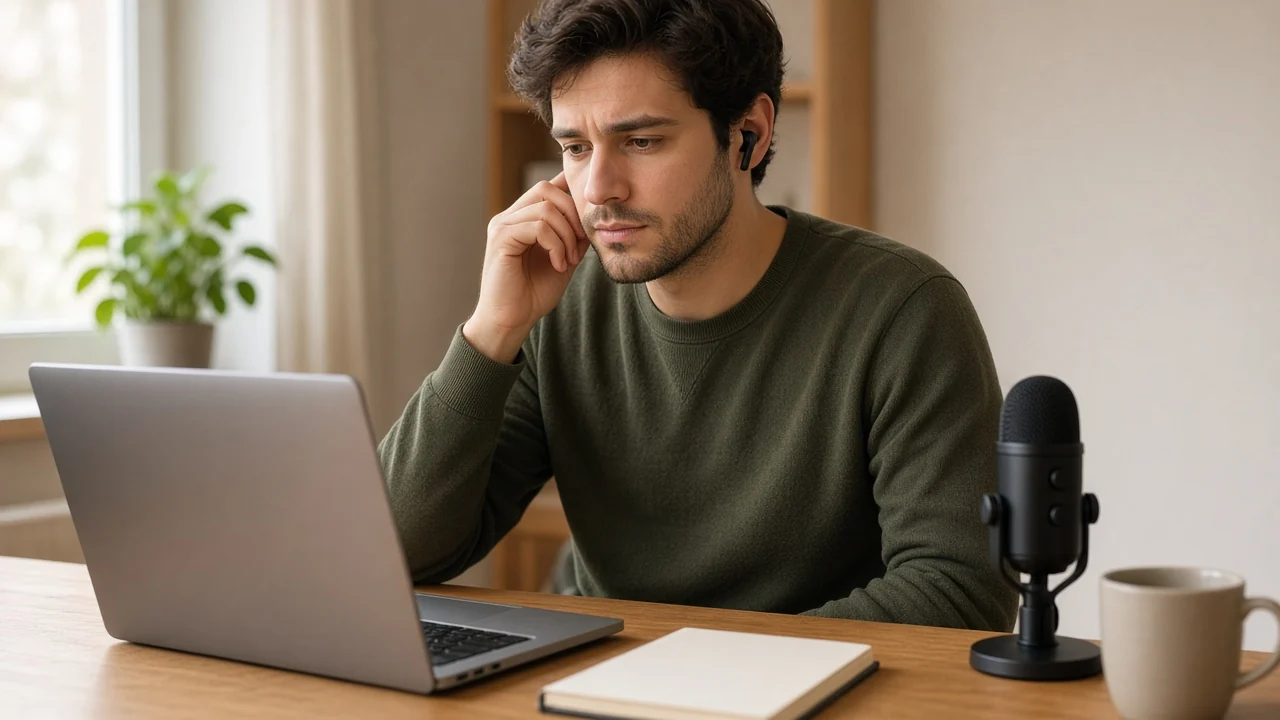
Looking good is only half of it. Sit somewhere quiet, use headphones if there's background noise and check your connection. If your camera or microphone gives you trouble, our guide to fixing a camera or microphone that isn't working walks you through it.
6. Be yourself
The most attractive thing on any video call is a relaxed, friendly expression. Smile, react naturally and enjoy the conversation. A good profile photo taken in the same light helps too; see our video chat profile tips. And if you post Reels, these same lighting tips will make them shine; see Kiss Live Chat Reels.
Quick checklist before you call
- Light in front of you, not behind
- Camera at eye level
- Head and shoulders in frame
- Tidy background
- Quiet spot and good connection
Try your new setup on Kiss Live Chat
Final thoughts
Great video chat presence comes down to light, angle and a relaxed smile. Spend one minute setting up before your next call and let your personality do the rest.
Updated November 1, 2026. Third-party features and pricing may change.

Add Kiss to your home screen
No download needed: the Kiss web app opens full-screen from an icon, like an app.
- Android · Chrome: ⋮ menu → “Install app” or “Add to Home screen”
- iPhone · Safari: Share → “Add to Home Screen”
Prefer the app? Get the iPhone app
A few more answers
Frequently asked questions
What's the easiest way to look better on video chat?
Face a window or lamp so light falls on your face, and raise your camera to eye level.
Why do I look dark on video calls?
Usually there's bright light behind you. Turn so the light source is in front of you.
Do I need special equipment?
No. Daylight, a desk lamp and a stack of books under your laptop are usually enough.