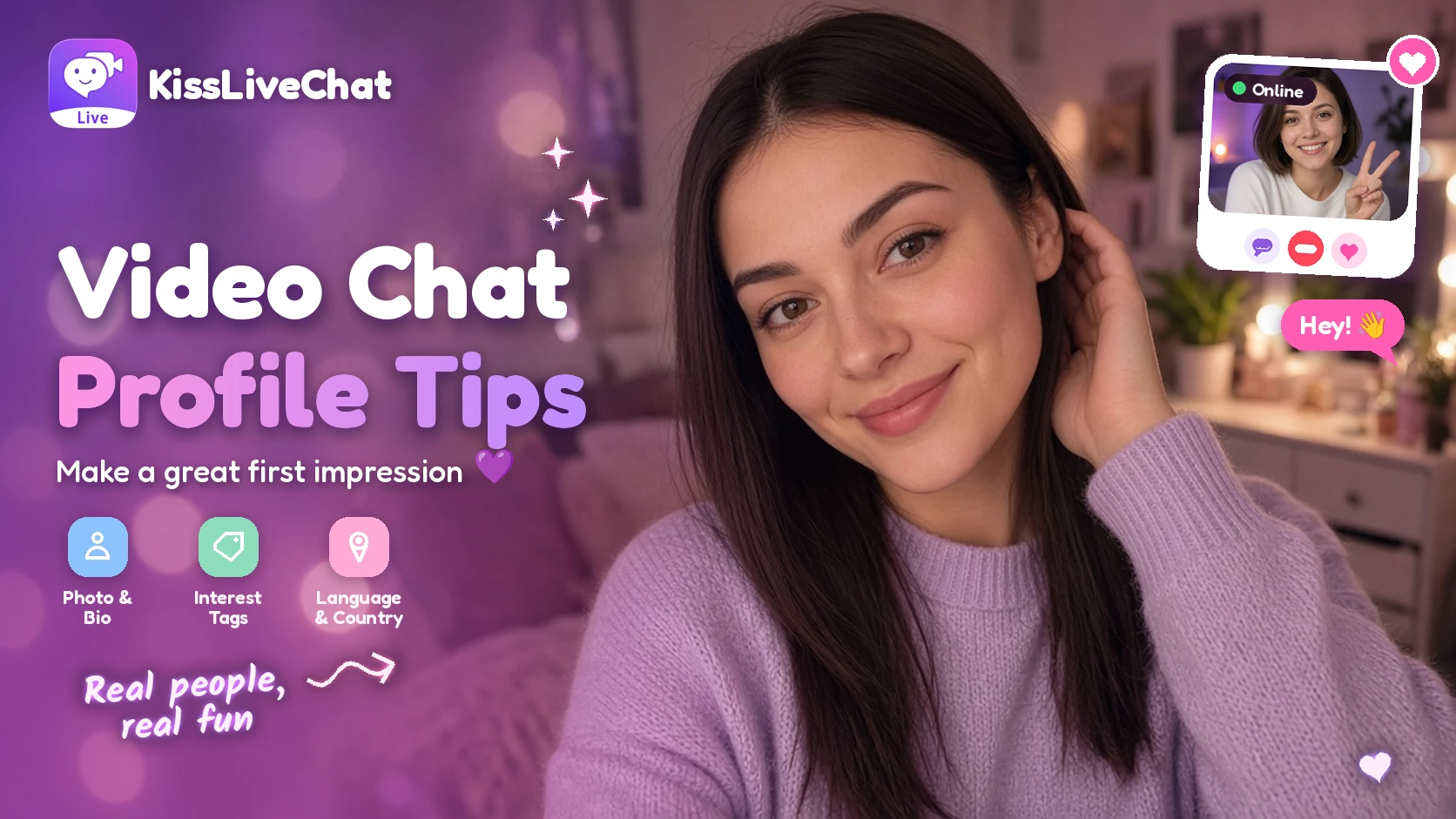
On apps where you can browse who's online before you call, your profile does a lot of work. It's the first thing people see, and it often decides whether they say hello. The good news: a great profile doesn't take long to set up.
These tips work on any profile-based video chat app. We'll use Kiss Live Chat as the example, since you can browse people in the For You, New and Follow lists and filter by language, interests and country there. For background on this style of app, see video chat apps where you choose who to call.

1. Choose a clear, friendly photo
- Show your face. A clear, well-lit photo where you're looking at the camera works best.
- Smile naturally. Friendly beats perfect.
- Use natural light. Face a window rather than sitting with it behind you.
- Keep it current. People should recognize you when the call starts.
Our guide to looking good on video chat covers lighting and camera angles in more detail.
2. Write a short bio that invites questions
A good bio is short, specific and gives people something to ask about.
| Instead of | Try |
|---|---|
| "Just here to chat" | "Coffee nerd from Lisbon, always looking for new music" |
| "Ask me anything" | "Learning Spanish, ask me about my worst grammar mistake" |
| "Bored lol" | "Weekend hiker, currently planning a trip to Japan" |
One or two lines is enough. The goal is to hand people an easy opener.

3. Pick interest tags that are really you
Interest tags help people with the same hobbies find you. On Kiss Live Chat, tags include things like Movies, Fitness, Food and Photography. Choose the ones you'd genuinely enjoy talking about for ten minutes, not every option on the list.
You can also join Communities such as Travel, Music, Gaming, Pets and Languages. See our Kiss Live Chat Communities guide.
4. Set your language and country
Language and country settings help people who share a language find you, and help you find them. On Kiss Live Chat, languages include English, Spanish, French and German. If you're open to meeting people who speak other languages, Kiss also offers real-time translation. Read more in our guide to international video chat with language matching.
5. Add a Reel
A short video shows personality in a way photos can't. A clip of a hobby, your favorite view or your pet is plenty. See Kiss Live Chat Reels for ideas.
Quick profile checklist
- Clear, current photo with good light
- One or two lines of bio with a hook
- Three to five interest tags
- Language and country set
- A Reel, if you like
Set up your profile on Kiss Live Chat

Final thoughts
A good profile is like a friendly wave before the call even starts. Spend five minutes on your photo, bio and interests, and you'll notice the difference in the conversations you have.
Updated November 1, 2026. Third-party features and pricing may change.

Add Kiss to your home screen
No download needed: the Kiss web app opens full-screen from an icon, like an app.
- Android · Chrome: ⋮ menu → “Install app” or “Add to Home screen”
- iPhone · Safari: Share → “Add to Home Screen”
Prefer the app? Get the iPhone app
A few more answers
Frequently asked questions
What makes a good video chat profile photo?
A clear, well-lit, current photo of your face with a natural smile works best.
How long should my bio be?
One or two lines. Make it specific so people have an easy question to ask you.
Do interest tags really help?
Yes. On apps like Kiss Live Chat, interest and language filters help people who share your interests find you.