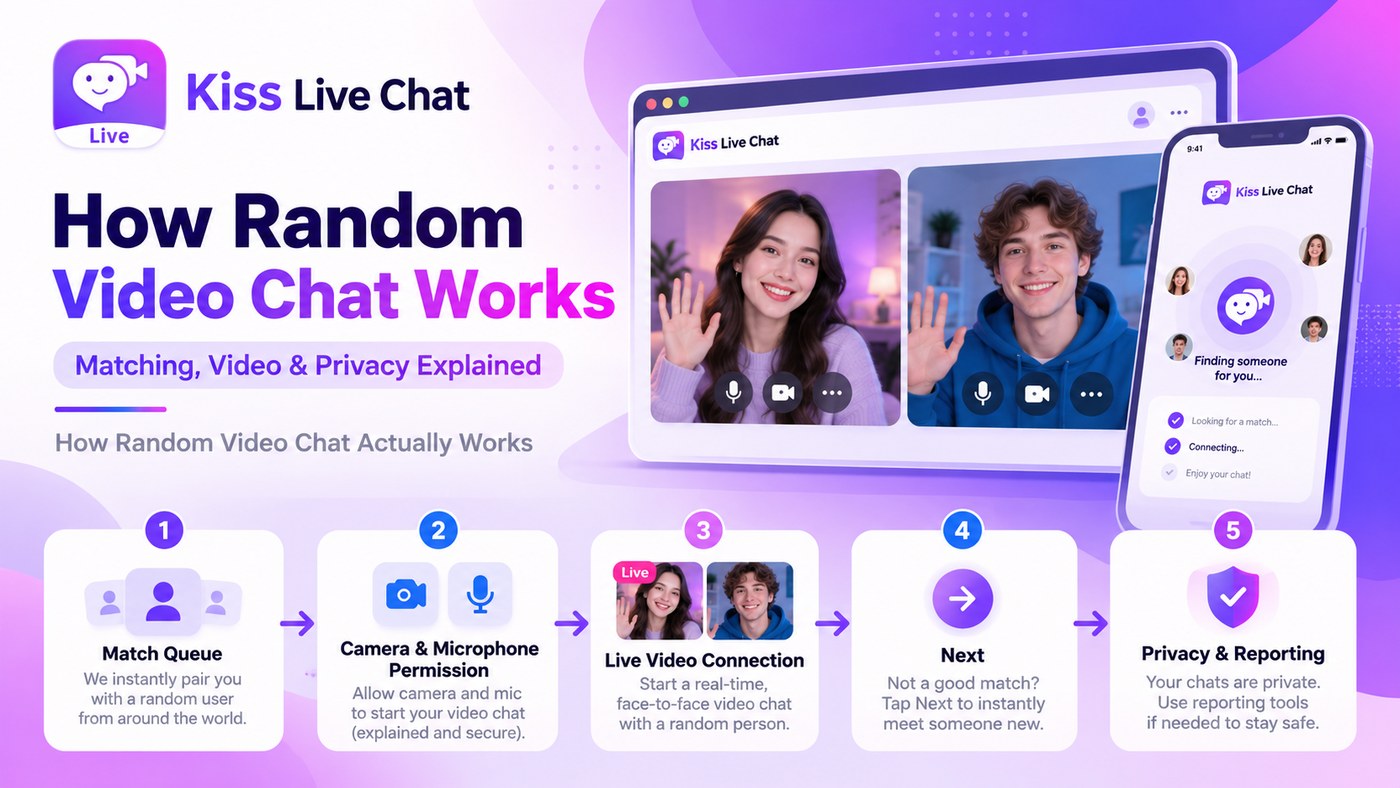
Random video chat has one big drawback: you press Start and someone else's camera decides your next minute. If you spend more time skipping than talking, look for apps that add a choice before the call. Some show you who's online, some show a photo and wait for both of you to agree, and some let you narrow the random pool. This guide sorts the main options by how much choice you really get, based on each service's official pages (checked October 12, 2026).
Quick answer: apps where you choose who to call
- Browse who's online, then call: browse-first apps, where you pick a person and start a one-on-one video call.
- Profile cards and invites: Azar's Discover tab (iOS 7.0.0 and later) shows profile cards with free views every 12 hours. Its newer iOS matching (7.11.0+) shows a card before each match, and you tap Invite or Skip.
- Photos plus mutual choice: Chatroulette shows photos of potential partners and starts a chat only when you both agree.
- Narrow the random pool: Shagle (Premium gender and location filters), Chitchat.gg (interest and region filters; gender filter in Premium) and Azar (some preferences cost Gems).
Three ways apps let you choose
1. Browse-first: you pick a person
You see a list or feed of people who are online, with some details, and you decide who to call. Choice happens before any camera turns on. The other person can still decline, but you're not leaving the first hello to chance.
2. Mutual matching: you both say yes
The app suggests someone, shows a photo or profile card, and connects you only if both people accept. It's still a suggestion, not a directory, but nobody lands on camera unannounced.
3. Filtered random: you shape the pool
The app still picks at random, but filters narrow it by gender, country or interests. You influence who appears without choosing a specific person. For the random end of the spectrum, see apps like Omegle.
Choose-who-to-call apps compared
| App | Type of choice | Cost of choosing (official) |
|---|---|---|
| Browse-first apps | Browse who's online, then start a 1-on-1 call | Varies by app |
| Azar Discover (iOS 7.0.0+) | Profile cards; invites | Free views per 12-hour cycle; Gems to refill; some filters paid |
| Azar new matching (iOS 7.11.0+) | Profile card first, Invite or Skip, mutual confirm | Charged per profile card opened |
| Chatroulette | Photos plus mutual agreement | Free; Quids for a "top users" filter |
| Chitchat.gg | Filtered random; add friends from history | Free chat; gender filter needs Premium |
| Shagle | Filtered random | Gender and location filters are Premium |
Checked on official sites and help centers, October 12, 2026.
The options in detail
Azar: profile cards in Discover and new matching
Azar's help center says the Discover tab (iOS 7.0.0 and later) gives each user a number of free profile views per cycle. The deck refreshes every 12 hours, or you can refill it with Gems. Its App Store listing also mentions a "Lounge" of curated profiles you can browse and follow. In the newer matching on iOS 7.11.0+, you see a profile card and tap Invite or Skip. If you both invite, you confirm your camera and the chat starts. Azar says opening each card is charged, whatever you choose. See Azar Pick and Match explained and our Azar app review.
Chatroulette: photos and consent
Chatroulette says it shows photos of potential partners and starts a chat when you both agree. It's free with no account needed, and has a country filter and iOS and Android apps. Its Quids currency (10 to start, up to 33 per chat, plus 2 when you're chosen) unlocks a "top users" filter.
Chitchat.gg: filters plus friends
Chitchat.gg is still random, but you can filter by interests and region, and add a gender filter with Premium Basic (per its support page), then add people from your chat history as friends. That way a good chat doesn't have to be a one-off.
Shagle: pay to narrow
Shagle keeps classic roulette and puts gender and location filters behind Premium. It narrows the pool, but you never choose an individual.
How to pick the right model for you
- Do you want to know something before the camera turns on? If not, random or filtered random is fine.
- Is a photo and mutual "yes" enough? Try Chatroulette or Azar's card-based matching.
- Do you care about language or shared interests? Browse-first apps show those details up front. See video chat apps with interest matching.
- Check the cost of choosing. On per-card billing, every skip costs money. On browse-first apps, look at what's free before you start.
Why choosing first makes better conversations
If you can see that someone likes hiking or speaks Turkish, you can open with something real: "Where do you hike?" or "Merhaba, where did you learn English?" That beats "hey" and hoping. A profile is a starting point, not a promise of chemistry or proof of identity. Still, it gives both people an easier first minute. Practicing a language? Read international video chat with language matching.
How a browse-first app works in practice
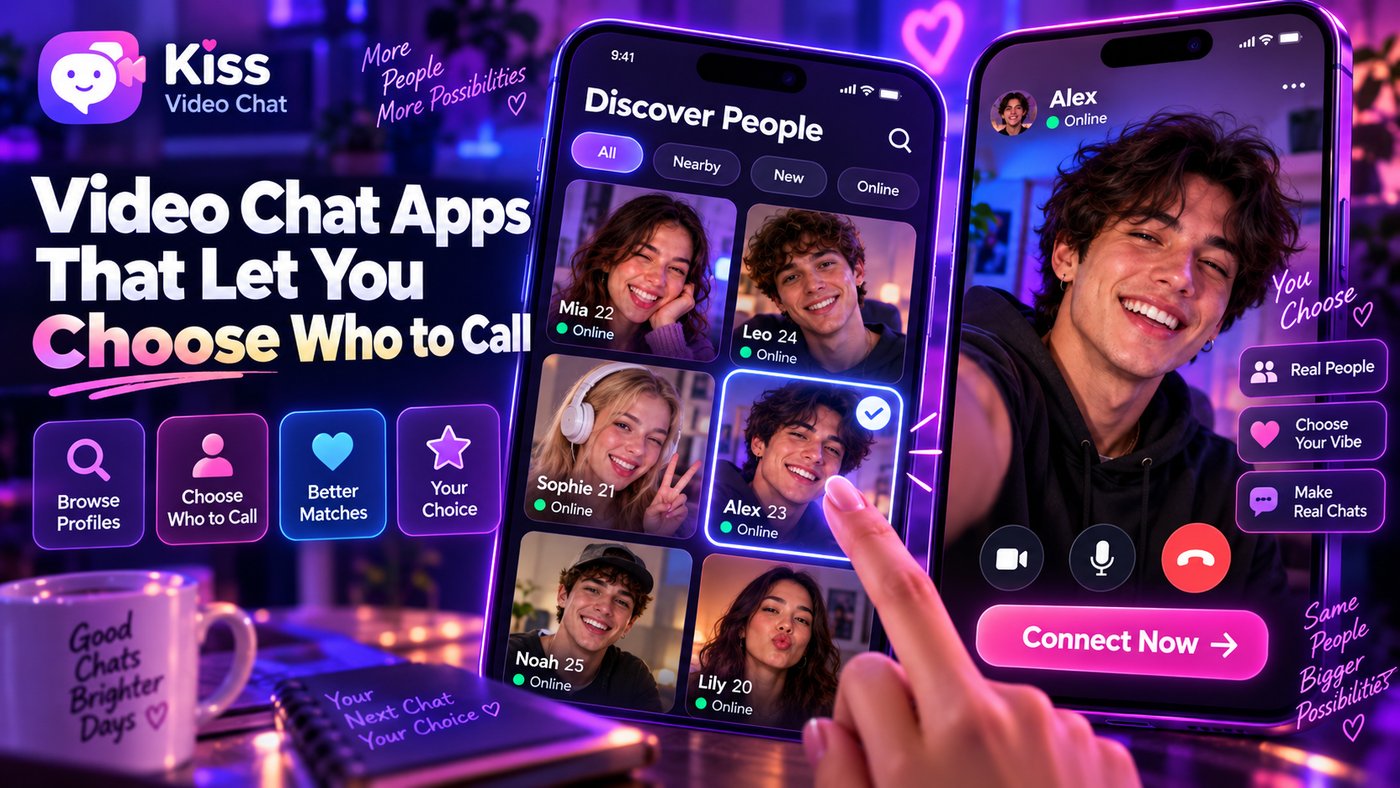
Kiss Live Chat is built around this model. You see who's online, check details like language and interests, and start a one-on-one video call with the person you chose. Beyond calls, there are live rooms, Reels, games and chats, plus block and report tools if a conversation goes wrong. Choosing doesn't mean the other person must answer; it means your first hello is deliberate. If you'd still like to compare random sites, see our best random video chat sites.
Want to choose instead of skip? Get Kiss Live Chat and see who's online.
Choosing comes with responsibility
- A declined invite is an answer. Don't keep calling the same person.
- Read the profile before you call, and reference it lightly, not like a checklist.
- Keep first calls short and friendly, and let the other person end them freely.
- Block and report anyone who pressures you for money or explicit content.
Meeting women without buying a gender filter
A gender preference narrows a matching pool; a profile lets you choose a particular available person. If your aim is to meet women, Kiss's female-host profile list offers the second route. That is a different discovery model, not a workaround that makes paid call time free.
Before calling, check three separate things: whether profile browsing is available in your current session, what the selected person actually lists, and what continuing the call costs. Kiss advertises a free first 60 seconds on each new one-to-one web call, followed by coins for continuation. An available profile is not a reservation, and the free introduction does not promise unlimited repeat calls.
If nobody currently lists your preferred language, broaden the country preference or return later. Do not buy a feature because someone promises that a particular host will appear, and do not repeatedly call someone who declines. Once you choose a profile, the first-conversation guide helps with the next decision: what to say.
If you plan to return through the browser, you can also save Kiss to your home screen. Saving an icon changes convenience, not access or calling charges.
Conclusion: decide how much choice you want
If you only want to shape a random pool, Shagle, Chitchat.gg or Azar's preferences will do. For a mutual "yes" first, Chatroulette and Azar's card-based matching work, though Azar may charge per card. For full choice of who to call, browse first: open Kiss Live Chat, see who's online and start the call yourself.
Related guide: Random Video Call App: Which One Is Best for You?
If the specific question is how to meet women without buying a gender filter, choose the discovery model before comparing prices: browsing a host profile can answer who to approach, but you still need to check the cost of the call and respect a declined invitation.

Add Kiss to your home screen
No download needed: the Kiss web app opens full-screen from an icon, like an app.
- Android · Chrome: ⋮ menu → “Install app” or “Add to Home screen”
- iPhone · Safari: Share → “Add to Home Screen”
Prefer the app? Get the iPhone app
A few more answers
Frequently asked questions
Which video chat apps let you choose who to call?
Browse-first apps let you pick someone from who's online and start the call. Azar's Discover and newer iOS matching show profile cards you can invite or skip, and Chatroulette connects you only when both people agree after seeing photos.
Is choosing who to call free?
It depends on the app. Chatroulette is free; Azar gives free Discover views every 12 hours but charges Gems for refills, and on iOS 7.11.0+ it charges per profile card opened. Shagle's filters are Premium.
What's the difference between filters and choosing a person?
Filters such as gender or country only narrow a random pool. Choosing means you see a specific person, or their profile or photo, before deciding to connect.
Can the other person decline my call?
Yes. Choosing who to call never forces a connection. The other person can decline or end the call at any time.
Why does browsing first lead to better conversations?
Seeing details like language or interests gives you a real topic to open with, which usually makes the first minute easier for both people.
Does avoiding a paid gender filter make the whole call free?
No. Profile-based discovery and call-time billing are separate. Kiss advertises 60 free seconds on a new one-to-one web call, with coins to continue. Check the actual call screen; do not assume repeated calls are always free.