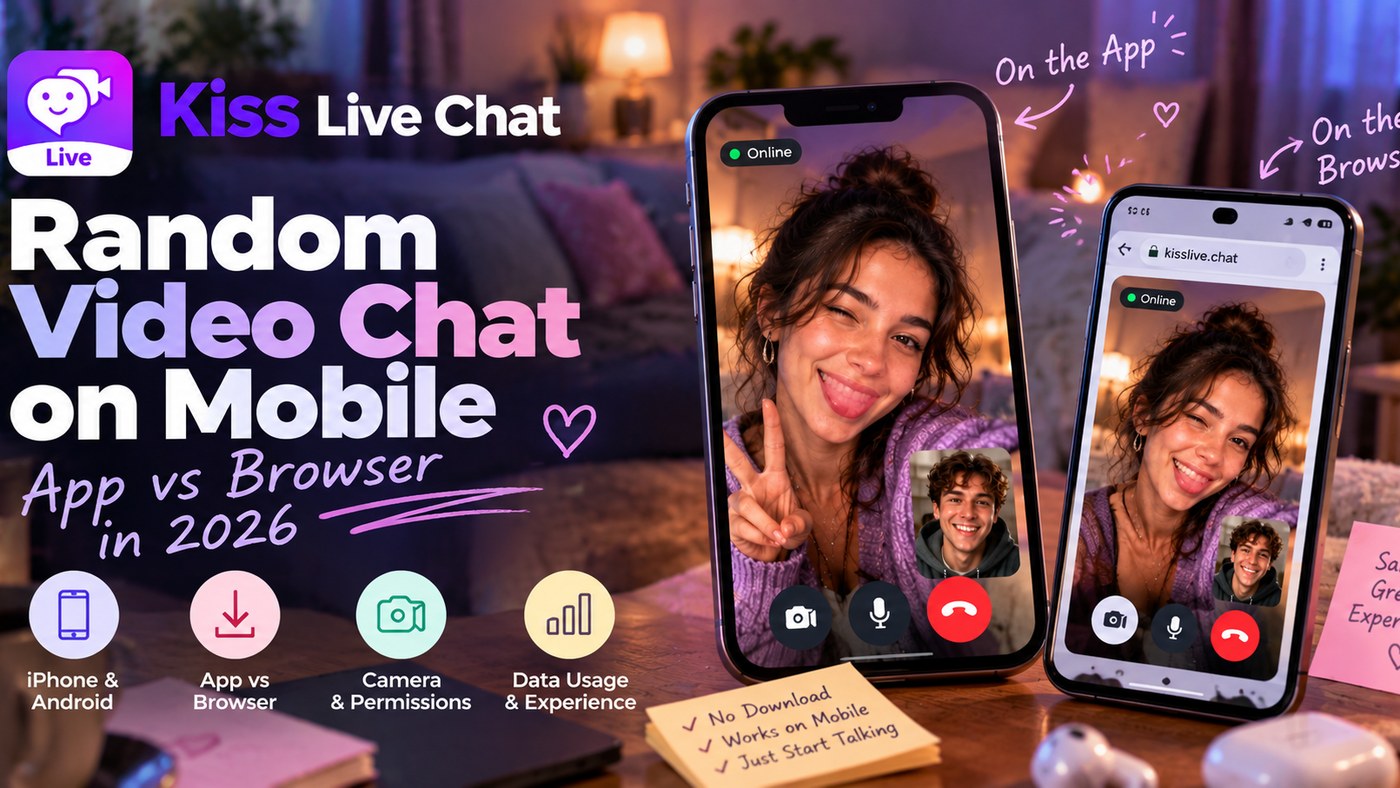

A good random video call app is not only a download button. It should let you start quickly, show you how matching works, and be clear about what is free. Kiss can be used in the browser or in the iPhone app. On Android you use Chrome, or add the web app to your home screen.
Quick answer
If you want random 1-on-1 video chat with real people, plus the option to pick someone from a list, start on the web at kisschat.live: tap Visitor, allow your camera, and set a language or country filter if you want. Every new 1-on-1 call includes 60 free seconds; if you want to keep talking, the call continues with coins. Kiss has real-time translation, on the web and in the app. There is an iPhone app; on Android, use Chrome or add the site to your home screen.
Types of random video call apps
Most products fall into a few groups. A browser video chat opens in Chrome, Safari, Edge or Firefox and can start without an install. A phone app is installed from an app store. A web app on the home screen is still the website, opened full-screen from an icon. Kiss covers the first and the third everywhere, and also has an iPhone app.
Other differences matter more than the icon: whether you only get a random match or can also choose who to call, whether language and country filters exist, and how the free period is described. Read that last point carefully — “free to start” is not the same as “free for the whole call.”
What to check before you install anything
- Can you try it in a browser first, without creating an account?
- Are language and country filters available from the start?
- Is the free period stated as a number of seconds or minutes on each new call, or only as “free to start”?
- After the free period, is the next step clearly coins, a subscription, or a gender filter paywall?
- Is there a report and block control in the call?
- For Android, is it a native app or the same website in Chrome / on your home screen?
Browser, iPhone app, or Android home screen?
| Browser (web) | iPhone app | Android | |
|---|---|---|---|
| How you start | Open kisschat.live and tap Visitor. No account needed. | Open the Kiss iPhone app. (The Visitor / Guest Mode steps in this article are the web flow.) | Open the same site in Chrome, or add it to your home screen. |
| Real-time translation | Yes | Yes | Yes (same web app) |
| Free vs coins | 60 free seconds on every new 1-on-1 call, then coins | 60 free seconds on every new 1-on-1 call, then coins | 60 free seconds on every new 1-on-1 call, then coins |
| Live rooms, Reels and games | — | The iPhone app also has live rooms, Reels and games | Use the web app / home-screen icon; Chrome / Add to Home Screen |
How to start a random video call in the browser
- Open kisschat.live.
Tap Visitor to start in Guest Mode, with no account.
Allow camera and microphone when the browser asks.
Set a language tag above the list if you want, and/or choose a country with the globe icon at the top right of the web app.
Start Video Match for a random partner, or pick someone from the list and call.
- Every new 1-on-1 call includes 60 free seconds. If you want to keep talking after that, the call continues with coins.
You can create an account later if you want to keep a profile and coins.
How to start in the iPhone app
Download the Kiss iPhone app and open it. Kiss has real-time translation; the iPhone app also has live rooms, Reels and games. The 60 free seconds, then coins, apply to every new 1-on-1 call. For a no-account start that we can describe step by step, use the browser flow above.
How to start on Android
Open kisschat.live in Chrome and follow the same Guest Mode steps. To use it more like an app, open the Chrome menu and choose “Install app” or “Add to Home screen.” After that, the icon opens the same web app full screen.
“Without login”: what you can and cannot skip
On the web you can start as a guest, without registration. You still need to allow camera and microphone, and you should still follow the house rules (Kiss is 18+). A guest start does not mean the whole call stays free: after 60 seconds, continuing uses coins.
Bottom line
Pick a product that is clear about how you start and what happens after the free period. On Kiss you can start as a guest in the browser, use real-time translation, and take 60 free seconds on every new 1-on-1 call before deciding whether to continue with coins.

Add Kiss to your home screen
No download needed: the Kiss web app opens full-screen from an icon, like an app.
- Android · Chrome: ⋮ menu → “Install app” or “Add to Home screen”
- iPhone · Safari: Share → “Add to Home Screen”
Prefer the app? Get the iPhone app
Quick answers
FAQ
Which app is best for random video calls?
It depends on what you want. For random and chosen 1-on-1 calls with language and country filters, on a phone or a computer, Kiss is a strong option. Start as a guest in the browser, or use the iPhone app.
Is there a random video call app without login?
Kiss lets you start as a guest in your browser: tap Visitor on kisschat.live, allow your camera, and start.
Is Kiss available on Android?
Kiss works in Chrome on Android, and you can install the web app to your home screen. There is also an iPhone app.
Are random video call apps free?
Most are free to start. On Kiss, every new 1-on-1 call includes 60 free seconds; if you want to keep talking after that, the call continues with coins.