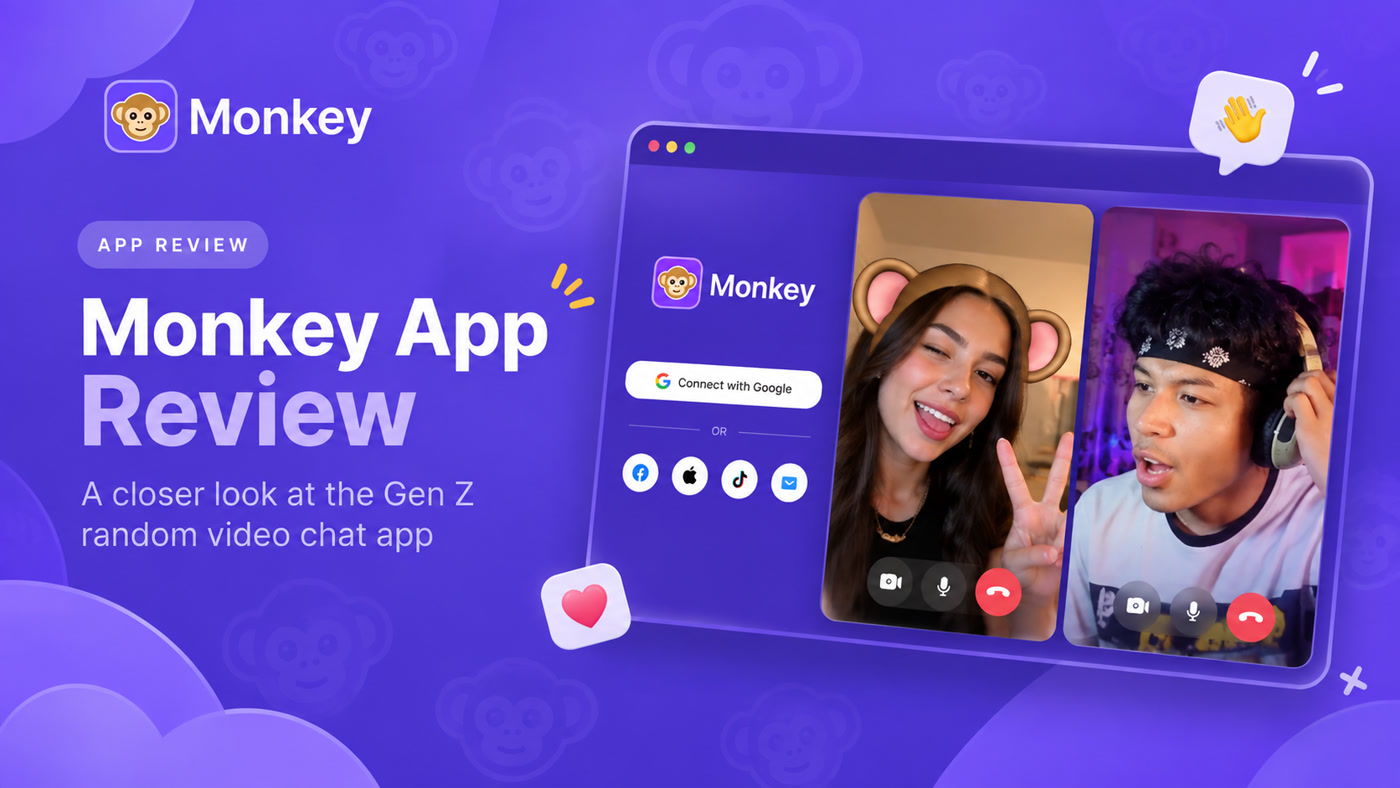

Introduction
Monkey is built around speed: one-tap matching, live video and text, and a social layer of cards, profiles, and squad-style group chat. That works well if you want to jump straight into a call. Many people still look for Monkey alternatives when they want more control before the camera comes on—browsing who is online, choosing who to call, or mixing random match with a clearer social discovery flow.
Disclosure: This guide is published by the Kiss Live Chat team. Kiss is included alongside other established services, with product details based on publicly available official sources.
Want a deeper product overview first? Read our Monkey app review for how Monkey works, who it is for, and what safety and access look like—then use this page to compare alternatives.
Below you will find a shortlist, a qualitative comparison, and ten named product alternatives with distinct matching styles—not a ranked “winner takes all” list.
Quick Answer / Shortlist
If you like Monkey’s fast pace but want a different discovery model, start here. Numbers are for readability only—not a numeric score or independently tested ranking:
- Kiss Live Chat — Browse people who are online, choose who to call, then video chat in the browser; optional Video Match if you want a faster random option.
- OmeTV — Classic random webcam matching with country options, text translation, and a follow/favorites social layer.
- Chatroulette — Original random video chat (since 2009) with AI-assisted moderation, country filters, and a choose-from-photos style matching flow.
- Emerald Chat — Interest-based matching plus text, video, and group text rooms, with a karma system and paid filter tiers.
- Chatspin — Instant spin-style random cam chat with gender/country filters and AR face masks.
- Azar — Interest and profile discovery with mutual agreement before video; 18+ mobile app.
For a lighter entry path without a heavy signup wall, see our overview of video chat with no sign-up options and how browser-first flows compare. Broader stranger-video comparisons (such as apps like Omegle) are useful context—but they are not numbered alternatives on this page.
Comparison Table
| Option | Discovery style | Good fit if you want… | Entry / access (high level) | Notable controls |
|---|---|---|---|---|
| Kiss Live Chat | Browse → choose → chat (+ optional Video Match) | Control before the call | Browser guest browsing; cam/mic needed | Cam on/off, mute, Block/Report |
| Monkey (baseline) | Fast random + cards / social features | Instant matches with profile context | Android app; web for other devices; 1-tap social sign-in | AI moderation (per Monkey); Block/Report-style tools typical of category |
| OmeTV | Random start + country / social network | Unlimited free random chats with translation | Web + mobile apps; sign-in unlocks social features | Report / block; country selection |
| Chatroulette | Random + photo choose / country filters | Original roulette with modern screening | Web + iOS/Android apps; no sign-up required to start | Automated video screening; report to 24/7 team |
| Emerald Chat | Interest matching + multi-mode chat | Conversation quality and friends after match | Account (email/password or Google); apps + web | Karma, report/block; premium gender/country/language filters |
| Chatspin | Instant random spin | Filters + masks on cam-to-cam | Browser start without signup; apps available | Gender/country filters; AR masks; report/block/blur |
| Azar | Profile / interest discovery + mutual invite | Seeing someone before you connect | Mobile apps; 18+ | Blocking, moderated connections, video blur |
| Camsurf | Instant random with location/language filters | Simple next/start roulette | Browser + Android app | Community reporting; location/language filters |
| Shagle | Random video for adults | Adult-oriented random video | Browser-based; free basic use | Premium preference filters (confirm on official site; prices omitted) |
| Chatrandom | Classic Start / Next | One-click stranger cam with country/gender preferences | Browser; often no signup to start | Block/report; AI moderation claims on official site |
| Joingy | Anonymous random chat (+ optional interests) | No-registration stranger video or text | Browser; 18+ | Flag Spam reporting; webcam required for video mode |
What to Look for in a Monkey Alternative
Monkey’s pitch is instant connection. Alternatives differ most on who you see before the call, how you filter, and what safety tools you can use mid-chat.
1. Matching model. Pure random matching (spin/next) feels closest to Monkey’s “tap and talk” pace. Browse-first tools reverse the order: you scan online people, then request a call that the other person accepts. Optional random modes (like Video Match) can sit beside browse, so you are not locked into random-only.
2. Entry friction. Some platforms lean on social login to reduce bots. Others allow guest browsing or chat without a traditional email/password first. If Monkey’s social login feels heavier than you want, prioritize named browser products with light entry (Chatspin, Chatroulette, Chatrandom, Joingy, or Kiss guest browse)—still with cam/mic permissions and Block/Report. Decide whether speed of entry or account permanence matters more to you.
3. Device and camera rules. Almost every live video product needs a working camera and microphone. Check whether you can mute, turn the camera off, or leave quickly.
4. Safety basics. Favor clear Block/Report paths, age expectations (many adult products are 18+), and documented moderation—without treating any platform as risk-free. Options with different safety controls (screening, karma, blur, community reports) are not automatically “safer”; compare tools and your own habits. For practical habits, read is random video chat safe. Always assume random video is public-facing: do not share financial details, location, or intimate images with strangers.
5. After the call. Cards, friends lists, text chat, live rooms, or “add friend after a good match” change whether a conversation can continue tomorrow.
10 Monkey Alternatives
1. Kiss Live Chat — Browse first, then call

Kiss is an 18+ social video chat and social discovery product. You browse people who are online, choose who you want to call, and connect through browser video once the other person accepts. Cam and mic are required to call; you can turn the camera on/off and mute. Block and Report are available. Optional Video Match adds a faster random matching option without making the product random-only. Guest browsing is possible without a traditional email/password first. Language filtering is available when browsing. Short free calling may be available before coins; exact durations and rates are not claimed here.
If Monkey feels too “instant jump,” Kiss’s see → choose → chat flow is the clearest contrast. Try the mapped experience on random video chat.
2. OmeTV — Random webcam chat with social extras

OmeTV positions itself as an independent random video chat (not affiliated with Omegle) with free chats, no time limits on official FAQ claims, country selection, message translation, and a social network for photos, following, and favorites. Sign-in unlocks profiles and friends while Facebook visibility stays hidden per their FAQ. Report and block tools are part of the product. App Store listings note 17+ and optional VIP in-app purchases.
Choose OmeTV when you still want the classic “Start / next” loop but with translation and follow-up social features.
3. Chatroulette — The original, updated
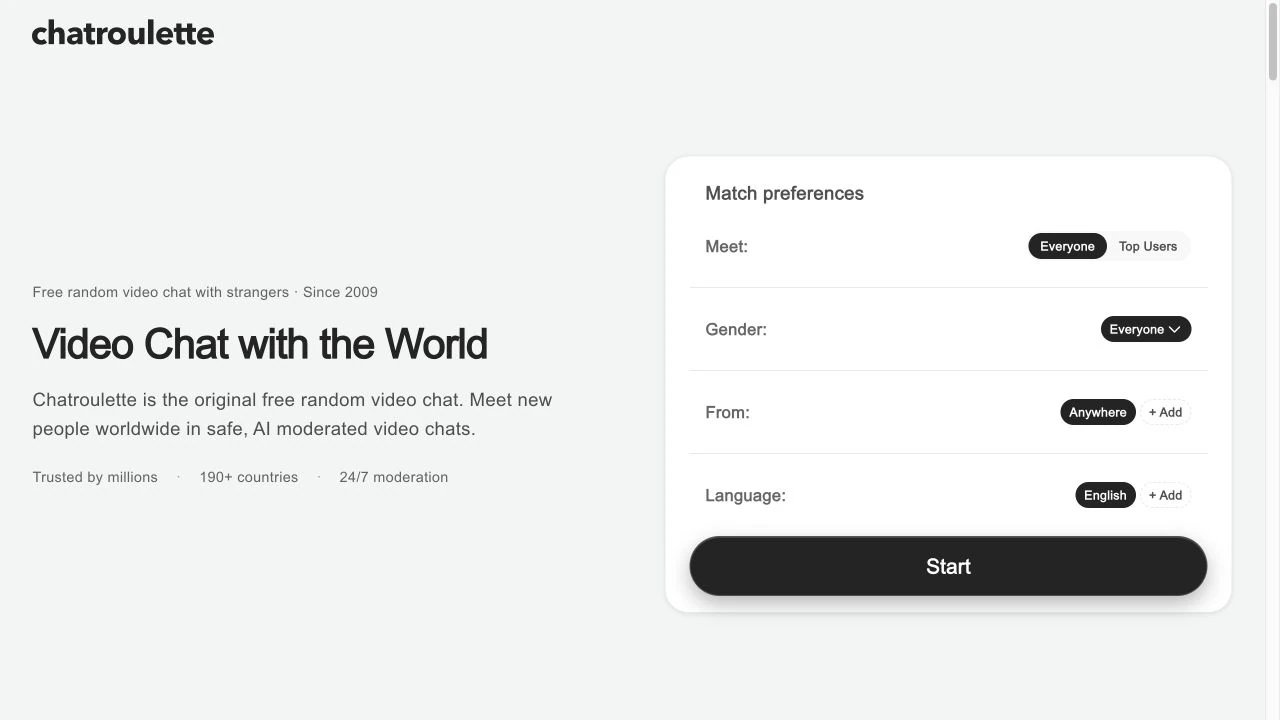
Chatroulette.com describes itself as the original free random video chat (since 2009), with AI-moderated chats, automated video screening, adults-only rules, country filters, iOS/Android apps, and a flow that can show photos of potential partners before both agree to match. Quids are an in-app currency used for things like meeting “top users.” No sign-up is required to start on the official site description.
Pick Chatroulette if brand familiarity and photo-assisted choice matter more than Monkey’s cards/squad social layer.
4. Emerald Chat — Interests, karma, and multi-mode chat

Emerald Chat emphasizes interest-based matching, 1-on-1 text, 1-on-1 video, and group text rooms. Official materials highlight karma ratings, upvote/downvote, friends, feed posts, anti-bot measures, and 24/7 moderation. An account is required (anonymous to other users by username). Gender, country, language, and related filters appear on paid Gold/Platinum tiers per Google Play and site FAQs. Mature 17+ on Play.
A useful option when shared interests and conversation quality matter more than instant matching.
5. Chatspin — Spin, filter, mask

Chatspin is a random video chat product (active since 2015 per official copy) with gender and country filters, AR face masks, report/block/blur, and optional Chatspin Plus. Official site states 18+, free start without signup, and an earn-tokens rewards layer. Google Play lists anonymous-style use (no profiles) and swipe-to-next matching.
A close fit for people who like Monkey’s speed but want more camera filters and mask controls.
6. Azar — Mutual discovery on mobile
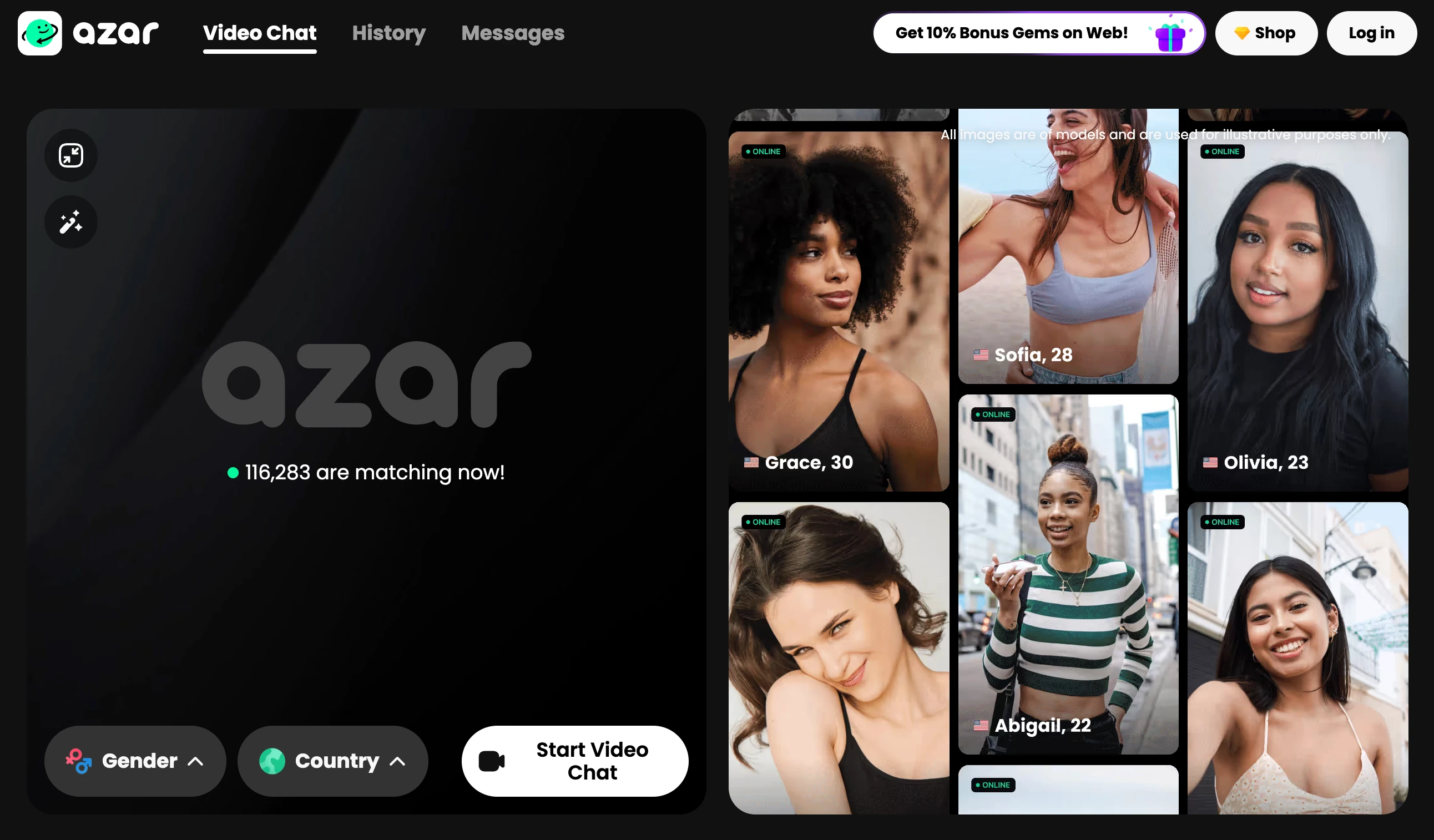
Azar (Hyperconnect) is an 18+ mobile social video app. Current positioning stresses shared interests, seeing active people, Lounge-style profile browsing, and moving forward only when both agree. Core use is free with optional premium for extra gender/country preferences. Safety messaging includes blocking, moderated connections, video blur, and 24/7 support/moderation.
Choose Azar when mutual acceptance and profile context beat one-tap stranger roulette.
7. Camsurf — Simple random with location/language filters

Camsurf offers free random video chat in the browser (Android app available). Official site describes start/next matching, location and language filters, text-while-video, and a community reporting system tied to terms of use. Positioning is lightweight and Omegle-adjacent.
Useful when you want minimal UI and filterable random matches without Monkey’s card social network.
8. Shagle — Adult-oriented random cam chat

Shagle markets free random video chat for adults (18+), typically browser-based, with premium tiers that unlock stronger preference filters. Treat marketing claims about “who you will meet” cautiously; verify current terms and safety tools on the official site before paying.
Consider Shagle when you explicitly want social video chat options rather than social discovery with browse-first control.
9. Chatrandom — Classic one-click stranger cam

Chatrandom is a free random video chat product: allow the camera, tap Start, get a private 1:1 room, skip with Next. Official materials highlight country and gender/couple preferences, optional formats, anonymous access for most users, and block/report tools with AI moderation messaging. No profile is required for a typical first session.
Pick Chatrandom when you want a fast, random-video flow in a browser roulette loop without Monkey’s cards and squad social layer.
10. Joingy — Anonymous no-registration random chat
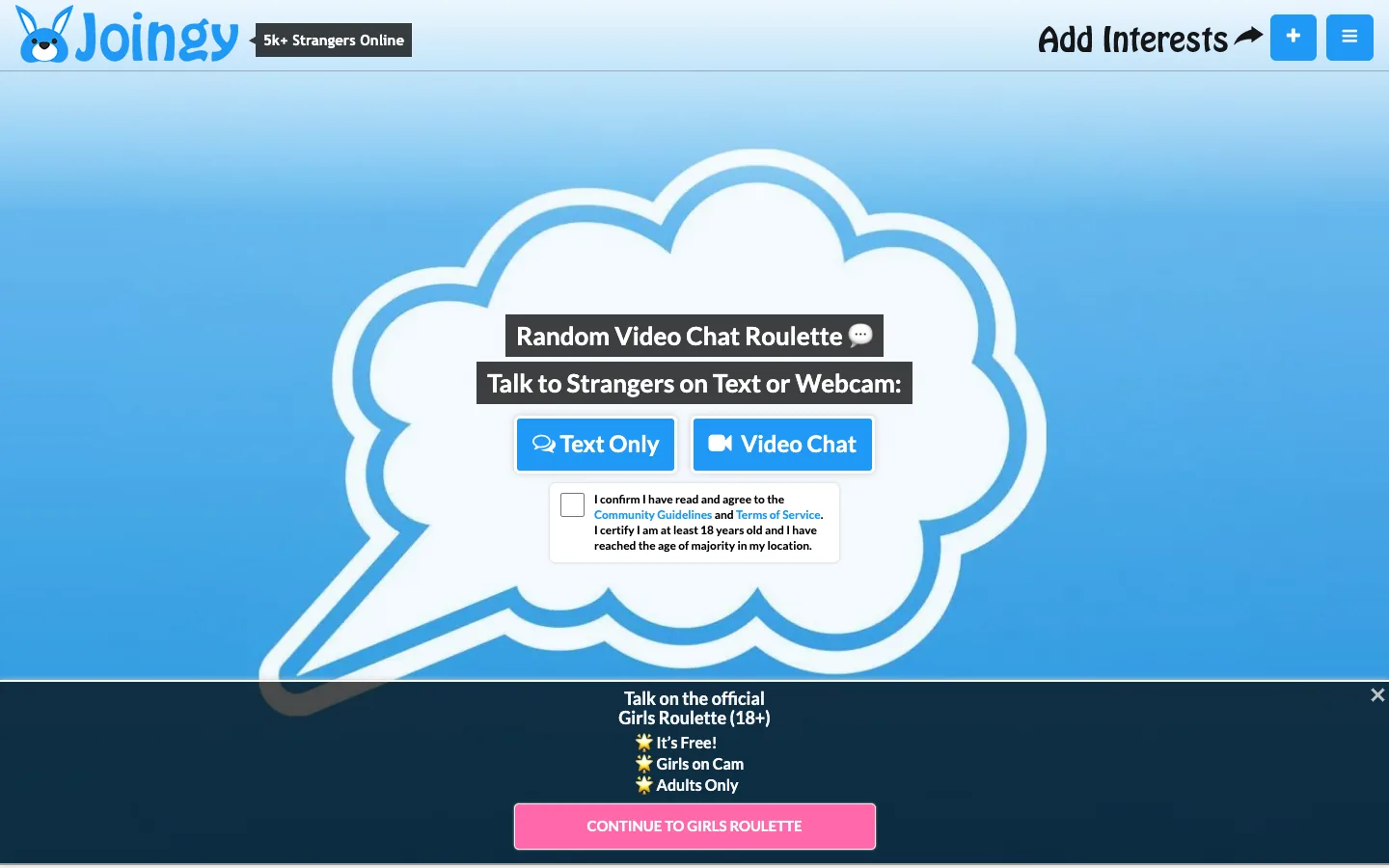
Joingy is a browser random webcam chat with text-only or 1:1 video modes, optional interest keywords, identities shown as “Stranger,” and no signup. Official pages state 18+, Flag Spam reporting after disconnect, and a webcam required for the video section.
Choose Joingy when anonymity and zero registration matter more than Monkey’s social sign-in requirement—while still treating cam chat as public-facing and using report tools early.
Monkey is strong when you want speed and a social card layer. If you prefer to see who is online and decide before the call starts, try Kiss’s browse → choose → chat flow on random video chat—with optional Video Match when you want a quicker round. Keep one instant matcher and one browse-or-mutual option in rotation so you can feel the difference in a single evening without installing every app at once.