
Quick answer
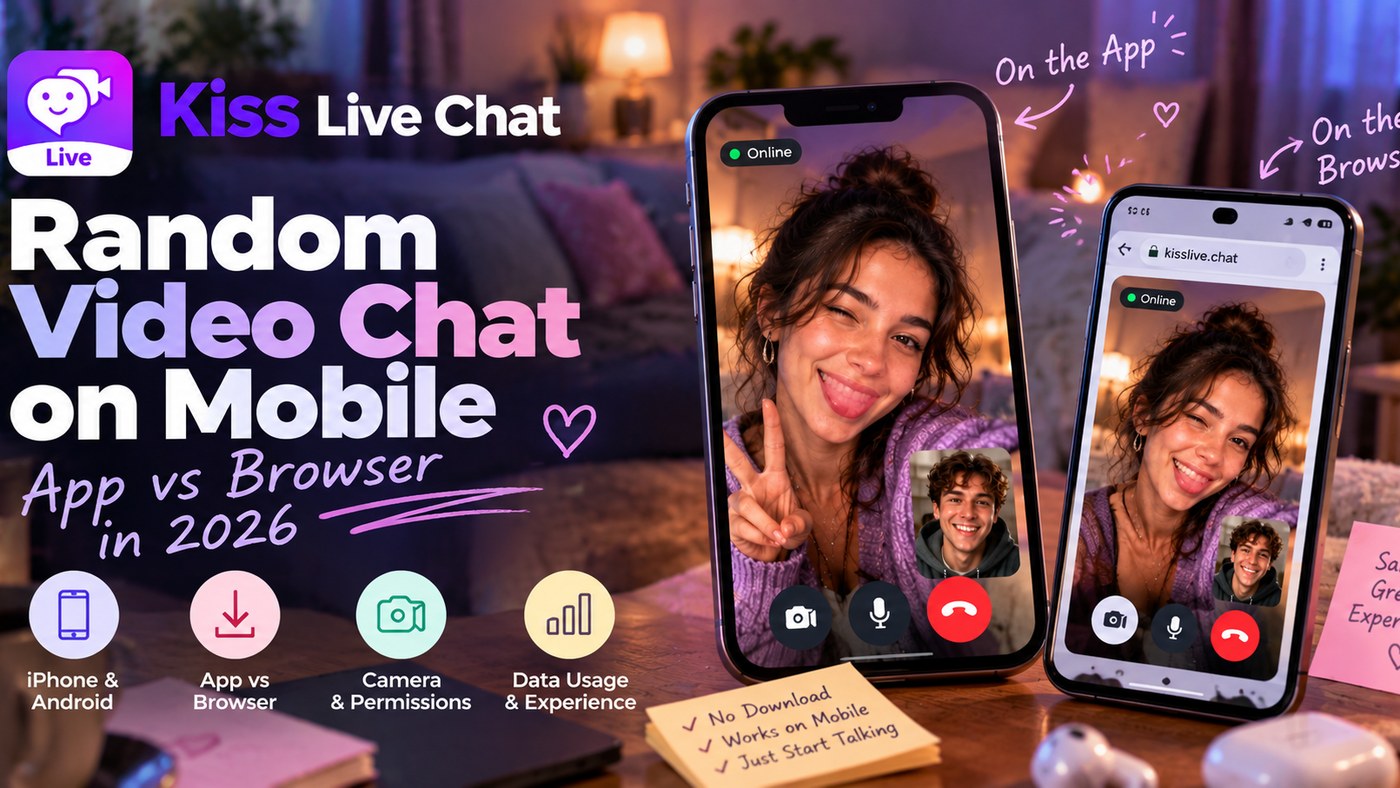
On iPhone you can random video chat in Safari (no install, nothing stored) or with an App Store app (more features, notifications). With Kiss you can do both: open kisschat.live in Safari and tap Visitor, or get the Kiss iPhone app.
Safari vs App Store app on iPhone
| Safari (web) | App Store app | |
|---|---|---|
| Install | None | Download from the App Store |
| Start | Guest start on Kiss | Sign in on most apps |
| Home screen icon | Yes, via Share → Add to Home Screen | Yes |
| Extras | Core 1-on-1 video, filters, Live Rooms | On Kiss: translation, Reels, games and more |
| Storage | Almost none | App size plus updates |
| Purchases | In the web app | Through Apple |
How to start in Safari, step by step
- Open Safari and go to kisschat.live.
- Tap Visitor.
- When Safari asks, tap Allow for camera and microphone.
- Optional: tap Share → Add to Home Screen so Kiss opens full-screen like an app.
- Start Video Match or pick someone from For You. Your first 60 seconds with each new person are free.
Camera not working on iPhone? Fix it in this order
- Site permission: tap "aA" in the Safari address bar → Website Settings → set Camera and Microphone to Allow.
- Safari settings: Settings → Apps → Safari → Camera / Microphone → Ask or Allow.
- Screen Time: check that Camera isn't restricted in Content & Privacy Restrictions.
- Another app holding the camera: close FaceTime or other video apps and reload.
- Still stuck? Restart the phone and try again.
More fixes in camera or microphone not working.
Installing chat apps safely
Install only from the App Store and check the developer name. Be wary of apps that use famous names like Omegle (there is no official Omegle app), ask for contacts or location before you chat, or start a subscription right after install.
Bottom line
For a quick chat, Safari is all you need. If you end up using it often, the app adds extras. Start on Kiss in Safari.

Add Kiss to your home screen
No download needed: the Kiss web app opens full-screen from an icon, like an app.
- Android · Chrome: ⋮ menu → “Install app” or “Add to Home screen”
- iPhone · Safari: Share → “Add to Home Screen”
Prefer the app? Get the iPhone app
Quick answers
FAQ
Can I random video chat on iPhone without an app?
Yes. Open kisschat.live in Safari, tap Visitor and allow the camera.
Is there a Kiss app for iPhone?
Yes, Kiss has an iPhone app on the App Store with extras like translation and live rooms.
Why is my camera black in Safari?
Usually the site permission is off. Tap "aA" → Website Settings and allow Camera and Microphone, then reload.
Can I add Kiss to my home screen?
Yes. In Safari tap Share → Add to Home Screen.
Is random video chat on Kiss free?
You can start free as a guest. You can start in your browser as a guest.