
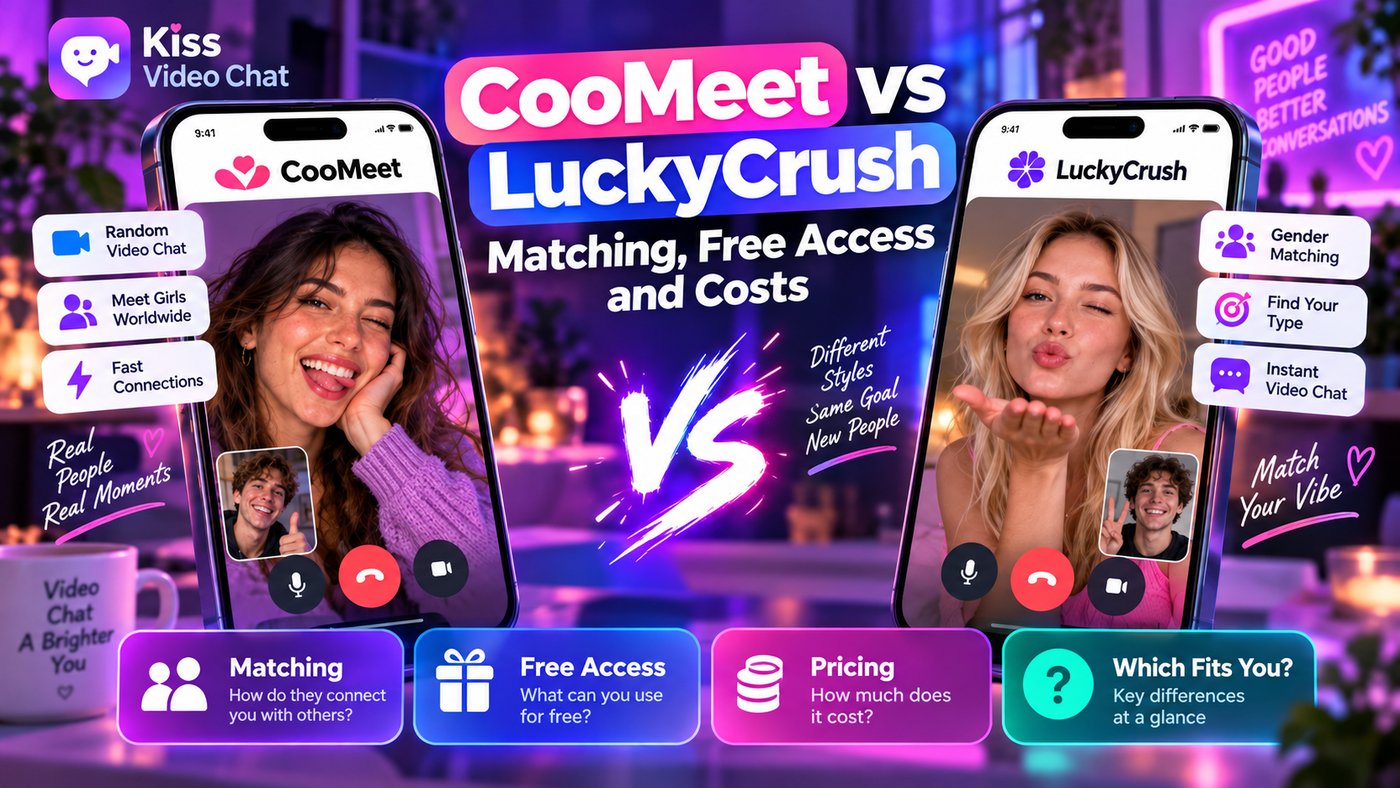
CooMeet and LuckyCrush both offer private one-on-one video conversations, but their access and billing models are different. CooMeet has browser and mobile-app options, restricted free use, and a combination of Premium plans and minute packages. LuckyCrush focuses on browser-based matching and prepaid credits after introductory access. The right choice depends on how often you chat, which devices you use, and what you would actually pay at checkout.
The important distinction is cost per minute versus cash paid upfront. A credit might be worth a minute of chat, but that does not mean you can buy precisely the number of credits you need. This guide compares the published terms and shows what a sample session would require in whole packages.
Quick answer: CooMeet or LuckyCrush?
- Pick CooMeet if you want a native app and are comfortable with minute packages or a monthly Premium that auto-renews.
- Pick LuckyCrush if you want quick browser-based sessions and simple pay-as-you-go credits, with no monthly plan.
- Pick neither if what you really dislike is the randomness itself. A browse-and-choose app (covered below) fixes a different problem than paying for more minutes.
CooMeet vs LuckyCrush at a glance: matching, price and devices
| CooMeet | LuckyCrush | |
|---|---|---|
| Matching | One-on-one random video; the official site claims "700+ thousand verified accounts" (CooMeet's own figure, not independently confirmed) | Men matched with women and women with men |
| Free access | Official FAQ: everyone can chat free "with restrictions"; promotions sometimes add gift minutes | Official site: no signup needed to start, and new users "typically receive a limited number of free minutes." Women are free per third-party reviews. |
| Who men are matched with | Women (per third-party reviews; the official homepage says "choose your preferences") | "Women and trans people 18+" (official site) |
| How men pay | Premium plan (monthly auto-renewal can be switched off) plus minute packages | Prepaid credits, about 1 credit per minute |
| Reported price | Official FAQ (checked Oct 12, 2026): 10 min $5, 60 min $25, 360 min $100, billed in USD | As reported by DatingScout (updated Oct 5, 2026): 15 credits $16.99, 45 for $49.99, 90 for $99.99 (about $1.11–$1.13 per credit)* |
| Devices | Web, plus apps on the App Store and Google Play (official site) | Browser only. The official site says no app install is needed on phones or tablets. |
| Translation | Automatic message translation (official site) | Instant message translation (official site) |
*Not shown on luckycrush.com's public pages when we checked on Oct 12, 2026. Figures are as reported by DatingScout and chat-to-strangers.com in October 2026. CooMeet minute prices are from its own FAQ on coomeet.com; Premium plan prices are shown only in the account. Prices change with promotions and country, so the checkout screen is the only number that counts.
How CooMeet works: one-click matching, Premium and minute packages
CooMeet is a one-click random video chat that third-party reviews describe as pairing men with women. Its official site says moderation is designed to reduce bots and ads, and it claims "700+ thousand verified accounts". That is CooMeet's own figure; we could not confirm how verification works, so treat it as a claim, not a guarantee. According to its FAQ, everyone can chat free with restrictions. Full functionality needs Premium, which is activated in your account, charged in USD and renews monthly until you switch auto-renewal off. Separate minute packages are listed at 10 minutes for $5, 60 for $25 and 360 for $100 (checked Oct 12, 2026). Premium plans also credit 10 to 100 bonus minutes depending on the plan.
What you get: one-click matching, HD video calling and message translation, according to the official site. What you give up: reviews say matching is built around men meeting women, and long sessions on Premium or packages add up. If you're weighing the trial against paid access, our CooMeet free vs Premium guide walks through the questions to ask before you pay.
How LuckyCrush works: browser chat and pay-per-minute credits
LuckyCrush runs entirely in the browser and pairs men with women. The official site says you can start without an account and that LuckyCrush connects users from 100+ countries, with instant message translation. Women use it free; chat-to-strangers.com reports that women register and pass a quick check. Men get a short trial, then buy credit packs that are spent while a call is connected. There's no subscription, so nothing renews monthly. The flip side is that the meter runs every minute you're connected, and a few 5–10 minute conversations add up fast. We break the math down in LuckyCrush pricing explained.
What would a 24-minute session actually cost?
Suppose you have three conversations lasting eight minutes each: 24 minutes total. There are two different figures worth comparing: the minutes or credits you consume, and the amount you must pay to buy a qualifying package.
| Service and published package | What covers a 24-minute example? | Example cash outlay | Important condition |
|---|---|---|---|
| CooMeet: 10 minutes for $5 | Three 10-minute purchases would cover 30 minutes | $15 | Only if the service permits repeated purchases and applies the same prices to your account |
| CooMeet: 60 minutes for $25 | One package covers 24 minutes, with time left | $25 | Does not include or price any separate Premium subscription requirement |
A simple “24 minutes × $1.11 ≈ $27” calculation can describe estimated credit consumption, but not necessarily the amount a new customer can check out for. For someone who cannot buy an exact 24-credit quantity, package sizes matter. Existing free minutes, bonuses, Premium access rules, local pricing and promotional offers can change the result.
The CooMeet minute prices above are the historical official-FAQ figures recorded in this guide, not a verified November 14 checkout. LuckyCrush package scenarios are omitted because its current pack prices could not be independently verified from the public official sources checked on November 14, 2026. Earlier LuckyCrush prices remain dated third-party reports, not current offers. Do not treat either as an invoice or a price guarantee. Before paying, compare the total due, recurring terms, unused balance and whether you can buy a smaller package more than once.
How to choose between CooMeet and LuckyCrush
Key decision factors
- Apps vs browser-only: CooMeet has iOS and Android apps; LuckyCrush is browser-only.
- Billing commitment: CooMeet Premium renews monthly; LuckyCrush credits are one-off.
- Your real goal: if you want a longer conversation with someone who shares your language or interests, a random loop is the wrong tool, paid or free.
Who each one fits, and who should skip both
- CooMeet fits someone who chats often, wants a native app, and is comfortable buying minute packages or a monthly plan.
- LuckyCrush fits someone who chats occasionally, wants to start without signing up, and is happy watching a credit counter.
- Skip both if you want same-gender matching, group conversations, or a free-to-use routine. Both are built around one opposite-gender pairing model and charge men to keep talking.
Using CooMeet and LuckyCrush on iPhone, Android and desktop
iPhone and iPad
CooMeet says its app is on the App Store; LuckyCrush runs in Safari or Chrome. In the browser, iOS asks for camera and microphone access for that website. If you tapped "Don't allow," fix it under Settings → Safari → Camera / Microphone (or the aA menu → Website Settings) instead of reinstalling anything. Keep the tab in the foreground. iOS can pause video in background tabs, and on a metered service that interruption can still cost you time.
Android
CooMeet lists an app on Google Play (we compare the two routes in CooMeet mobile browser vs app). LuckyCrush runs in the mobile browser. If you install any app, get it from Google Play under the developer's official name, not an APK from a download site. Look-alike "premium unlocked" builds are a common source of malware and stolen payment details.
Desktop (Windows / Mac)
The browser on a desktop is the most stable option for both, with a better camera, a wired connection and a bigger screen for reading translated messages. If the camera doesn't start, click the camera icon in the address bar, allow access, and close other apps (Zoom, Teams, OBS) that may be holding the webcam.
Connection tips that save paid minutes
- Test your camera and mic on a free tool before you start a paid session.
- Prefer Wi‑Fi or Ethernet. On mobile data, a dropped call still means a reconnect.
- Close the tab when you're done. Don't leave a session idling in the background.
Before-you-buy checklist for paid video chat
- Write down the exact package name and price shown at checkout, in your currency.
- Find out whether it's one-time credits or a recurring plan, and when it renews.
- Look for an auto-recharge or auto-renew toggle and switch it off if you want a hard limit.
- Check how unused minutes or credits expire.
- Find the cancellation and refund pages before you pay, not after.
An alternative to random paid matching: see who's online, then choose
Both services still put you in a queue and decide who appears next. Kiss Live Chat works the other way: you see who's online, check language and interests, and start a one-on-one video call with someone you picked. You can also join live rooms, watch Reels and keep chatting afterwards. It doesn't promise a particular gender split or unlimited free calls. It just gives you the choice before the call instead of after the skip. For more apps built this way, see video chat apps that let you choose who to call, or compare the wider field in our best random video chat sites guide.
Tired of paying to skip? Get Kiss Live Chat and browse who's online before you connect.
Safety and money tips for any paid video chat site
- Set a budget before you start, and disable auto-recharge.
- Never move to another app or send money because a match asks you to.
- Keep identifying details (workplace, address, full name) off camera.
- Use block and report freely. Respect that the other person can end the call at any time.
Conclusion: CooMeet vs LuckyCrush
CooMeet combines restricted free use with Premium and purchasable minute packages; LuckyCrush uses browser-based matching and credits for continued access. When you compare their costs, look at the package you must actually buy, not just an estimated price per minute.
Either can be worth it for a narrow use. If what you want is control over who you talk to, try a browse-first app before buying minutes. Download Kiss Live Chat and pick your next conversation yourself.

Add Kiss to your home screen
No download needed: the Kiss web app opens full-screen from an icon, like an app.
- Android · Chrome: ⋮ menu → “Install app” or “Add to Home screen”
- iPhone · Safari: Share → “Add to Home Screen”
Prefer the app? Get the iPhone app
A few more answers
Frequently asked questions
Is CooMeet more expensive than LuckyCrush?
The historical figures recorded here suggest a lower per-minute rate for CooMeet, but they do not establish today's total checkout cost. The CooMeet FAQ was recorded on October 12, 2026 with 10 minutes for $5, 60 for $25 and 360 for $100. DatingScout reported LuckyCrush credits at about $1.11–$1.13 each in October 2026. CooMeet Premium may be a separate charge. Compare current package sizes, subscription requirements and the total shown at checkout.
Is LuckyCrush free?
LuckyCrush says you can start without signing up and that new users typically get a limited number of free minutes. Third-party reviews report that women use it free and men buy credits after the trial.
How much does LuckyCrush cost per minute?
LuckyCrush does not show a complete public checkout price list in the sources used here. DatingScout reported 15 credits for $16.99, 45 for $49.99 and 90 for $99.99 in October 2026; credits were reported as roughly one minute each. That suggests a consumption rate near $1.11–$1.13 per minute, but your upfront payment may be higher because credits are bought in packs. Check the current checkout for pricing and terms that apply to you.
Do CooMeet or LuckyCrush work on iPhone?
Yes. CooMeet says its app is on the App Store, and LuckyCrush runs in the iPhone browser. In the browser, allow camera and microphone access for the site if video doesn't start.
Can either service guarantee who I'll meet?
No. Matching rules narrow the pool, but no service can guarantee another person's availability or interest.
Is there a way to choose who I call instead?
Profile-browsing apps such as Kiss Live Chat let you see who's online, check language and interests, and start a one-on-one video call with the person you pick.