

How camera permission works on a Mac
macOS protects the camera and microphone at two levels. Both must say yes before a website can see you:
- System level: macOS decides which apps (Safari, Chrome, Firefox, Edge) may use the camera and microphone.
- Browser level: the browser decides which websites may use them.
Safari is usually allowed by default. Chrome, Firefox and Edge ask for system permission the first time; if you clicked "Don't Allow" back then, websites will show a black box until you change it.
Set up random video chat in Safari
- Open the chat site and start. When Safari asks to use the camera and microphone, click Allow.
- To make the choice permanent: Safari → Settings → Websites → Camera, find the site and choose Allow. Repeat under Microphone.
- If "Ask" is set as the default, Safari will prompt each visit, which is fine for occasional use.
- Reload the page after changing settings.
Safari tip: if video freezes when you switch tabs, keep the chat in its own window. Background tabs can be throttled to save battery.
Set up random video chat in Chrome (or Edge, Firefox)
- Open System Settings → Privacy & Security → Camera and turn on your browser. Do the same under Microphone. You may need to quit and reopen the browser.
- Visit the chat site and click Allow when prompted.
- If you blocked it before, click the icon to the left of the address bar → Site settings → set Camera and Microphone to Allow.
- Choose the right device there too if you use an external webcam or headset.
MacBook-specific tips
- Raise the laptop. MacBook cameras sit in the screen bezel; a stand or a few books brings the camera to eye level.
- Use the green camera light as a check. When it is on, the camera is active. When you finish chatting, close the tab and confirm the light turns off.
- Continuity Camera. Recent macOS versions can use a nearby iPhone as a webcam. If it appears in the browser's camera list, you can choose it for a sharper image.
- Video effects in Control Center. Portrait blur and Center Stage on supported Macs also work in browsers; background blur is a simple privacy boost.
- Low Power Mode can reduce video smoothness; plug in for long sessions.
Quick fixes when it does not work
| Symptom | Try this |
|---|---|
| Black video, no prompt | System Settings → Privacy & Security → Camera: enable your browser, restart it |
| Prompt never appears | Site settings next to the address bar → reset permissions → reload |
| "Camera in use" | Quit FaceTime, Zoom, Photo Booth, Teams |
| Others cannot hear you | Check the input device in System Settings → Sound and in site settings |
| Choppy video | Close heavy tabs, move closer to Wi-Fi, turn off Low Power Mode |
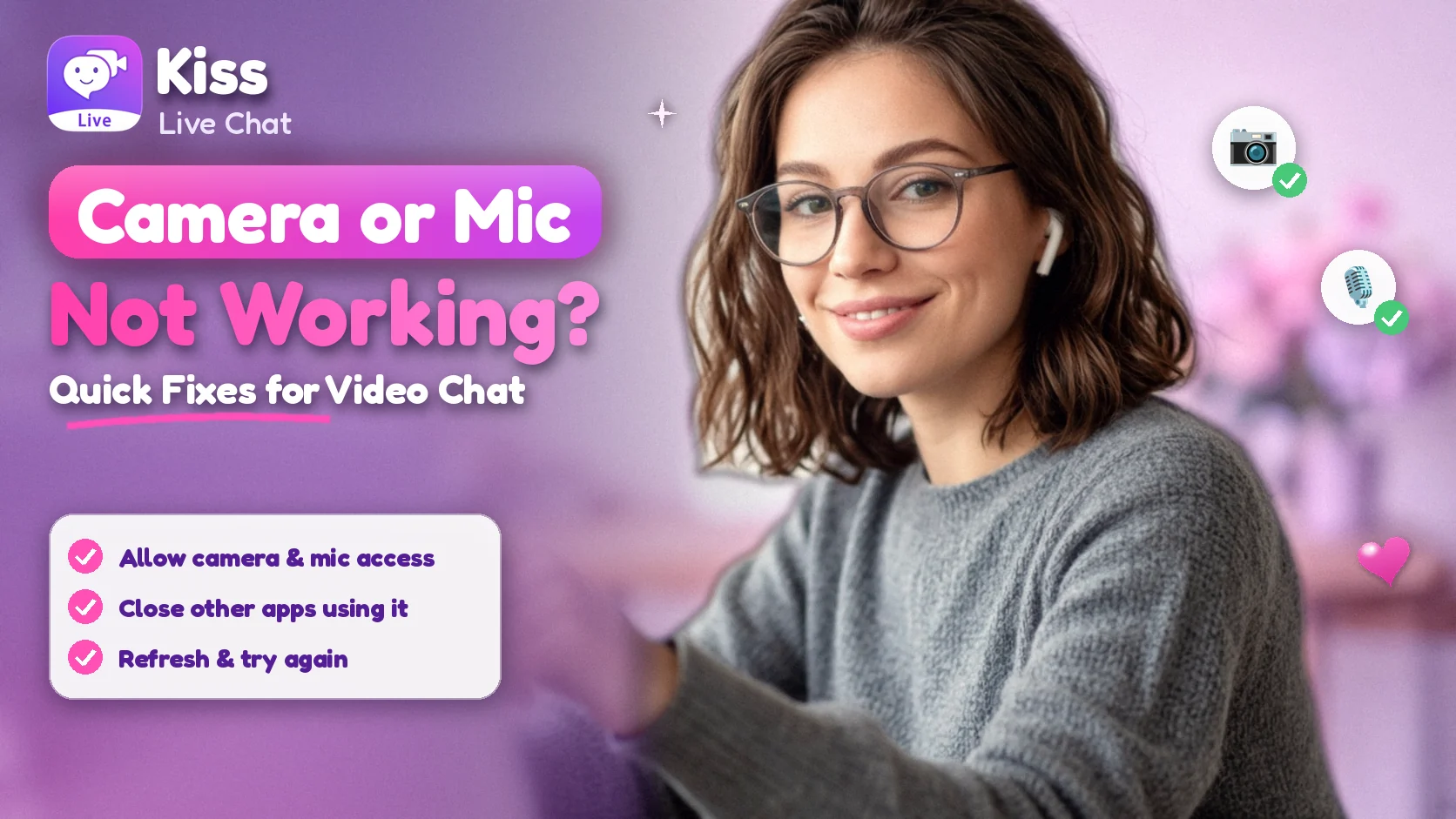
Full walkthrough: camera or mic not working.
Safari, Chrome or Firefox on a Mac?
| Safari | Chrome / Edge | Firefox | |
|---|---|---|---|
| System permission | Usually already allowed | Must be enabled once | Must be enabled once |
| Battery use | Lowest | Higher | Medium |
| Per-site device choice | Basic | Detailed | Good |
| Background tabs | Throttled more | Less throttled | Less throttled |
Safari is a great default on a MacBook running on battery. Chrome or Edge is handy if you switch between several cameras and microphones.
Using an iPhone or external camera with your Mac
If your MacBook camera is not enough, you have two easy upgrades. Continuity Camera lets a recent iPhone act as your Mac's webcam: mount the phone on top of the screen, and it appears as a camera choice in the browser. A USB webcam works too; macOS supports standard webcams without drivers.
In either case, pick the camera in the browser: in Safari via Settings for This Website, in Chrome via the icon left of the address bar. If the new camera does not appear, quit and reopen the browser.
Kiss on a Mac
Kiss runs in Safari, Chrome, Edge and Firefox on macOS with no download. Open kisschat.live, choose Visitor, allow your camera and microphone, set a language or country filter and start. You can also browse people who are online instead of going fully random. Kiss is for adults 18+, with report and block tools in every call.
Prefer your iPhone sometimes? The same web app works in mobile Safari, and there is an iPhone app. The first minute of each new 1-on-1 call can be free, then calls continue with coins. The app also has an optional VIP membership with extra perks such as free calls and monthly coins, if you decide you want more.
Privacy on a Mac
- Camera and mic indicators: macOS shows a coloured dot in the menu bar when the microphone or camera is in use. If you see it after chatting, close the tab.
- Review permissions occasionally in System Settings → Privacy & Security → Camera and Microphone.
- Background: a MacBook's wide-angle camera can show more than you expect; Portrait mode blur helps.
- Shared Mac? Use a separate user account or a private window; see our shared computer checklist.
Wrap-up
On a Mac, random video chat is a two-permission job: let the browser use the camera in System Settings, then let the site use it in the browser. After that, it is as easy as on a phone, with a better screen and keyboard. Open Kiss on your Mac and say hi.

Add Kiss to your home screen
No download needed: the Kiss web app opens full-screen from an icon, like an app.
- Android · Chrome: ⋮ menu → “Install app” or “Add to Home screen”
- iPhone · Safari: Share → “Add to Home Screen”
Prefer the app? Get the iPhone app
Quick answers
FAQ
Does random video chat work in Safari on a Mac?
Yes. Allow the camera and microphone when Safari asks, or set the site to Allow in Safari → Settings → Websites.
Why is my Mac camera black in Chrome?
macOS may be blocking Chrome. Go to System Settings → Privacy & Security → Camera, enable Chrome, restart it and reload the page.
Can I use my iPhone as a webcam on a Mac?
With Continuity Camera on supported devices and recent macOS versions, a nearby iPhone can appear as a camera option in the browser.
How do I know the camera is off after chatting?
The green light next to the MacBook camera turns off when no app is using it. Close the chat tab to be sure.
Does Kiss have a Mac app?
You do not need one. Open kisschat.live in Safari or Chrome and choose Visitor.