
You have a few minutes and feel like talking to someone. Then comes the familiar sequence: download the app, create an account, verify your email, complete your profile. Sometimes the mood passes before the camera even turns on.
That's why people search for video chat without sign up. Can you open a site and start exploring without a long registration process? Some services aim to make that possible, but “no sign-up” doesn't always mean the same thing. A service may still require camera permission, an age confirmation, or an account for certain features.

Related reading: what "no sign-up" usually means in video chat, browser-based video chat without installing an app, fixing a camera or microphone that won't work and what to talk about on your first video chat.
Why use a browser instead of an app?
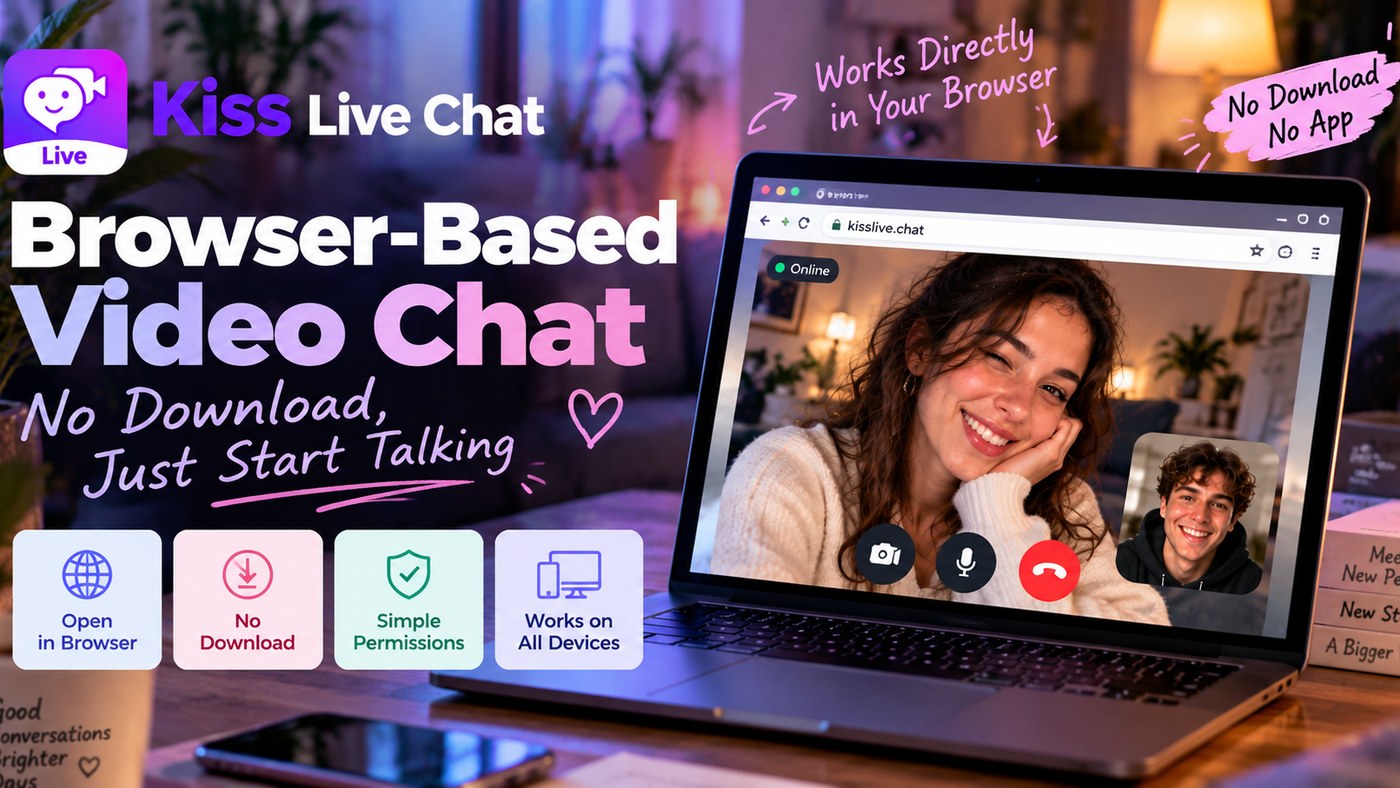
If your laptop is already open, clicking a link may be easier than installing another program. You can manage camera and microphone access in the browser and close the tab when you're done. Mobile browsers may work, too, depending on the device and site.
Remember that “no download,” “no account,” and “completely free” are three different claims. Check each site's current entry flow and any limits or paid features.
1. KissChat.live: Try a quick browser conversation
KissChat.live provides a browser-based video chat option. If you're simply curious, starting on a website can feel less demanding than installing something new. Review the current guest flow, permissions, possible time limits, and any charges before using your camera.
2. MeetNow Web: Skip the installation step
MeetNow Web is another place to explore a video-social experience in your browser. If a page opens but a call doesn't begin, check camera access, connectivity, and the site's current service status. Guest and account requirements should be confirmed on the live interface.
3. Kiss Live Chat: Explore people before making a connection
If you'd rather see whom you might talk to, Kiss Live Chat takes a different approach. You can explore online profiles, filter by language and country, and discover live rooms, including Turkish-speaking hosts. Its website provides an entry to the web chat experience; follow the current on-screen steps for guest access and calls.

A quick checklist before starting browser video chat
Permissions: Allow camera and microphone access only on the site you intend to use. Revoke access when you no longer need it.
Connection: Weak Wi-Fi, network restrictions, or browser settings can affect call quality. If the video doesn't work, check the connection and permissions first.
Cost: “Start free” doesn't mean every feature is free. Look for call-time limits, filters, or extra services with fees.
Privacy: Check what's visible in the background. Avoid showing documents or addresses, don't follow suspicious links, and never send money to strangers.
Is no-sign-up chat the same as anonymous chat?
No. Skipping account registration doesn't make you invisible online. Services may process technical data for connection and security, and details you show on camera or share in conversation can identify you. Read the relevant privacy policy if anonymity is important to you.

If this is your first video chat
Check lighting and sound before turning the camera on. You don't need to script the call. “Hey, how's your day going?” is enough. You can end a conversation that feels uncomfortable. A good first experience is not only easy to start; it also respects your boundaries.
Final thoughts
Sometimes you just want to open a browser tab and try a conversation; other times you'd prefer to see who's online first. KissChat.live and MeetNow Web are lighter browser routes, while Kiss Live Chat offers broader profile, language, and live-stream discovery. Choose what fits, and check permissions, costs, and privacy before joining.
Updated October 30, 2026.

Add Kiss to your home screen
No download needed: the Kiss web app opens full-screen from an icon, like an app.
- Android · Chrome: ⋮ menu → “Install app” or “Add to Home screen”
- iPhone · Safari: Share → “Add to Home Screen”
Prefer the app? Get the iPhone app
A few more answers
Frequently asked questions
Can I video chat without making an account?
Some websites provide a guest entry flow, although age confirmation, permissions, or feature-specific account requirements may still apply.
Do I have to download an app?
No. KissChat.live and MeetNow Web are browser options, and Kiss Live Chat offers a web chat entry point.
What if my camera doesn't work?
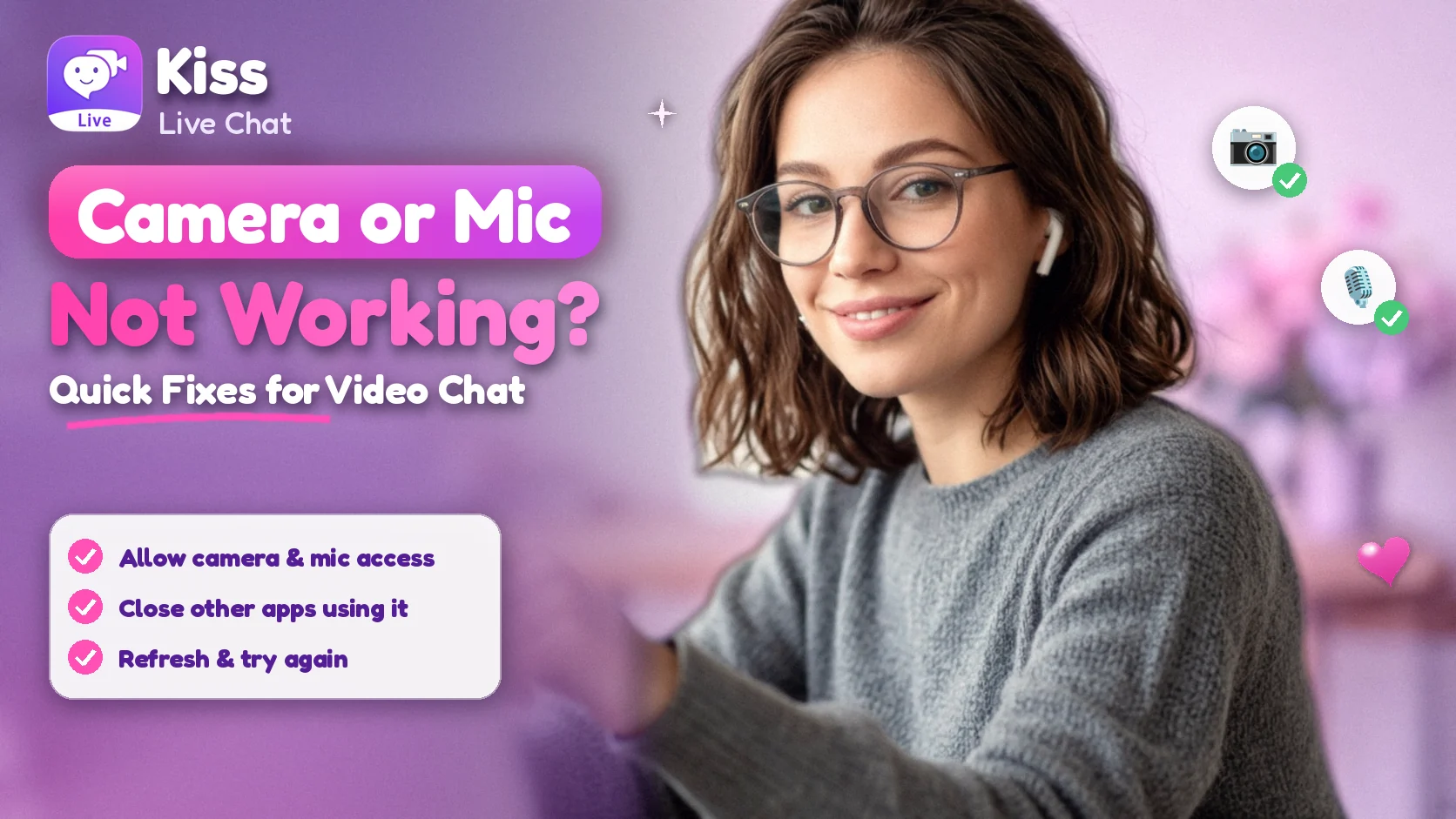
Check the browser's site permissions, whether another application is using the camera, and your internet connection. Then try reopening the page.
Does not registering make me anonymous?
No. Technical information may still be processed, and what you share can reveal who you are.
How can I find Turkish-speaking people online?
A service with language preferences can help. Kiss Live Chat supports country and language filters and has Turkish-speaking hosts.