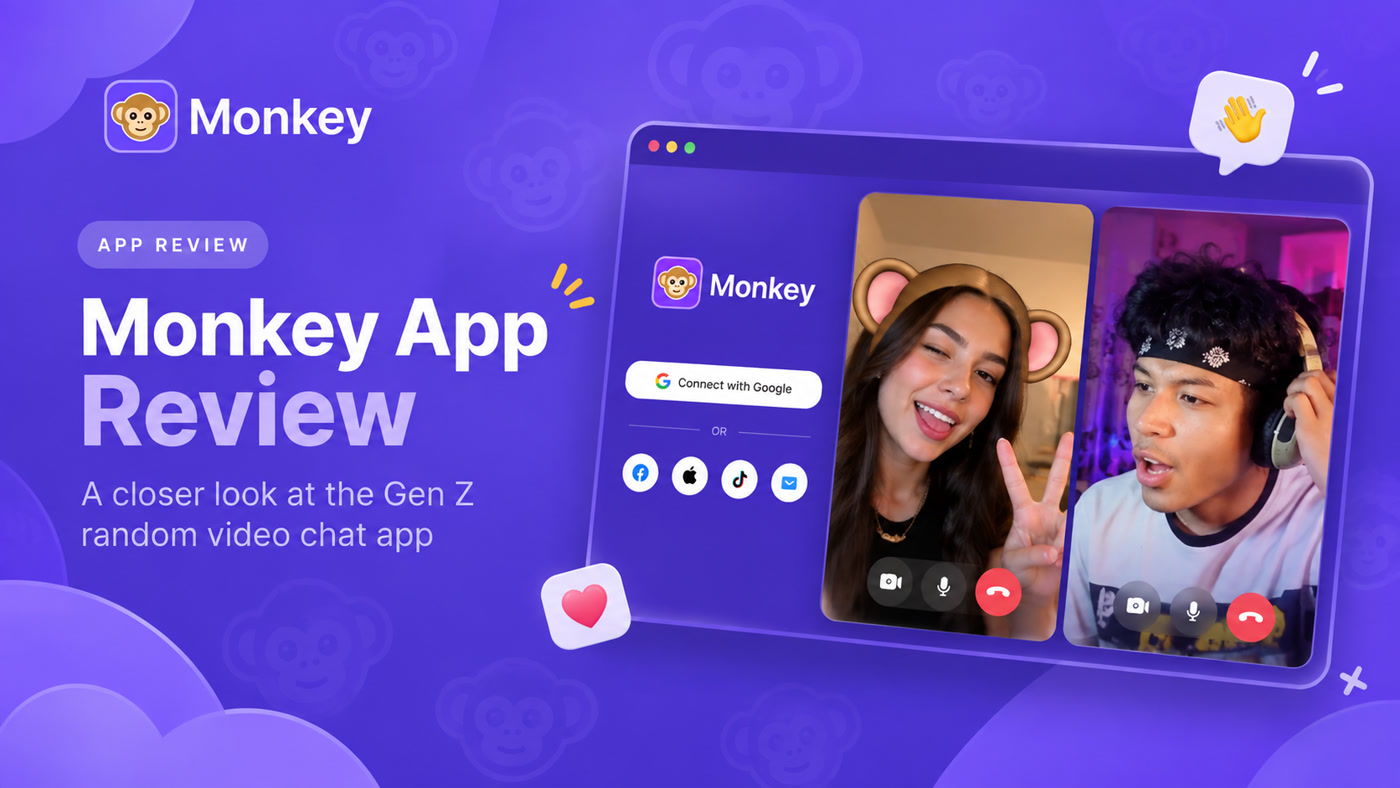
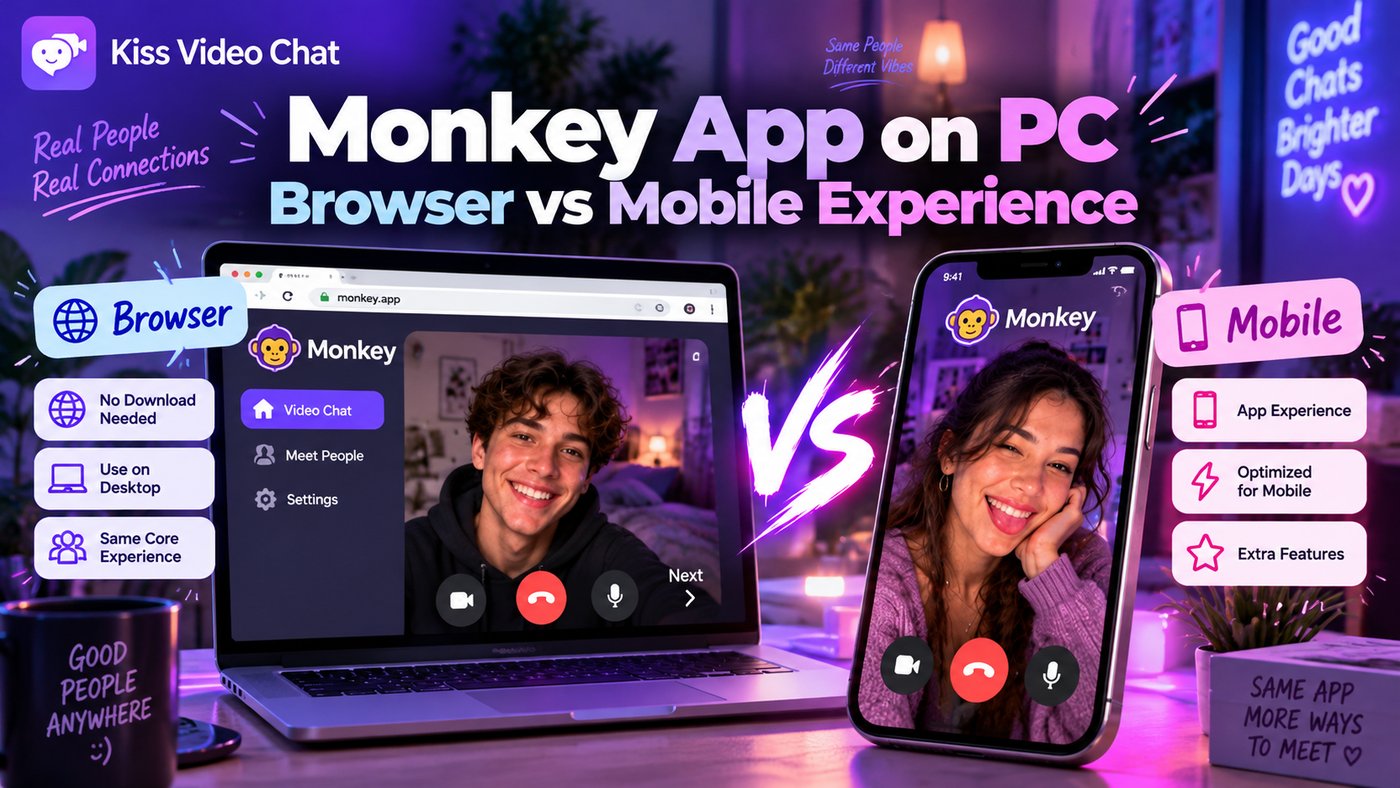
Can you use Monkey on a PC without installing a phone app? According to Monkey's current official website, yes: it offers a browser experience for desktop users. That makes the real comparison about convenience and the available feature set, not whether desktop access exists at all.
Monkey on a desktop browser
Monkey's homepage says iOS and desktop users can access its web version through a browser, while Android users also have an app option. Its site describes fast random matching and text/video conversations, and notes a social-login step for getting started.
To use the browser route, visit Monkey's verified site directly rather than downloading an unrelated “Monkey for PC” executable. Check that your camera and microphone permissions are enabled for the correct domain. On shared computers, sign out after using an account and avoid saving credentials in a public browser.
How desktop changes the experience
A laptop gives you a larger screen, a more stable camera position and a keyboard for typing. It also makes your surroundings more visible. Check what your camera includes before you connect, especially if you are in a shared room or near documents displaying personal information.
A phone is usually more convenient when you're away from your desk, but mobile notifications and battery use may interrupt longer sessions. Feature differences and login requirements should be confirmed on the device you actually use.
When Monkey isn't the matching style you want
Monkey's current marketing describes instant random encounters. If you like the speed and unpredictability, desktop access may be enough. If you want to browse online people and decide whom to call first, try a product with a different discovery model. Kiss Live Chat describes profiles, languages and interests before one-on-one calls, as well as live rooms and other social features.
Desktop setup checklist
Before opening a stranger-chat site, close tabs that display personal information and consider using headphones. Position the webcam so you can speak comfortably without showing identity documents, family photos or work screens behind you. On first use, verify that the browser's camera and microphone prompts name the domain you intended to open. If the wrong device appears, adjust your operating system or browser input settings.
These are ordinary precautions, not evidence that Monkey itself is unsafe. Every live-camera service gives the other participant a view of the surroundings you choose to share. At the end of a session on a shared machine, sign out and revoke access if appropriate. Good setup improves both privacy and the quality of a casual conversation.
Check Monkey's official website for current access, and compare the experience with Kiss Live Chat.
A few more answers
Frequently asked questions
Is Monkey available in a browser on a computer?
Yes. Its official website currently describes desktop web access.
Do I have to install an Android emulator?
Not for the official desktop browser route. Be cautious with third-party download prompts.
Is Monkey the same as profile browsing on Kiss?
No. Monkey emphasizes instant matching; Kiss emphasizes browse-and-choose discovery.