
Short answer
Use a phone for short, spontaneous chats; use a computer for longer conversations, typing and a steadier picture. Most people end up using both. The best video chat services make that easy by working in a mobile browser, a desktop browser and an app.
Side-by-side comparison
| Phone | Computer | |
|---|---|---|
| Camera quality | Usually the better sensor | Laptop webcams vary; external webcams help |
| Stability | Needs a stand or it shakes | Fixed, steady image |
| Screen | Small, portrait | Large, landscape, easier to read text |
| Typing | Keyboard covers video | Full keyboard, fast replies |
| Comfort for long chats | Arm gets tired, phone heats up | Relaxed, no battery stress if plugged in |
| Privacy | Tighter framing; notifications can pop up | Wider view of the room; easy to use headphones |
| Data | Mobile data can run out | Usually on Wi-Fi or cable |
| Spontaneity | Always with you | Need to sit down |
When the phone is the better choice
- You have five minutes and want a quick conversation.
- You are away from your desk, or the computer is shared.
- You want the best camera you own without buying a webcam.
- You prefer a portrait, face-to-face feel.
Tips: prop the phone at eye level, turn on Do Not Disturb, and use Wi-Fi to save data. See random video chat on mobile.
When the computer is the better choice
- You plan a longer evening of conversations.
- You type a lot, practise a language or use text chat beside video.
- You want both hands free and a steady picture.
- Your phone is old, low on storage or tends to overheat.
Tips: raise the laptop to eye level, light from the front, headphones on. Setup guides: Windows laptop, Mac, Chromebook.
Which device for which situation?
| Situation | Better choice | Why |
|---|---|---|
| Ten minutes on the bus or sofa | Phone | Always with you |
| Evening of conversations at your desk | Computer | Comfort, keyboard, steady camera |
| Language practice | Computer | Easy to type, take notes, look things up |
| Weak home Wi-Fi in one room | Phone | Move closer to the router easily |
| Shared family PC | Phone | Nothing left in a shared browser |
| Old phone that overheats | Computer | No battery or heat issues |
App or browser on each device?
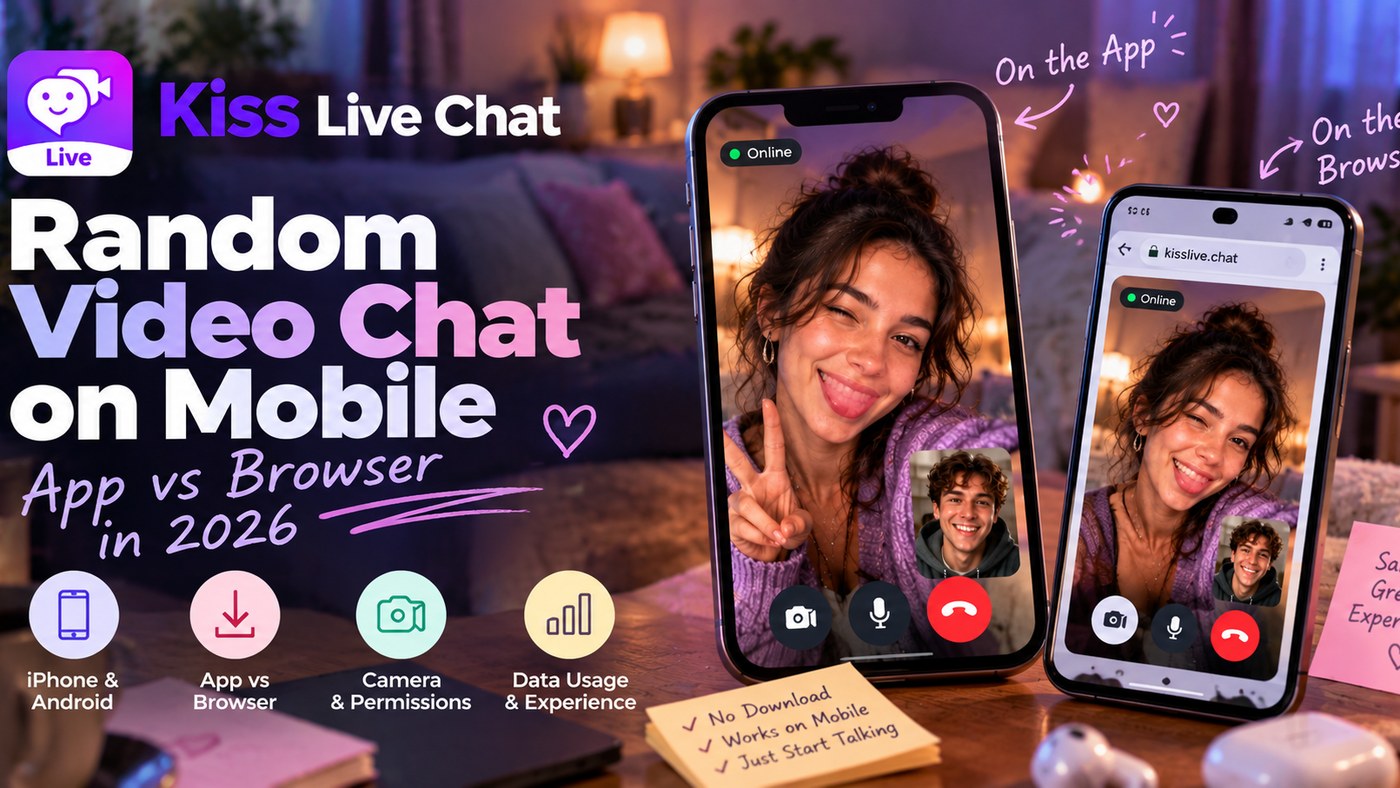
On a computer, the browser is almost always the right choice: nothing to install, and modern sites are built for wide screens. On a phone it depends on how often you chat. Occasional users are happy in the mobile browser (and can add a web app to the home screen); regular users may prefer an app for notifications and extra features. Read browser-based video chat for the full trade-off.
Switching between phone and computer
The friction usually comes from accounts and features that exist on one device but not the other. Before you commit to a service, check:
- Does it run in a desktop browser, a mobile browser and an app?
- Can you keep the same account, contacts and coins across devices?
- Which features are app-only?
Two-minute setup on each device
Phone: clean the lens, prop the phone at eye level, turn on Do Not Disturb, connect to Wi-Fi, allow camera and microphone when asked.
Computer: raise the laptop or mount the webcam at eye level, light in front, headphones in, close Zoom or Teams, allow camera and microphone for the site, and check the system privacy settings if the picture stays black.
Both: check your background and keep personal details out of the first conversations.
Safety works the same on both
Whichever device you choose, the habits that keep random video chat comfortable are identical:
- Keep personal details (full name, address, school, workplace) out of early conversations.
- Do not click links or download files from people you just met.
- Use report and block whenever someone breaks the rules, then move on.
- Remember the other person can record their screen, so only show what you are comfortable with.
Phones add one extra point: notifications and caller ID can pop up on screen during a call, so Do Not Disturb is worth turning on. Read more in is random video chat safe?
How Kiss handles both
Kiss is built to work on whichever screen is closest:
- Computer: open kisschat.live in Chrome, Edge, Safari or Firefox and choose Visitor.
- Phone browser: same address, and you can add Kiss to your home screen so it opens like an app.
- iPhone app: available if you prefer a native app, with extras such as translation, Live Rooms and Games.
On every device you get random 1-on-1 video, language and country filters, and report and block tools. The first minute of each new 1-on-1 call can be free; after that, calls continue with coins. In the app, an optional VIP membership adds perks such as free calls and monthly coins for people who chat a lot; it is never required to start.

Add Kiss to your home screen
No download needed: the Kiss web app opens full-screen from an icon, like an app.
- Android · Chrome: ⋮ menu → “Install app” or “Add to Home screen”
- iPhone · Safari: Share → “Add to Home Screen”
Prefer the app? Get the iPhone app
Quick answers
FAQ
Is video chat better on a phone or a laptop?
Phones are better for quick, spontaneous chats and usually have the better camera. Laptops are better for longer conversations, typing and a steady image.
Does video chat use a lot of mobile data?
Live video uses much more data than text or voice. Use Wi-Fi for longer sessions.
Can I use the same video chat service on my phone and computer?
Many services work in mobile and desktop browsers. Check whether accounts and features carry over before you commit.
Should I use the app or the browser on my phone?
Occasional users are fine in the browser; regular users may prefer an app for notifications and app-only features.
Does Kiss work on both phone and computer?
Yes. kisschat.live runs in desktop and mobile browsers, and there is an iPhone app.